Indigene is a free app that finds the plants that naturally
belong where you live. This page lists everything new in the app, newest
first, in plain words. The app updates itself, so whatever you read here is
already yours.
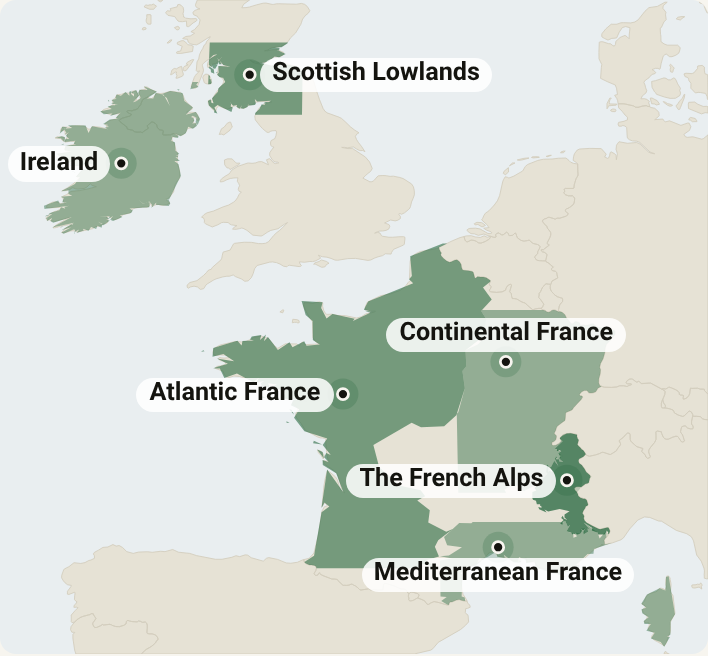
The Scottish Lowlands are on the map: 59 native plants from Glasgow and Edinburgh to Dundee, Ayrshire and the Borders. Each one is checked as native in the region's own countryside, not just somewhere in Britain.
Regions: Scottish plants carry their Gaelic or Scots names where people use them — caorann for rowan, gean for wild cherry, blaeberry for bilberry.
Invasives: the Scottish Lowlands get their most-wanted list — NatureScot's priorities, like giant hogweed and Himalayan balsam, plus giant rhubarb and two butterburs spreading from old gardens.
Ireland and the Scottish Lowlands now read in French, every plant and every note.
A map of every region. The new map page shows the world in Equal Earth, every country at its true size, then a map per continent with each region named. Tap a name to open it.
Plants that fed people first: for Indigenous Peoples' Day, five native plants and the peoples who ate, wove and tended them, from camas to hollyleaf cherry. It's Indigene's first post.
Peoples and plants: the plant pages that say who tended each plant, and sources published by the nations themselves, from the Myaamia Center to Te Haumanu Taiao.
The guide explains saved spots in full: logging what you plant, the wildlife your spot can feed, and its season plan.
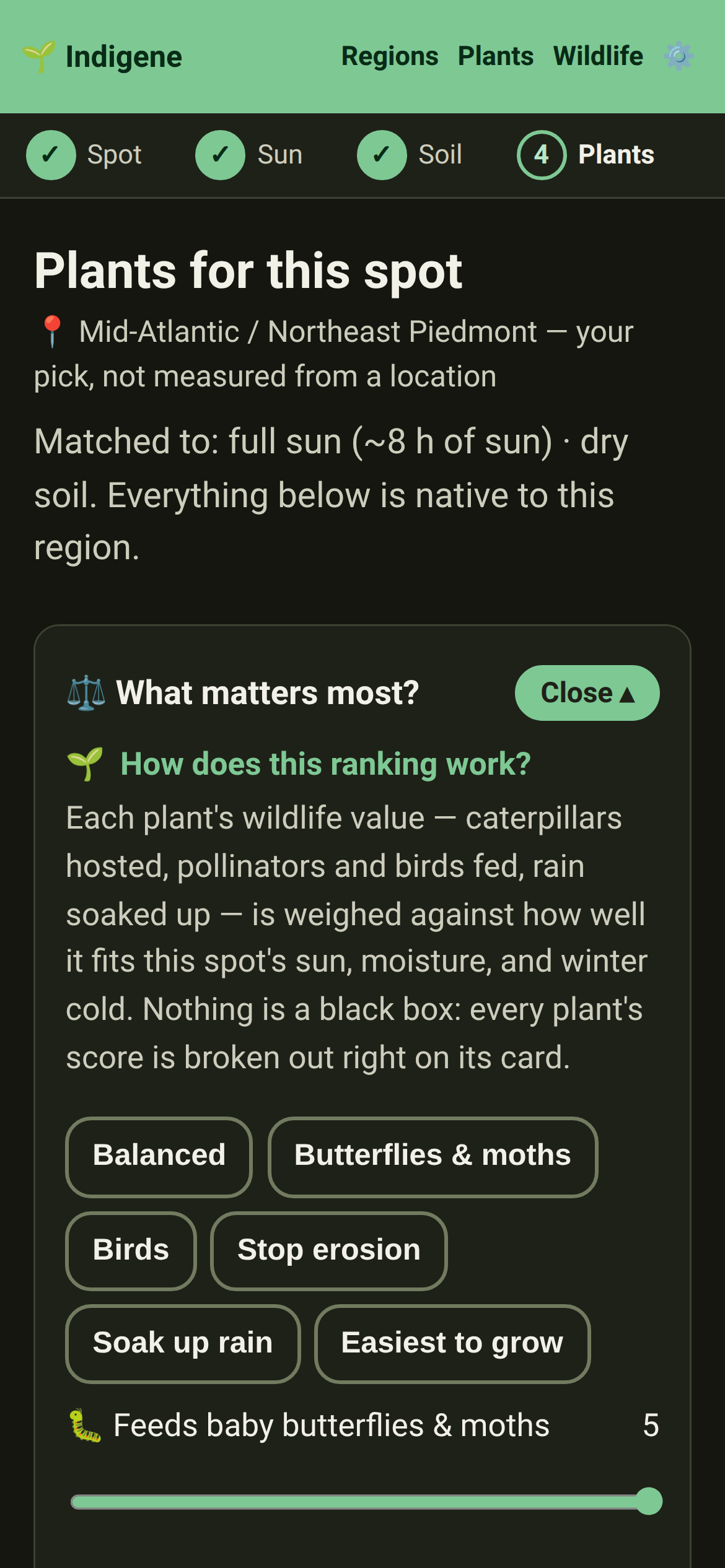
Ranking: a guide to how your plant list is ordered — the goals, the filters, and how each filter matches a label on a plant's page.
Guides for a plant's page, growing more, linking iNaturalist, privacy and where the numbers come from. Each guide now ends with the guides that go well with it.
Your plant list, the goals step, Saved spots and the iNaturalist setting each link to the guide that explains them.
The Pacific Northwest has 12 more plants for lawns, rain gardens and shade: dune sedge as a lawn that rarely needs mowing, prairie bunchgrasses, lady fern, coastal wood fern, wild strawberry and bunchberry.
Plants: in the Pacific Northwest, a plant's page now says whether the region's own botanists agree it's native — the Burke Museum's and OregonFlora's checklists — and names the one that disagrees, as on meadow checkermallow.
North & Central Florida gets its first ferns, for wet shade where little else grows: cinnamon, southern shield, netted chain and swamp fern. Four grasses and two vines join them, including wiregrass and American wisteria.
North & Central Florida gets fourteen more natives: the scrub and sandhill oaks, slash pine, sweetgum, elderberry, shiny blueberry, muscadine grape, pickerelweed for pond edges, and frogfruit, a lawn you can walk on that feeds butterflies.
Invasives: Bohemian knotweed, English hawthorn, yellow flag iris and old man's beard each have a page on how to spot and remove them.
Further reading for Chicago: John Hilty's Illinois Wildflowers, the site University of Illinois Extension sends gardeners to for photos and range maps of Illinois plants.
201 plants and animals that showed only their Latin name to French readers now have the French name the national reference lists give them, from Érable à sucre to Sittelle à tête brune.
Matches: a row of plant-type icons (trees, shrubs, flowers, grasses…) now sits under the name search on your plant list. Tap one to leave that type out, like trees when there's no room for one.
Plants: show one plant type alone. Hold Shift and click a type square, or long-press it on a phone. Do it again on that type to show everything except it.
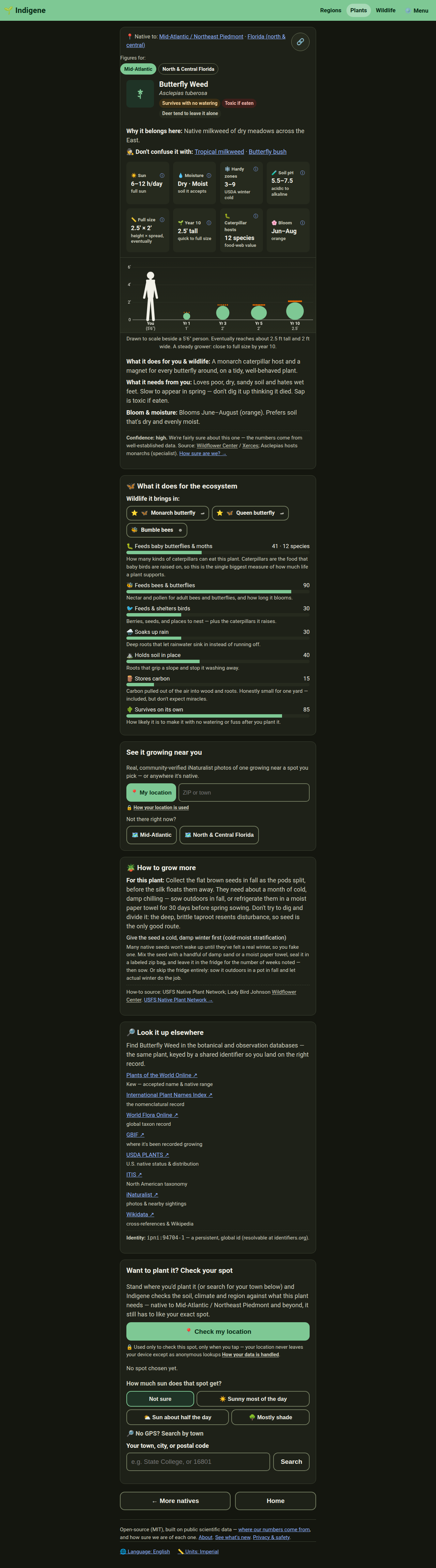
Plants: the Bloom tile on every plant page now shows the flower's colour as a small dot beside the word, two halves for a two-tone flower. The drawing of the plant growing uses the same colour.
Further reading, What's new, the Guide, Privacy, Sources, About, the Native page and Homegrown National Park each open with a small drawing: a stack of books, a fern unrolling, a signpost, a latched garden gate, and more.
Changed
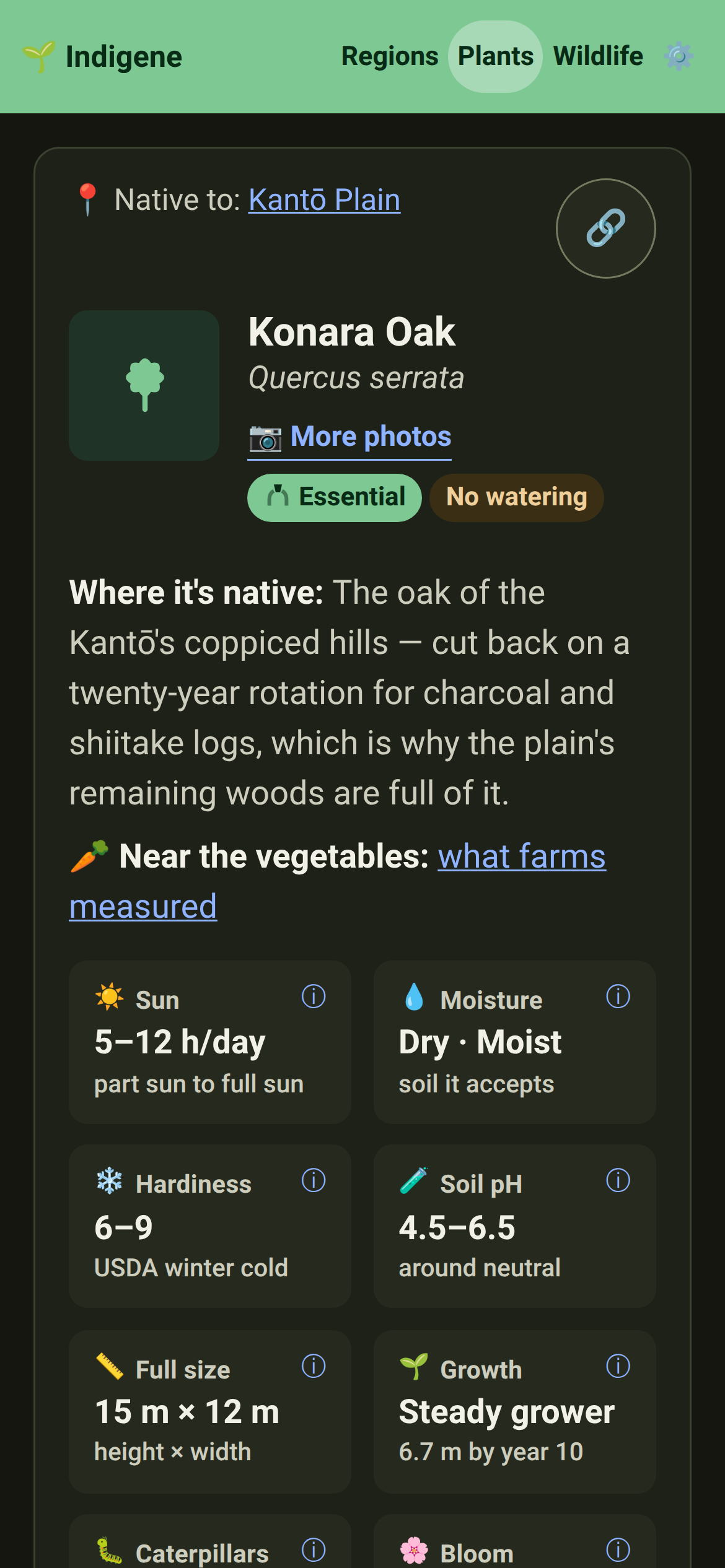
Plants: the "Near the vegetables" line is off every plant page. It said the same thing on all of them, so it lives once, as the Natives & crops card on the Plants index.
The page on what building Indigene cost now counts text read and text written separately, and includes every session up to October 12: 8.5 billion tokens read, 23 million written.
Regions: Calscape now opens the further reading for both California regions, with a line on why: every California native by address, with the nurseries that stock it, and a garden planner.
Matches: the soil and climate step shows each fact with an icon (❄️ winter, 🌧️ rain, ⛰️ slope), and dry, evenly moist and wet each get a drawn drop. The one-minute soil check moved to the guide.
Ranking: each goal has its own icon, on the goals step and at the top of your plant list. The leading three show as a gold, silver and bronze podium.
Ranking: your plant list stops at the plants that suit your spot, 25 at a time with "Show the next 25". Poor matches stay out unless you type their name.
Ranking: plant cards show size, flowering months and wildlife value as small chips. Tap or hover a label like Essential to see what it means.
Regions: your spot's ecoregion and hardiness zone show as small tags. Tapping one opens a guide on what they are and where the numbers come from.
Plants: Kew's check on a plant's native status shows a green tick or a caution mark, and a small clock tag with the date that opens what the check means. "Where it's native" is now "Habitat", which is what it describes.
Matches: steps you've finished are links, so tapping "Sun" takes you back to change it.
Plants: "How to grow more" gives each method room to breathe, and a plant's identity code has a copy button.
Many short texts across the app are shorter, and none use long dashes any more.
Ranking: your plant list opens with your spot's sun, soil and winter, using the same icons as before, then two rows you tap anywhere: your goal, and filters that say what they cover. The totals show as two figures.
Shorter words in a few places: "📍 Pacific Northwest · your pick", one quiet link for how your iNaturalist username is handled, and a one-line note on counting visits.
Each guide shows only its latest changes. The full history has its own page, so the explanation comes first.
Indigene's title and share picture now say "native plants for where you stand", shorter and the same everywhere a link to it appears.
The Pacific Northwest's worst invasives now go ten deep, ranked by how much harm Washington's ecologists found each one does to wild habitat. Scotch broom, herb-robert and English ivy follow until those ecologists rate them.
The location page is shorter and plainer: it says why your spot matters, then how to set the pin.
Every plant's "native here" is now re-asked of Kew's world checklist four times a year, for all seventeen regions, and of Canada's own plant database for the two lists that cross the border. The date on each plant page moves with it.
Peoples and plants opens with a drawing of a basket of camas and wild leek, and shows each plant with its photo. Sources and posts read like the reading list.
The Indigenous Peoples' Day post shows each plant's photo, and every people it names links to their own nation's site or a list of their nations.
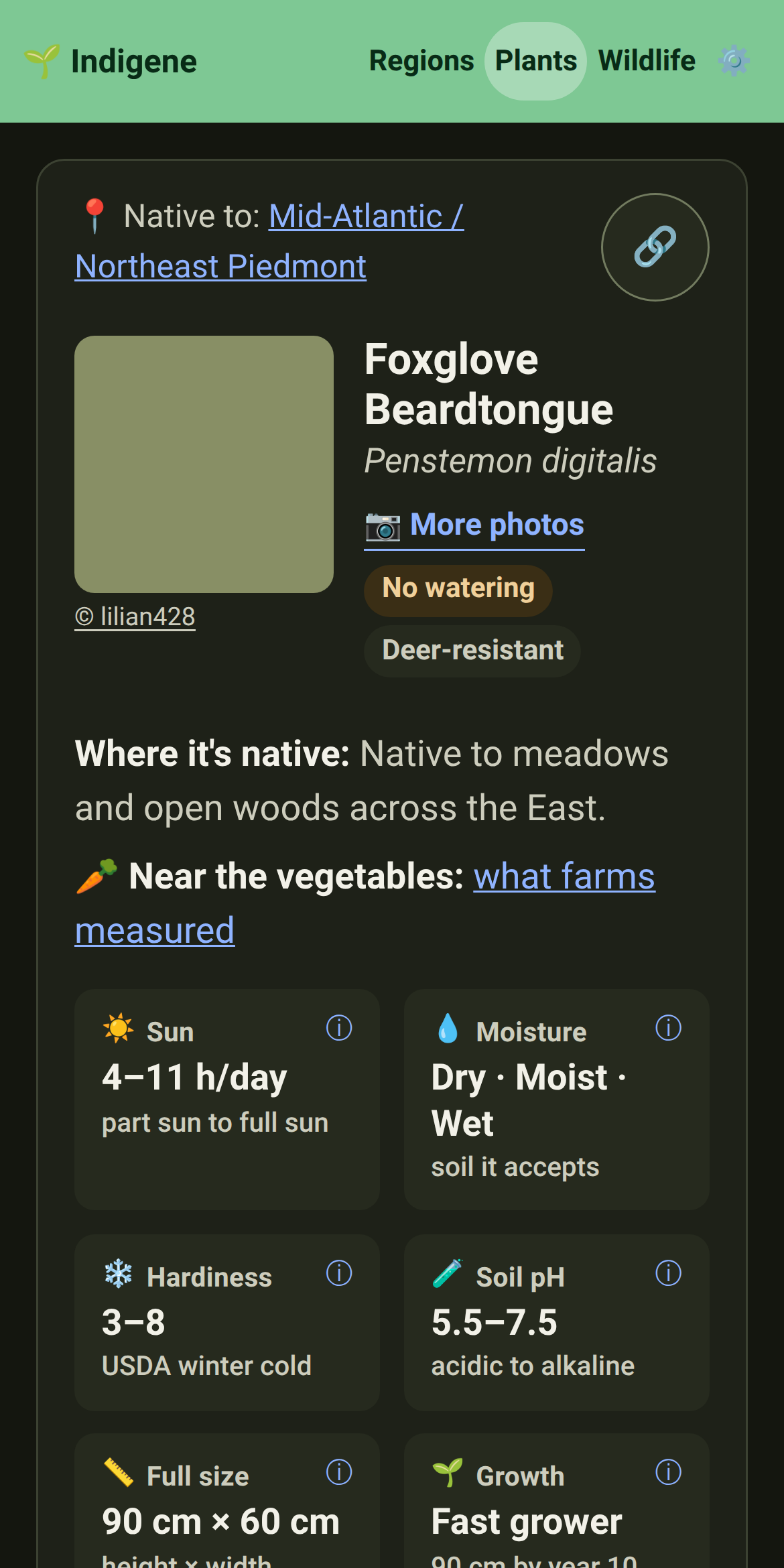
Plants: what a tough plant puts up with (trampling, rubble, cracks, no watering) now has its own Resilience card beside Growing needs, instead of a line that ran off the edge of the plant's header. Wild thyme shows it.
The town and postal-code search on the location page now sits right under "Use my location", instead of behind a link. No GPS needed to find your spot.
A link ending in ?lang=fr or ?lang=en now opens in that language even if you've picked another one. A line at the top offers your own language back, and your settings stay as they were.
Posts write their date the common way in English, "October 12, 2026", and keep "12 octobre 2026" in French.
Fixed
The wild leek page now says what the Myaamia Center says — šikaakwa, written "Chicago" by the French, names both the wild leek and the striped skunk.
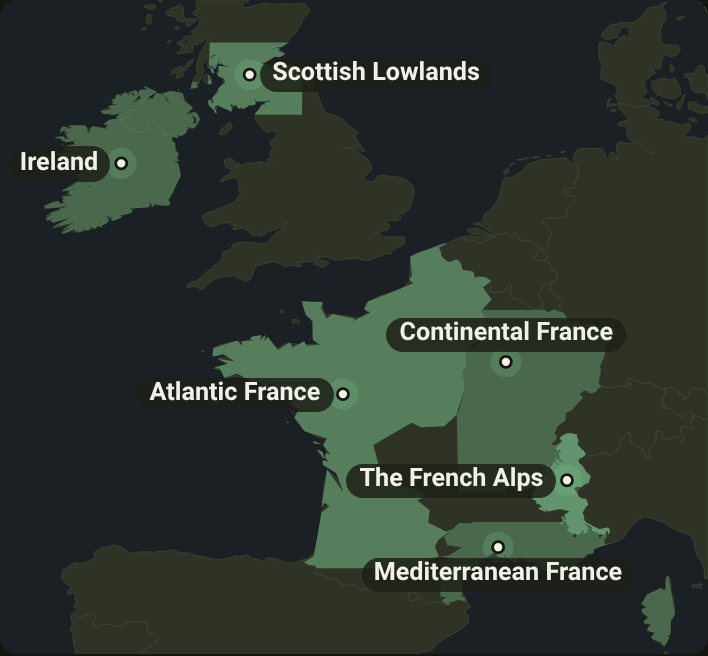
Regions: the shading on the French maps stays in France. Atlantic France's map no longer runs along England's south coast, nor into Belgium or Spain.
Ranking: the goal and filter rows no longer stay pinned over the plant list as you scroll, and they sit together in one quieter box, so the plants stand out.
The home page's "More to explore" rows are tidy cards again, picture beside words, on phones and laptops alike. Plant pages' "native here" evidence notes get their styling back too.
Every plant page that says "Kew confirms it" now has a check behind it. Fifteen Florida and twenty-one Pacific Northwest plants had been added after their region was checked; all have now been re-asked, and came back native.
St Lawrence plants are now checked against Kew's world checklist too, as every other region is. Three of its plants Kew records under another name, and their pages say so.
Plants: the Kantō Aristolochia page said 4 moths feed on it from field records; the field-only figure is 3, and the page now says both.
Plants: the Soil pH tile now calls a range like 4.5–6.5 "acidic" instead of "around neutral", and 7.0–8.5 "alkaline". Eastern hemlock is one of the plants that now read right.
The guide no longer says your location never leaves your phone. It goes straight to the public map, soil and weather services, and never to us.
Spots: a saved spot now remembers how wet you said it stays. Before, reopening it went back to the soil map's guess, so a spot you called wet was ranked as evenly moist.
Short messages like "Saved to this device." now slide in from the top of the screen, like your phone's own notifications, instead of a narrow bubble at the bottom. Tap one to dismiss it.
Plants: karaka's page now says Māori planted it for its kernels, which are food only after long cooking and soaking, not for its fruit. Harakeke is the main plant of Māori weaving, not the only one.
The loading screen shows its growing seedling again, instead of the stray word "main" above "Loading…".
Tela Botanica, the second French name list, is checked again: the check had been asking it for a column its table doesn't have, and read the error it got back as "no name".
The French names Indigene shows are checked against France's national reference list again. Its website had started turning scripts away, so the check now reads the same list from GBIF, where the Muséum publishes it.
Seven French names now read as the reference list writes them: Thym serpolet, Genévrier oxycèdre, Doradille cétérac, Seslérie bleue, Argus frêle, Grosbec casse-noyaux and Vanesse des perlières.
Matches: on a phone, holding a plant-type square to show only that type no longer selects it as text instead.
Searching your town on the location page and pressing Next no longer sends you to Pittsburgh's plants. One match is used at once; with several, Next waits until you tap yours.
Regions: a spot just outside a US region no longer gets its list when a map service we ask is down — it gets the same answer it would on a good day.
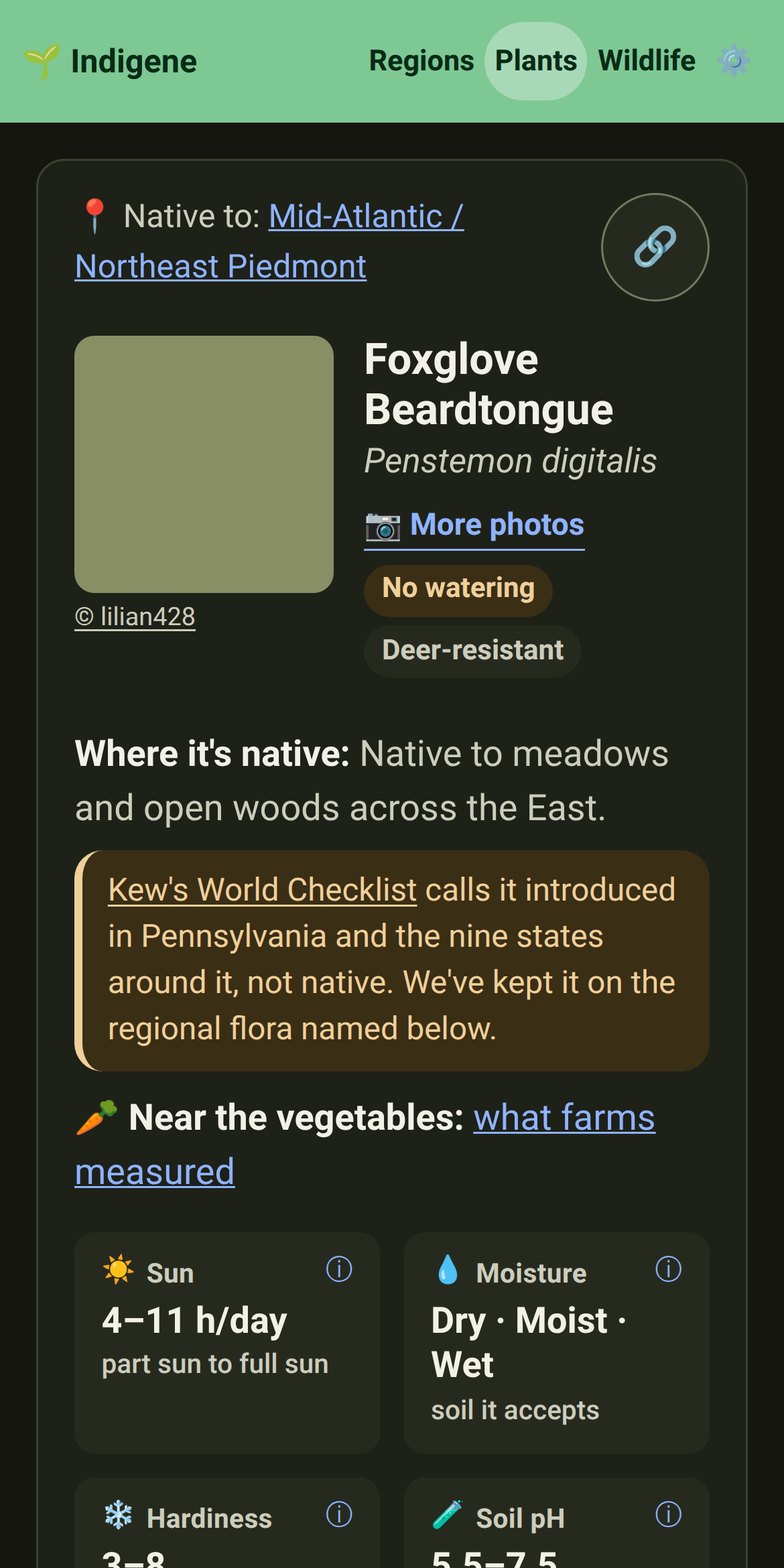
Plants: every plant page now says whether Kew's World Checklist agrees it's native where you are, and when we asked. Where Kew disagrees — eight plants so far — the page says that too.
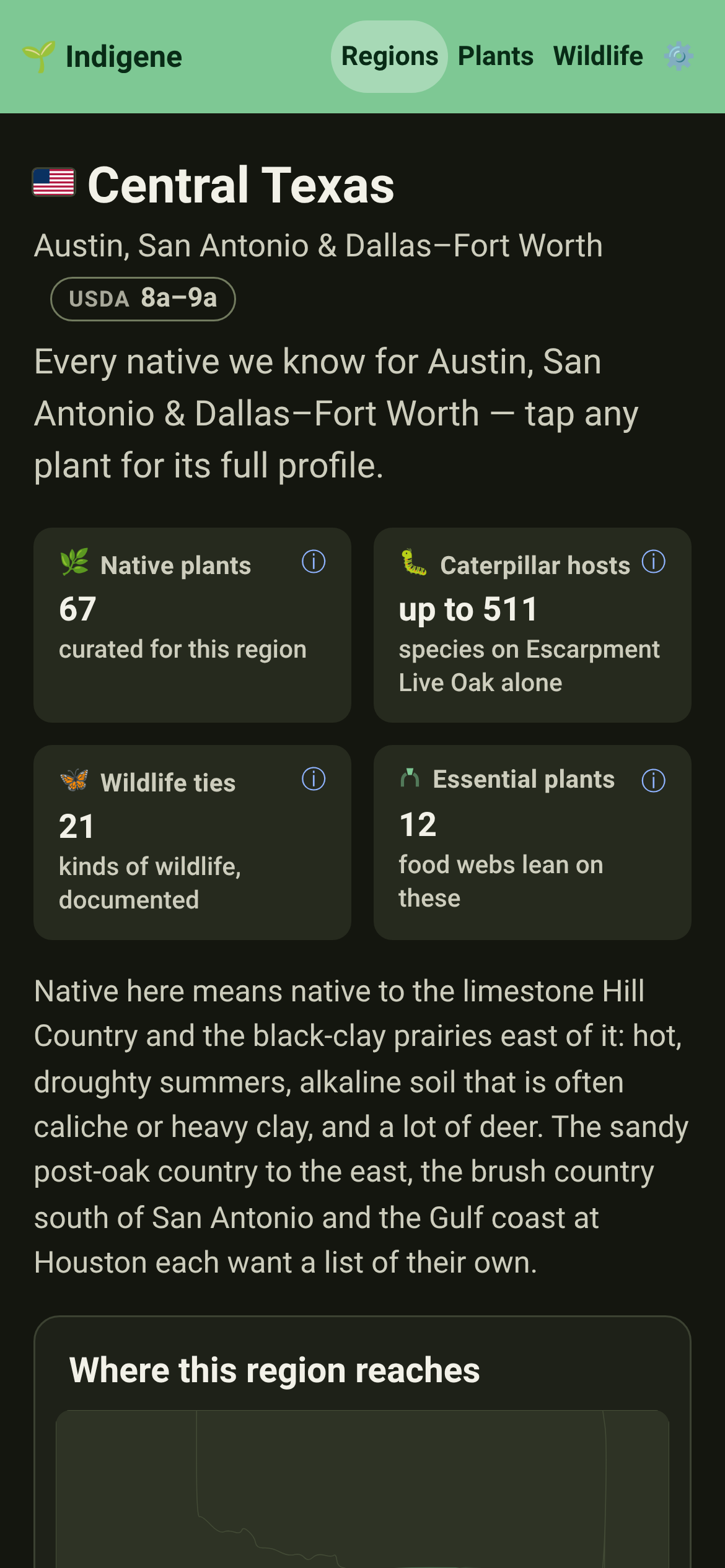
Central Texas is on the map — 67 native plants for Austin, San Antonio and Dallas–Fort Worth, picked for heat, drought, limestone and black clay, and every one marked for whether deer eat it.
Wildlife: three Texas animals join the catalog — the American snout, the phaon crescent and the black-chinned hummingbird, each linked to the native plants that raise or feed it.
Invasives: chinaberry, Johnsongrass, bastard cabbage, glossy privet and nandina, with how to tell each one and how to clear it without chemicals.
Native swaps: Chinese pistache gets a native stand-in — Texas red oak or flameleaf sumac for the same red autumn.
Two books for Central Texas gardeners join further reading, both on the Native Plant Society of Texas's own list: the Wasowskis' Native Texas Plants and George Oxford Miller's Landscaping with Native Plants of Texas.
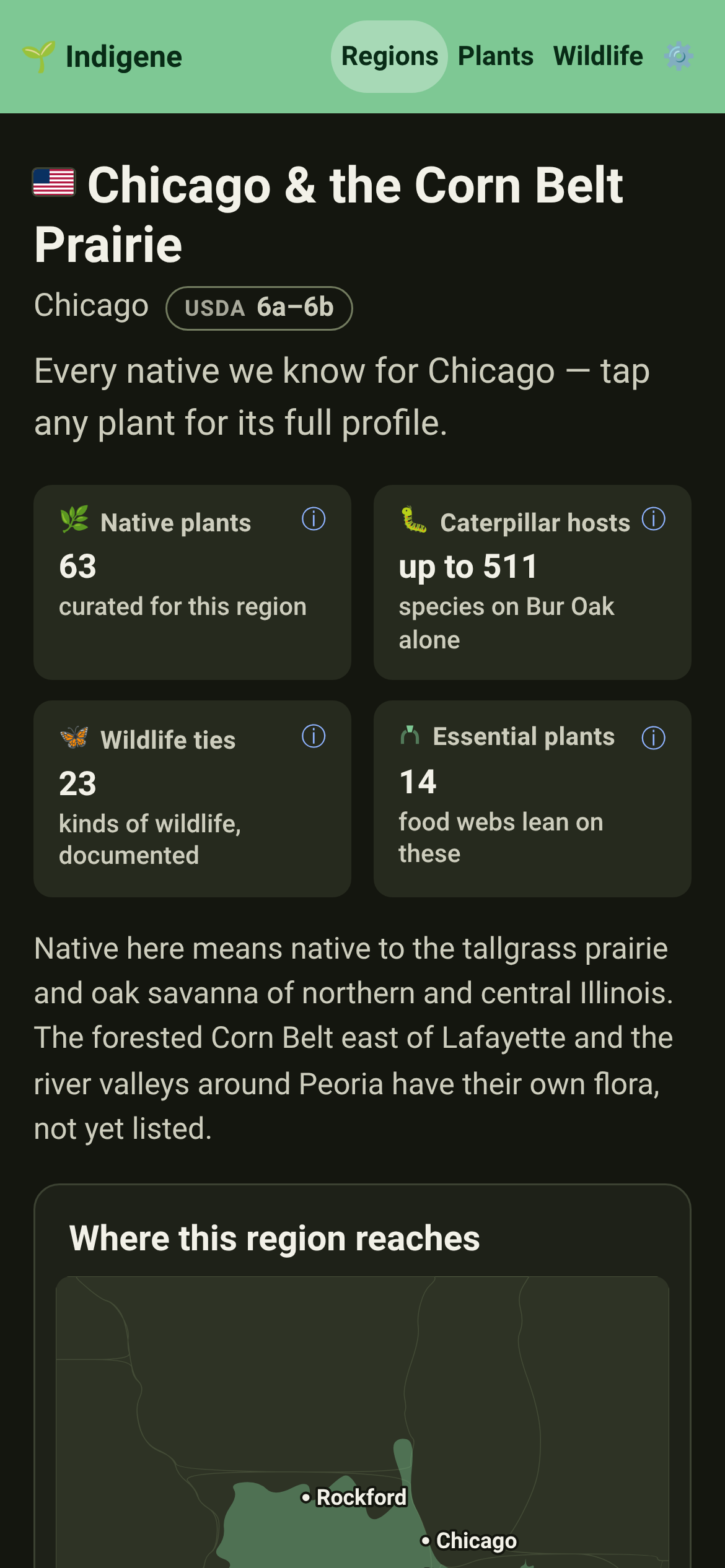
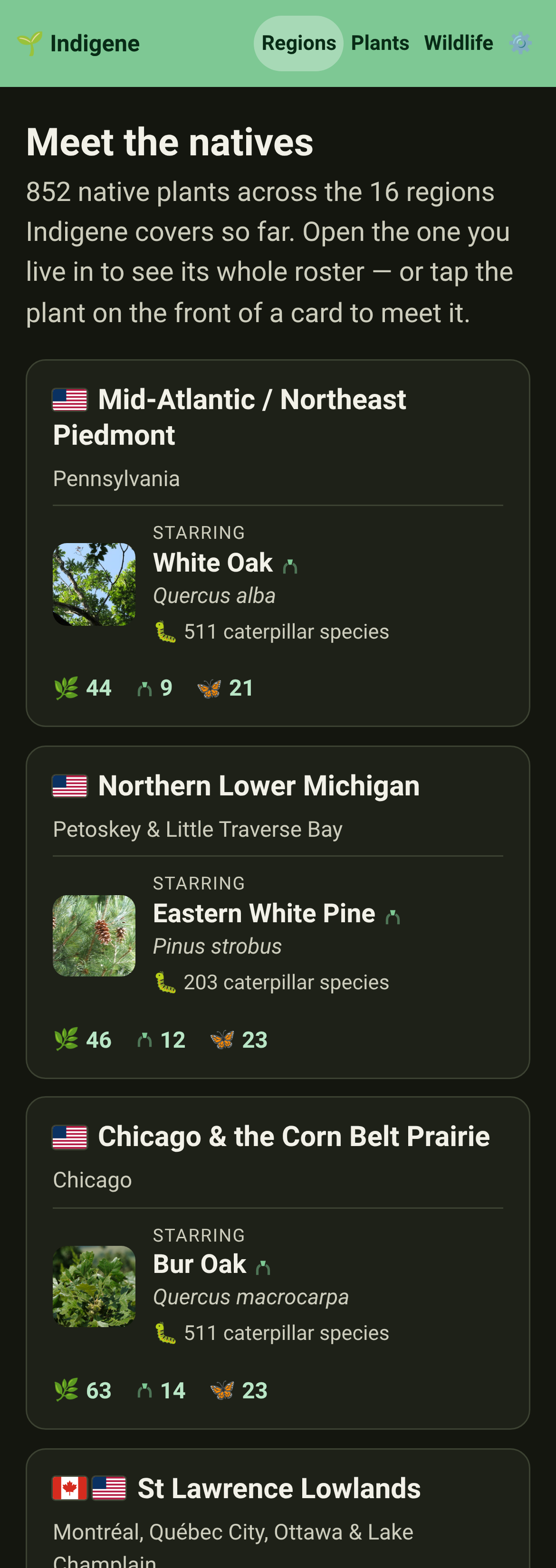
Chicago & the Corn Belt Prairie is on the map: 63 native plants for Chicago, Rockford, Champaign and Springfield, from bur oak to compass plant, rattlesnake master and the wild leek whose Myaamia name the French wrote down as "Chicago".
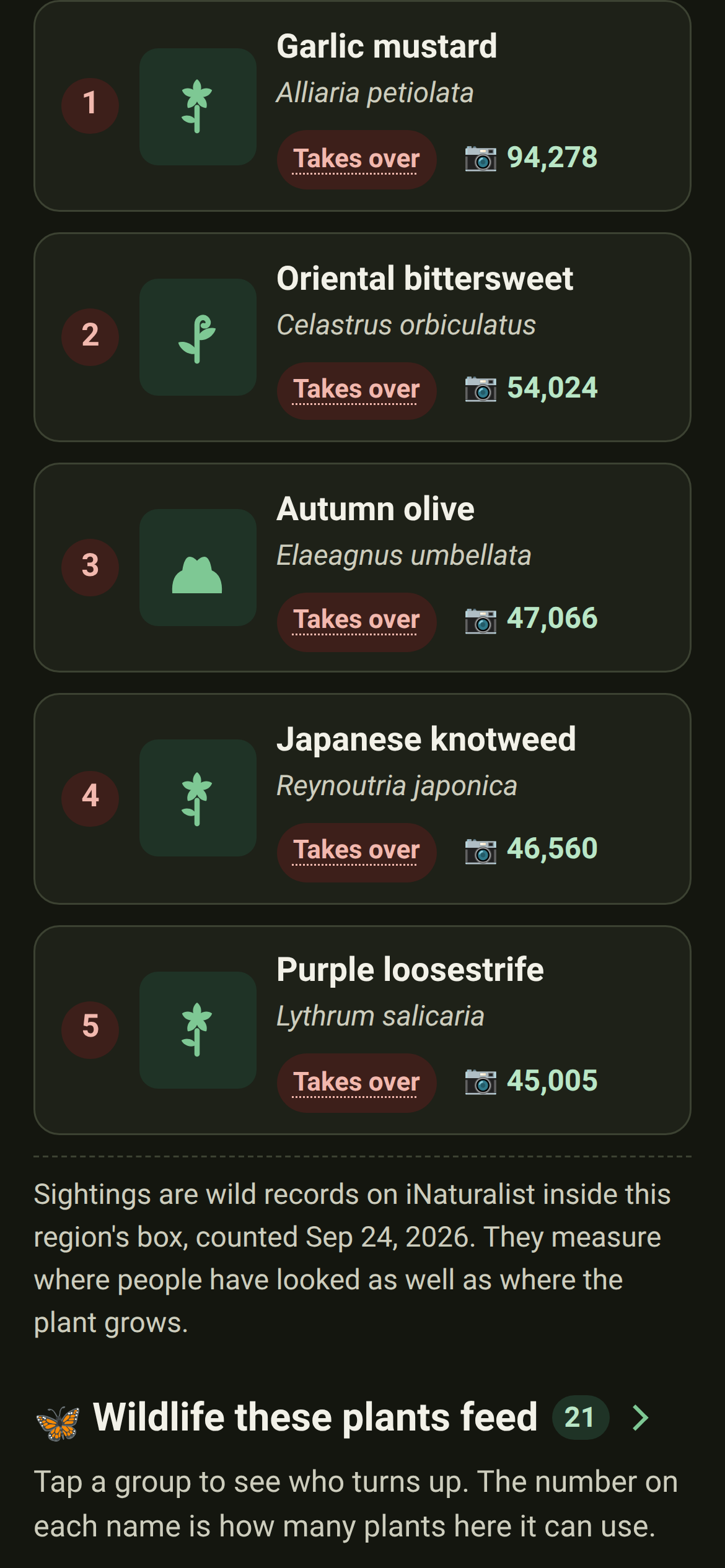
Invasives: Chicago's most wanted — common buckthorn, Amur honeysuckle, garlic mustard, cut-leaved teasel and purple loosestrife — with how to know each and how to get rid of it for good.
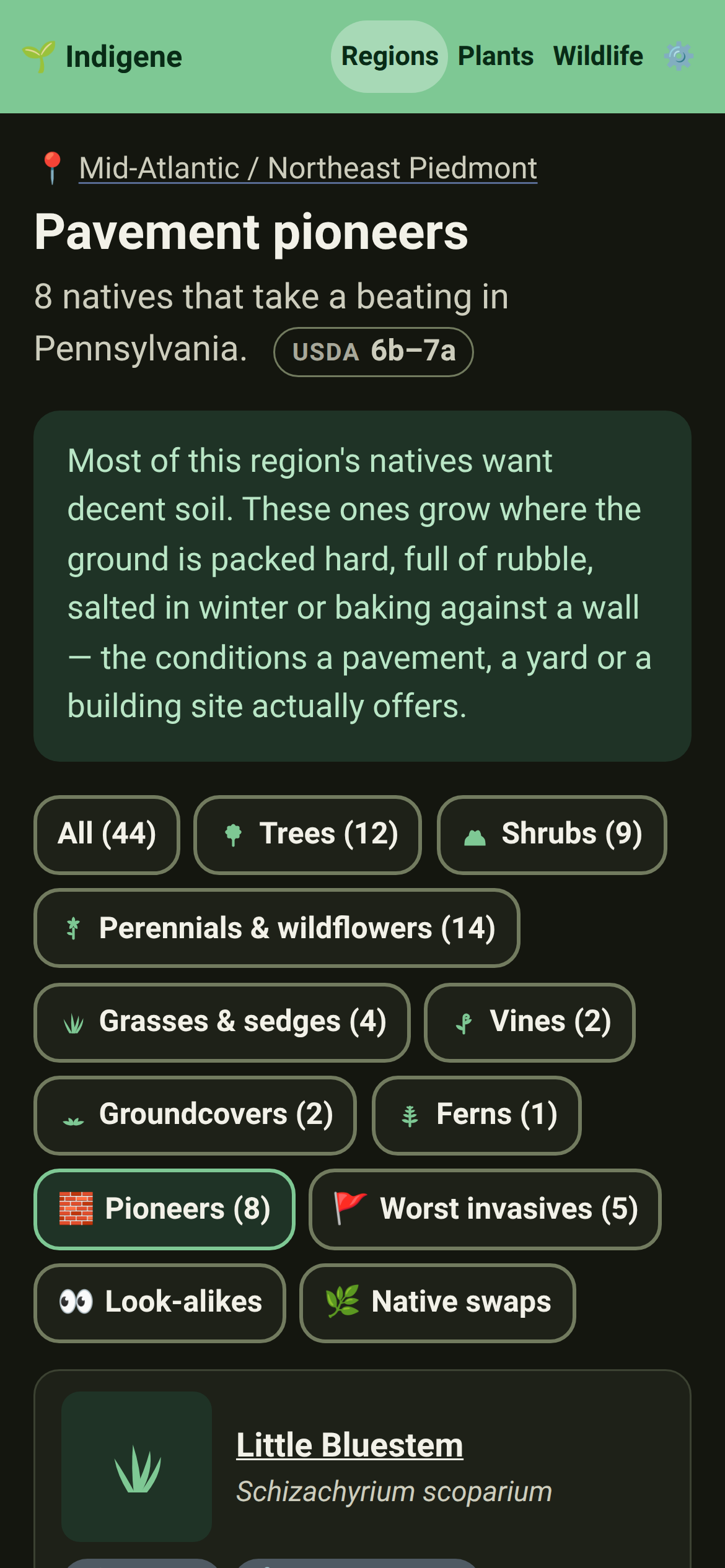
Regions: Pavement pioneers — the natives that grow where the ground is packed hard, rubbly, salted or baking. Eight per region, each with the real place it does that and who documented it, as on the Mid-Atlantic's list.
A plant that takes that punishment now says so under its name, with a tag per kind — packed ground, cracks, road salt — that explains itself when you tap it. Shown only on the regions where it's documented.
Further reading: books, websites and a TV series for each region, chosen because an expert stands behind each one and a local society, garden or extension service recommends it.
Further reading opens with the ideas Indigene is built on: Tallamy's Nature's Best Hope, Kimmerer's Braiding Sweetgrass, and a skeptic's book, so both sides of the native debate are there.
North & Central Florida grows from 24 plants to 39: persimmon, sweetbay magnolia, sparkleberry, wax myrtle, buttonbush, crossvine and more. Each is one that both Audubon and the Lady Bird Johnson Wildflower Center recommend for Florida gardens.
The home page now ends with More to explore: the wildlife, invasives and their native swaps, look-alikes, planting how-tos and the regions map, one row and one picture each.
Changed
Your saved spots now sit right under the start button on the home page, instead of at the very bottom.
The native-plants promise now fits on one line: "Native means plants, not people."
A link to Homegrown National Park now previews with its own picture: a street of yards from above, half still lawn and half gone native.
The film on the home page no longer carries a line about the video host under it. The Privacy page still explains how the film is handled.
Fixed
Plants: a plant's main photo is now the one iNaturalist itself chose for the species, or none. Before, some plants showed whatever free photo came next, like persimmon seeds that looked like bread. Those plants show their drawing until someone picks a photo.
A US ZIP code no longer lands in Spain. Postal codes repeat across countries — 33812 is Lakeland, Florida and a village in Asturias — so search now lists each country once, yours first. Thanks to Rikki Ocampos (@rikkibelle) for reporting it.
Words a page stresses now show in bold or italic, not between stray asterisks — on plant pages, look-alikes, native swaps and planting guides. The brimstone line on alder buckthorn is one.
Plants: a page that is still fetching no longer sits blank. A seedling grows while you wait — stem, leaves, then a flower — and steps aside the moment the page arrives.
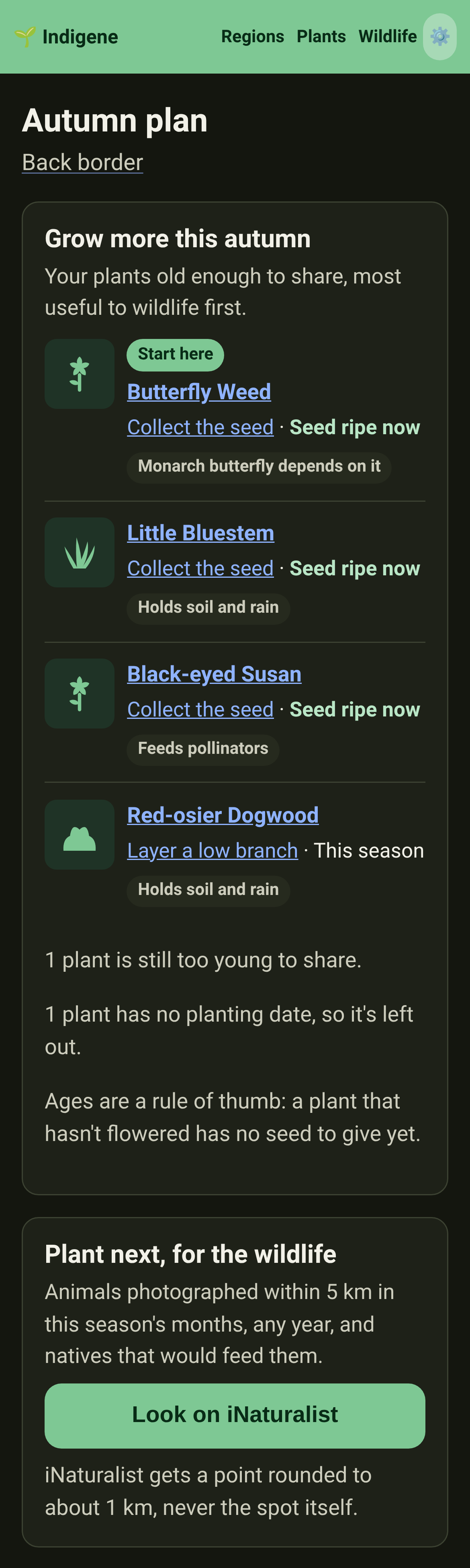
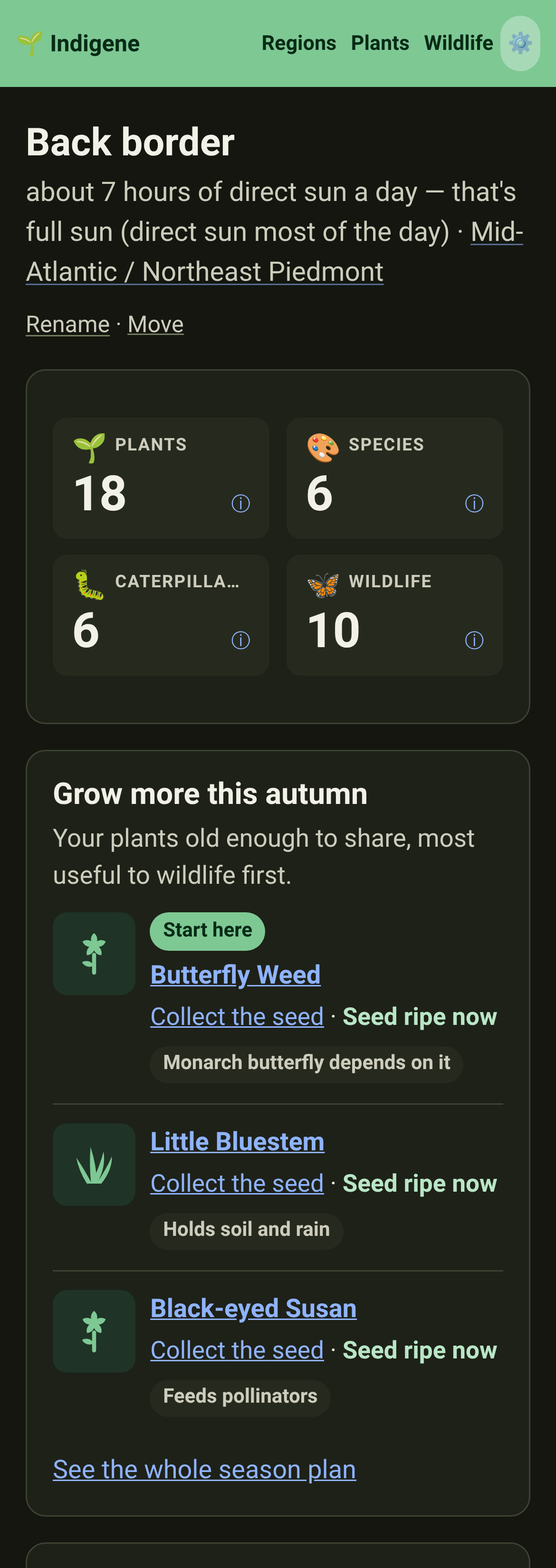
A season plan for every saved spot. It picks the plants you've had long enough to share, says what to do now — collect ripe seed, divide a clump — and puts the ones wildlife needs most first, linked to the how-to.
Planting: the season plan can also suggest natives to add, for the animals photographed within 5 km of your spot this season. It asks iNaturalist when you tap to look, then remembers the answer for a month.
Planting: your Saved spots open with the three most useful things to grow more of this season, across all of them.
Backups: when a spot you bring in looks like one you already have (same name nearby, or the same patch of ground), you choose whether to combine them or keep both. Nothing comes in until you've chosen.
Keeping your spots safe explains where your spots live, what can erase them, and how to save and restore a copy.
If your browser speaks French but Indigene opened in English, a one-line offer at the top switches it: 🇫🇷 Lire en français. Close it and it never comes back.
Changed
Backups: your spots file now holds everything — spots, plantings, linked sightings with their photos, your iNaturalist username and your settings. Open it in a new browser and it all comes back.
Backups: bringing a copy into a browser that already has your spots adds what's new, like sightings linked on another device. Nothing already there is removed or overwritten.
Backups: saved spots now ask the browser not to clear them when space runs low, and Settings shows when you last saved a copy. On iPhone, it explains Safari's one-week limit.
Planting: the season plan now names its sources — the RHS, the USDA Woody Plant Seed Manual and Audubon — and each technique page links to further reading. Seed tasks on plants birds eat from say to leave some standing.
Planting: trees and shrubs get seed reminders only once they reach the age their species first bears seed, from the USDA Woody Plant Seed Manual, and in the months its fruit ripens. White oak waits 20 years.
Planting: every technique page was checked against published guides and corrected where they disagree — cold stratification takes one to six months, and semi-ripe cuttings go in a pot within half a day.
Plants: propagation notes for France and Kantō now cite pages we opened and checked, instead of "nursery practice". Where a source disagreed, the note changed — European larch needs no chilling, ivy cuttings come from climbing shoots — and a few with nothing checkable say so.
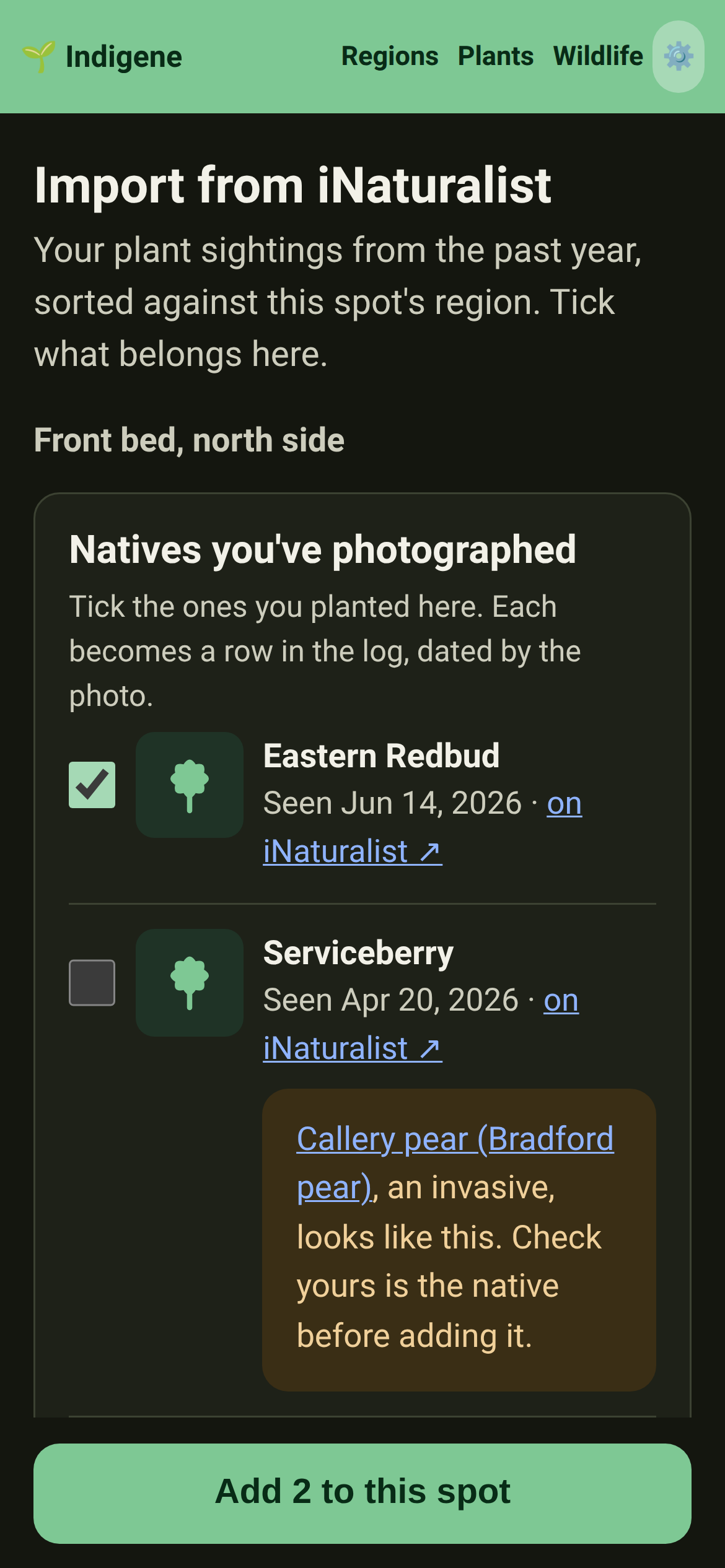
Matches: importing from iNaturalist now reaches back five years instead of one, and only brings in your sightings within 35 km of the spot. iNaturalist is sent the spot rounded to about 1 km, so blurred sightings still turn up.
Links in What's new are words you can tap, like a region's name or "a new page", instead of a web address printed after the sentence.
Pages now point to each other where it helps. A region opens its look-alikes and native swaps, a list of invasives ends with what to grow instead, and About links the settings it mentions.
A plant search that finds no native now offers the invasive, look-alike or swap page for that name, so "butterfly bush" lands on the page that answers it.
The guide has a page on the worst invasives: what makes a plant one, and how to use the lists to remove it.
Links inside sentences are quieter: they keep the text's color with a soft underline, so a paragraph with links stays easy to read.
Fixed
Choosing metric units in Settings is now remembered even when metric was already showing, so restoring a copy from an imperial device won't switch it.
In French, some plants showed paragraphs written for another region's list: Ireland's oak was called the main tree of Atlantic France's forests. Each paragraph now shows only on its own region's list; elsewhere you'll see the English, marked as such.
Every plant on the Kantō Plain now shows a real photograph from iNaturalist instead of the placeholder drawing.
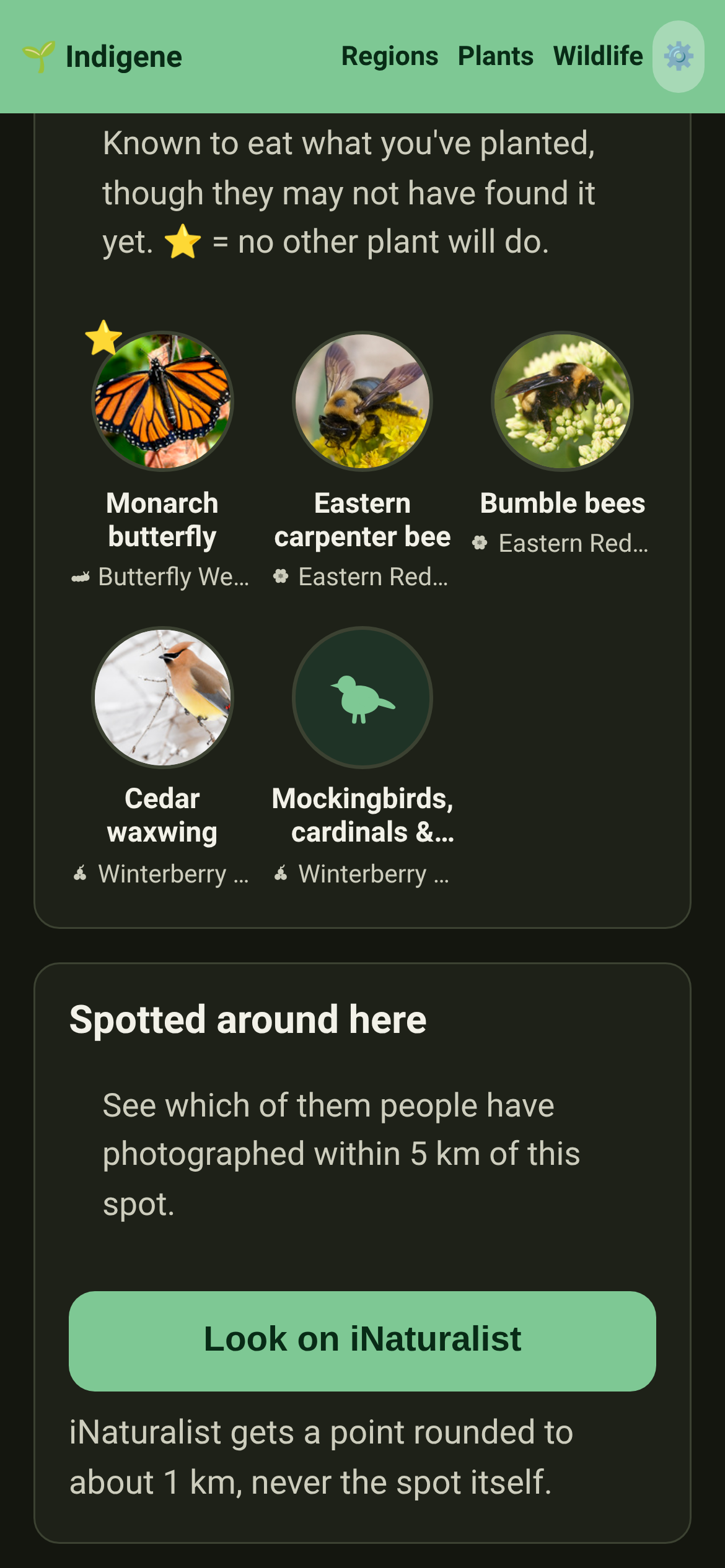
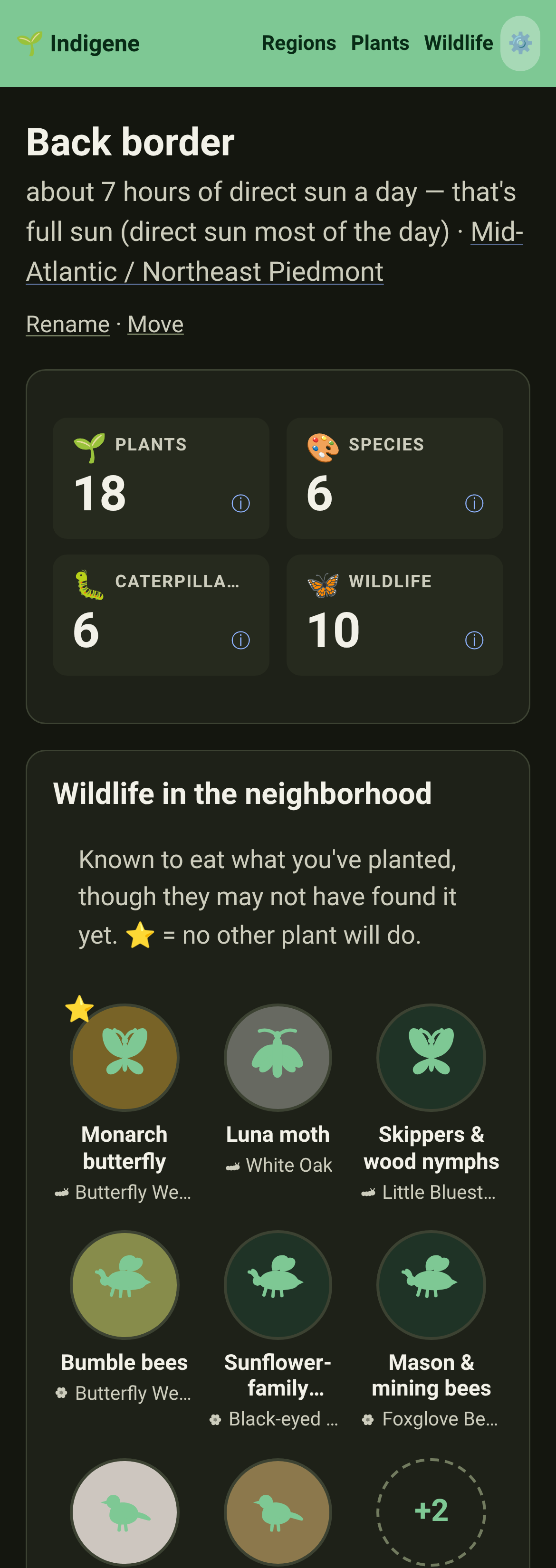
A saved spot now shows the wildlife in its neighborhood: each animal your plants can feed, with its picture and the plant of yours it eats. Tap one to meet it.
A saved spot can look for those animals on iNaturalist: a 👀 badge marks the ones seen within 5 km, and photos show who turned up since you planted.
Saved spots show a row of the animals each garden can feed.
With your iNaturalist account linked, a saved spot features your own wildlife photos taken within 1 km, and which of your plants might have drawn each one in — "Feeds on your Oregon grape's nectar".
Matches: when you log a plant in a saved spot, you can pick one of your iNaturalist sightings of it. The sighting gets linked, and its date fills in the planting date. You can still type the details yourself.
Matches: you can also start from a sighting before choosing a plant. Tap one of your photos on a saved spot's page and Indigene works out which plant it shows. Check the date, then add it.
Matches: importing from iNaturalist now marks sightings already linked to another spot. A photo of a plant already in the log is added to that entry instead of starting a duplicate.
Matches: on the location map, press and hold to open a magnifier and nudge the pin a few metres at a time. The line under the map now says which way it moved, like "nudged 40 m northeast".
Regions: three more native shrubs for the Pacific Northwest — Pacific wax myrtle for a coastal hedge, Oregon boxleaf as a native stand-in for boxwood, and western wahoo for a shady corner.
Regions: fifteen more Pacific Northwest natives, chosen to fill gaps — late flowers like western goldentop and Pacific aster, Pacific yew and wild ginger for dry shade, and stinging nettle for red admirals.
Regions: three more Pacific Northwest willows — Pacific willow for a stream bank, coastal willow for dunes and salt wind, and Sitka willow for wet shade. Willows feed more caterpillars than almost anything else here.
Plants: nettles now carry a "Stings" label, and the "No thorns or stings" filter leaves them out.
Regions: annuals have their own category, starting with sea blush. Instead of a growth rate, their pages say they last one season and come back from seed.
A new page on Homegrown National Park, Doug Tallamy's idea that half of America's lawns, given back to native plants, would make a park. It shows where Indigene follows that idea, and why its maker built it.
Indigene was built with an LLM (a large language model, what most people call AI), and a new page shows the bill: 110 working sessions, about 360 kWh of electricity, and how to use fewer tokens next time.
Changed
The welcome page's "Why native plants?" now ends by saying what native never means — borders or people — and links to the page that explains it.
Fixed
Matches: "I planted one" on a plant's page now always arrives with that plant picked, even when it's from another region's list. The search box steps aside once it's picked, so the form no longer looks empty.
Regions: the Kantō Plain now shows the Japanese flag beside its name, like every other region.
Matches: on iPhone, holding a finger on the location map no longer starts selecting the text around it, so the map moves the way you'd expect.
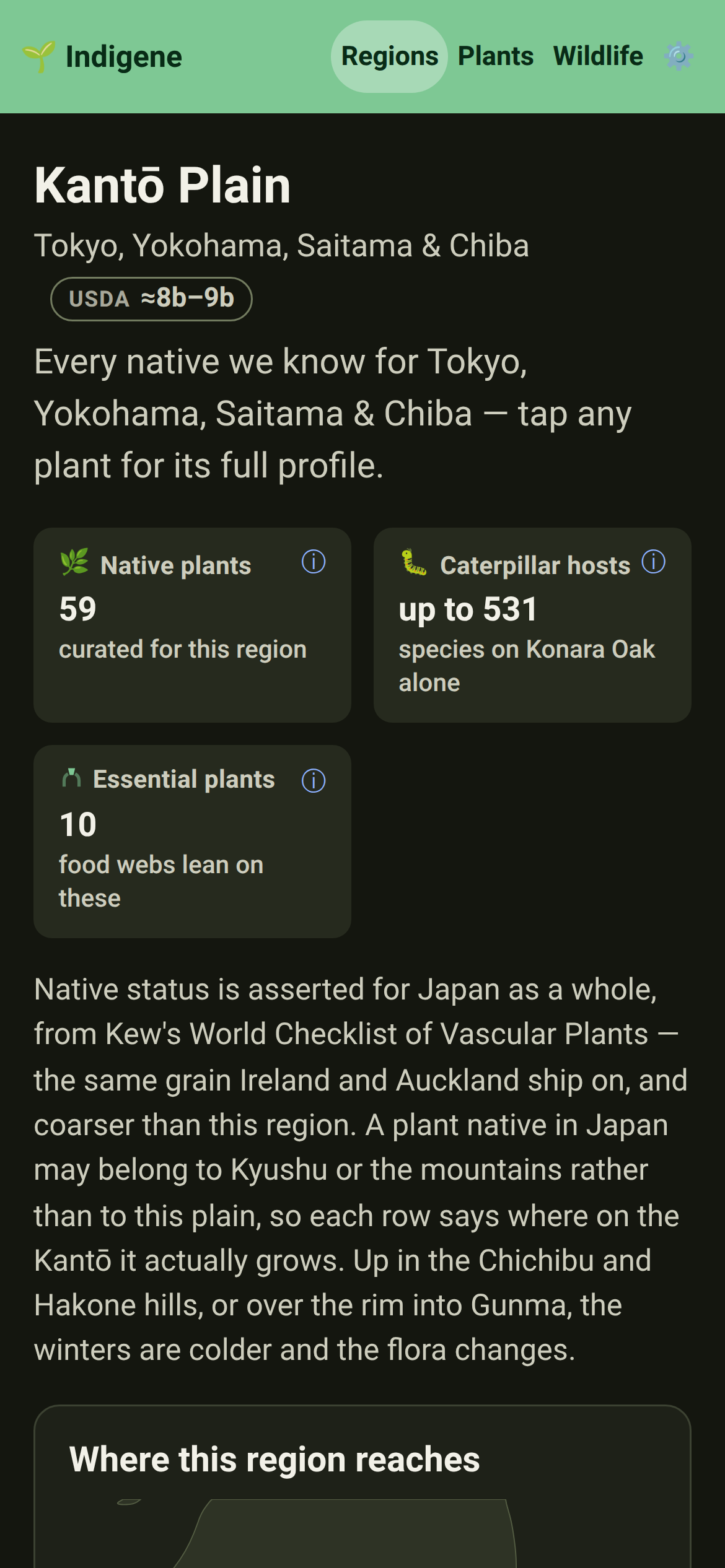
The Kantō Plain is on the map — 59 native plants for Tokyo, Yokohama, Saitama, Chiba and the country out to Utsunomiya and Chōshi.
Regions: Indigene reaches Asia. Konara oak, the tree the plain's old coppiced woods were built on, feeds 531 kinds of caterpillar here — more than any other plant in the app.
Planting: the satoyama flora joins the catalogue — wild cherry, keyaki, bush clover, susuki grass. Enoki hackberry is the one tree Japan's national butterfly can raise its young on.
The St Lawrence Lowlands are on the map — 55 native plants for Montréal, Québec City, Ottawa and the Champlain valley down to Burlington.
Regions: a gardener in Sherbrooke, Granby or Ottawa used to be handed the Mid-Atlantic list, full of redbud and flowering dogwood that don't grow there. They now get the list for the valley they live in.
Planting: American bittersweet, virgin's bower and sensitive fern join the catalogue. Bittersweet's orange capsules split to scarlet seed in October and feed waxwings through February, when nothing else is left.
Wildlife: share a group page, like all the butterflies, and the link now previews with its own picture and counts instead of the plain Indigene card.
Plants: how sure we are of a plant's figures is now a three-bar meter instead of a paragraph. Tap it for what each level means.
Plants: confidence now follows one rule for every plant, set by where its caterpillar count comes from. Many American plants drop to medium or low — a sign of where we need better sources, not worse plants.
A new page explains what "native" means here, and what it never means: where a plant evolved, not borders or people. It lists the words we stopped using and why, and what our own name meant in colonial France.
Matches: "Add sighting" on a plant in your saved spot now shows your own iNaturalist photos of that plant. Tap one to add it, no link to paste, so each season's photo lines up under the plant to show how it's growing.
Matches: got a planting date or count wrong? Tap "Edit" beside the date of a plant in your saved spot to fix it, and keep the sightings linked to it.
Sightings of a plant show its drawing while their photos load, the way plant pictures already do, instead of an empty gray square.
Matches: a saved spot's page can now rename the spot, or move its pin on the map when it landed next door.
The home page has a one-minute, hand-drawn film about what Indigene does and who it's for, in English or French to match your language. Nothing loads from the video host until you press play.
The film has a page of its own, in French too, made for sharing: send the link and the film shows up in the preview, playing right there in many chat apps.
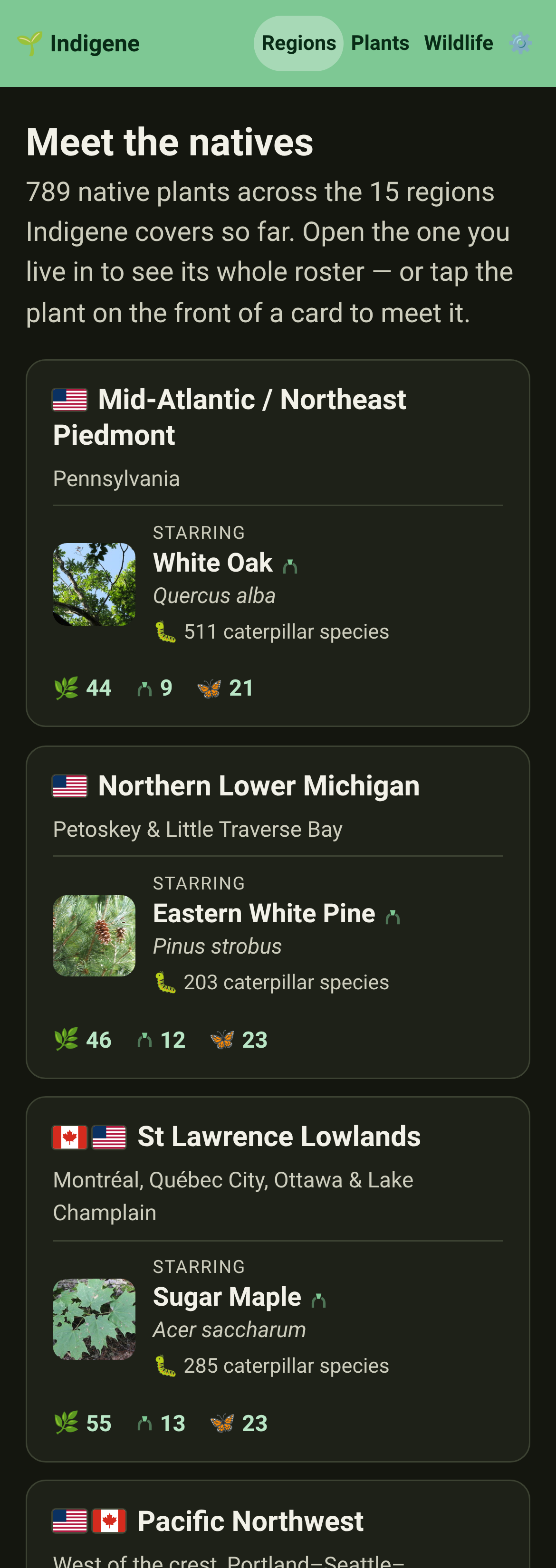
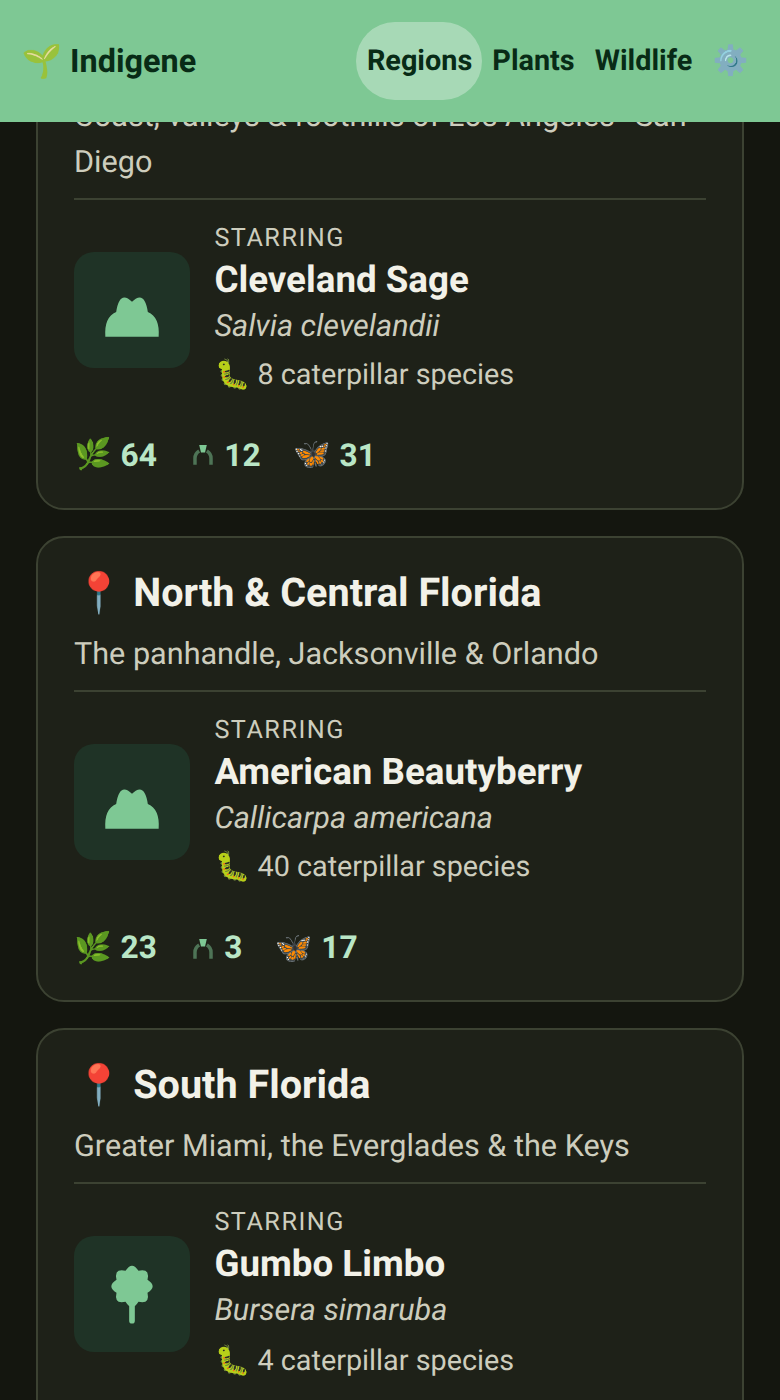
Regions: each region now shows a small flag beside its name, two where a region crosses a border, like the Pacific Northwest, so you can find your country at a glance.
On a slow connection, pages no longer sit blank while the app arrives. A small seedling shows right away, and if the wait runs long, a word that it's still coming.
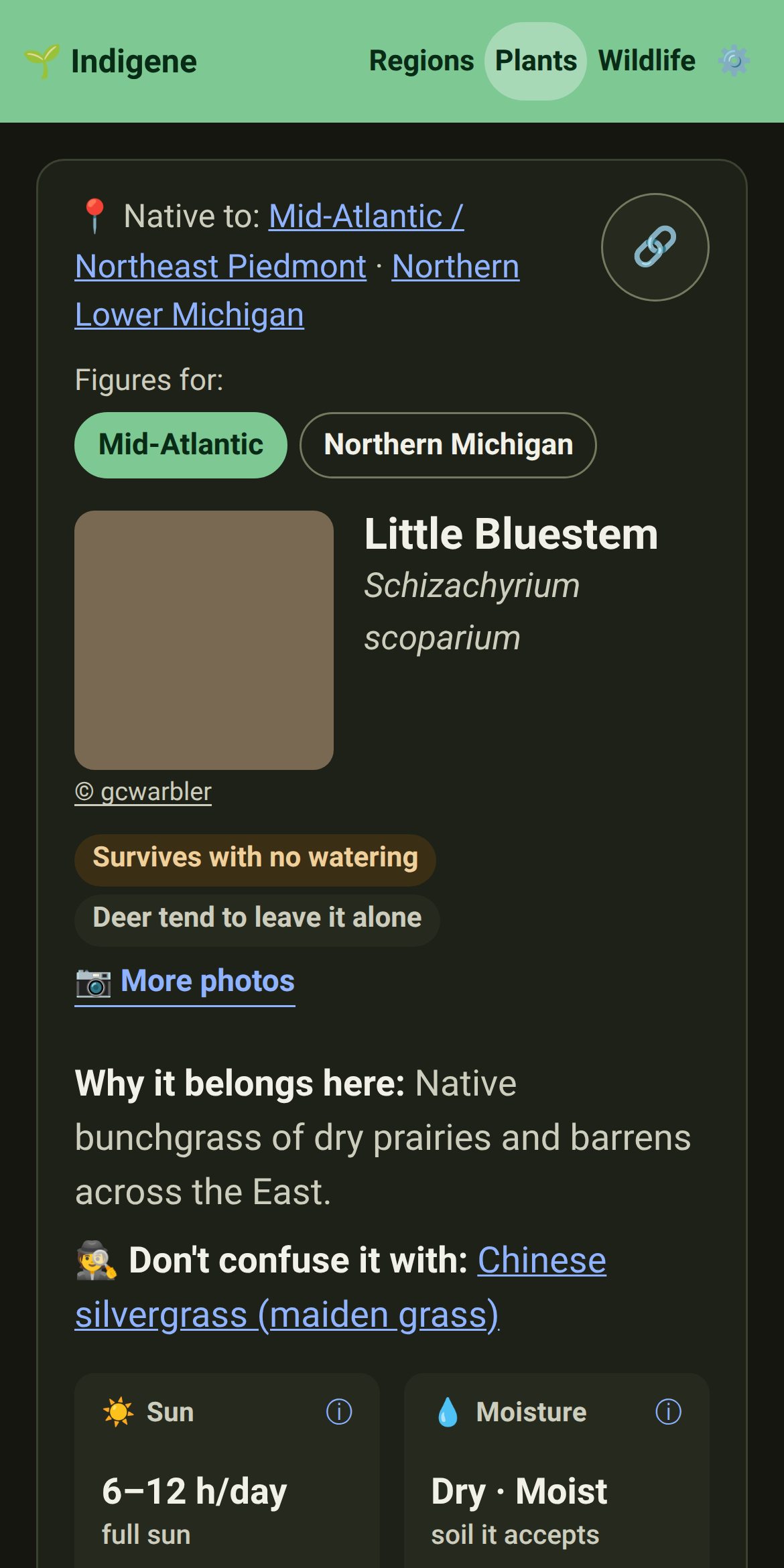
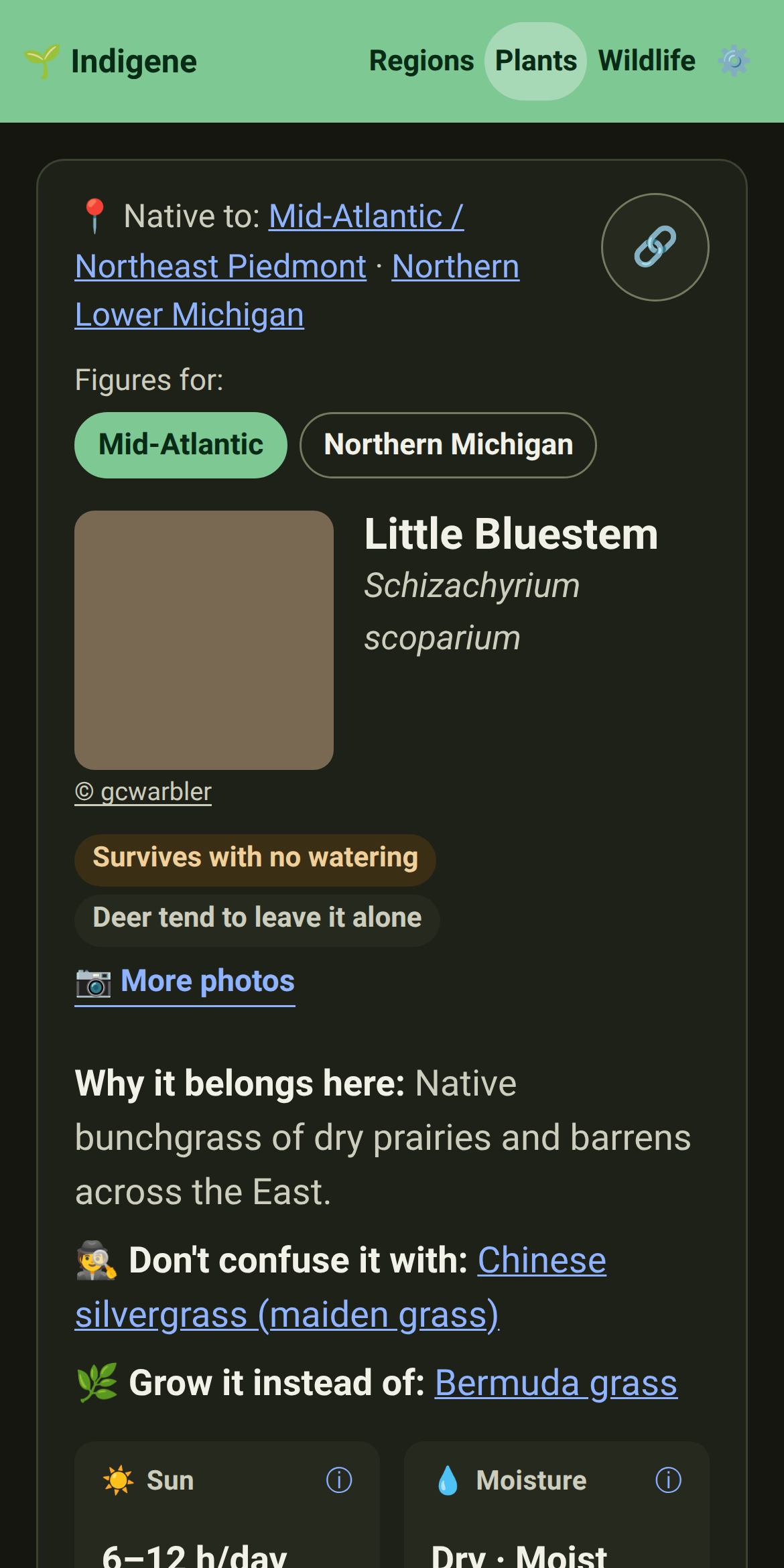
Plants: the labels under a plant's name are a word or two now, like "No watering" or "Thorny", and each one opens its full meaning on the new plant traits page.
Regions: every region page now ends with the native plant groups whose ground it is — plant sales, walks and advice from people who garden it. Three to five per region, chosen for the region rather than the country.
Changed
Plants & Wildlife: a plant or animal native to three regions or more now says "Native to: 4 regions" — tap it (or point at it) for the list. Choosing another region's figures, or photos, works the same way, on one line.
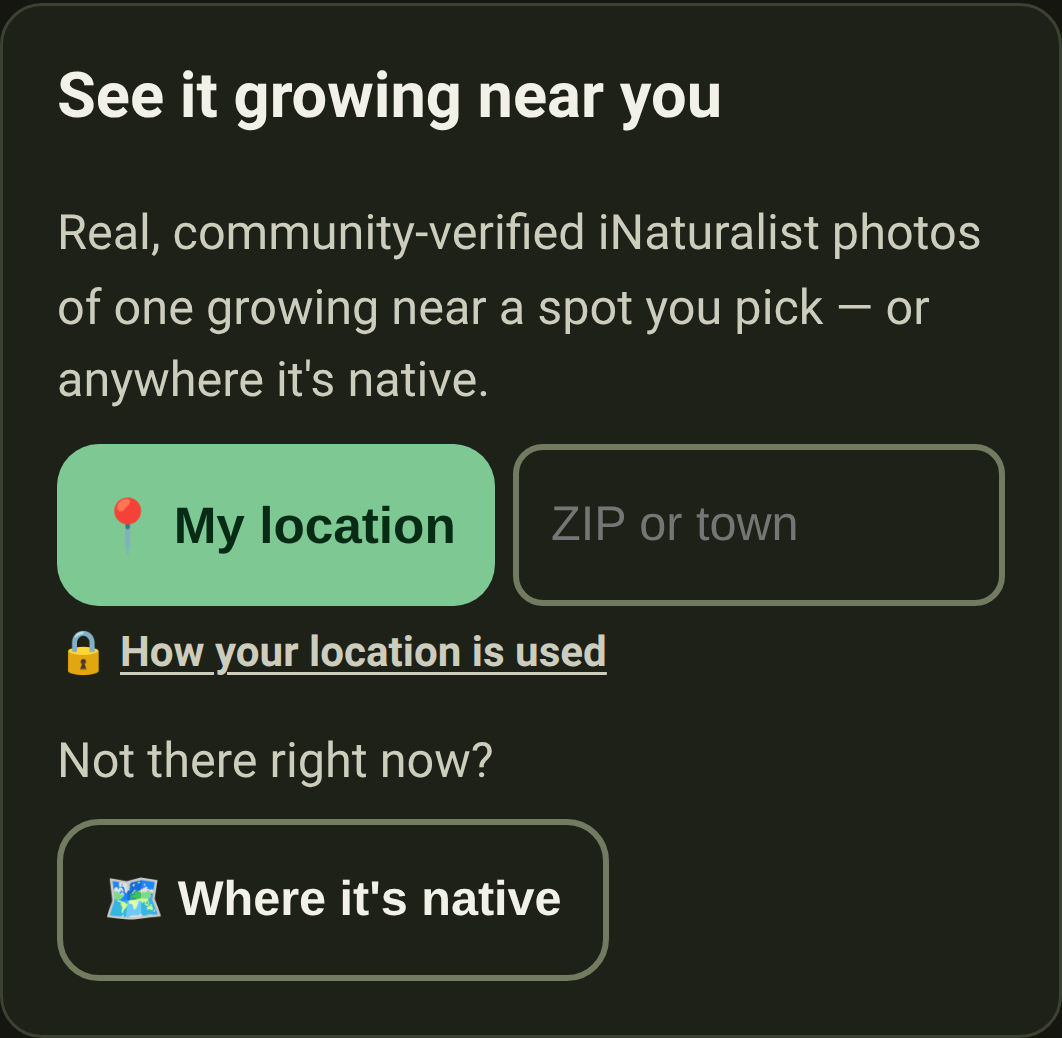
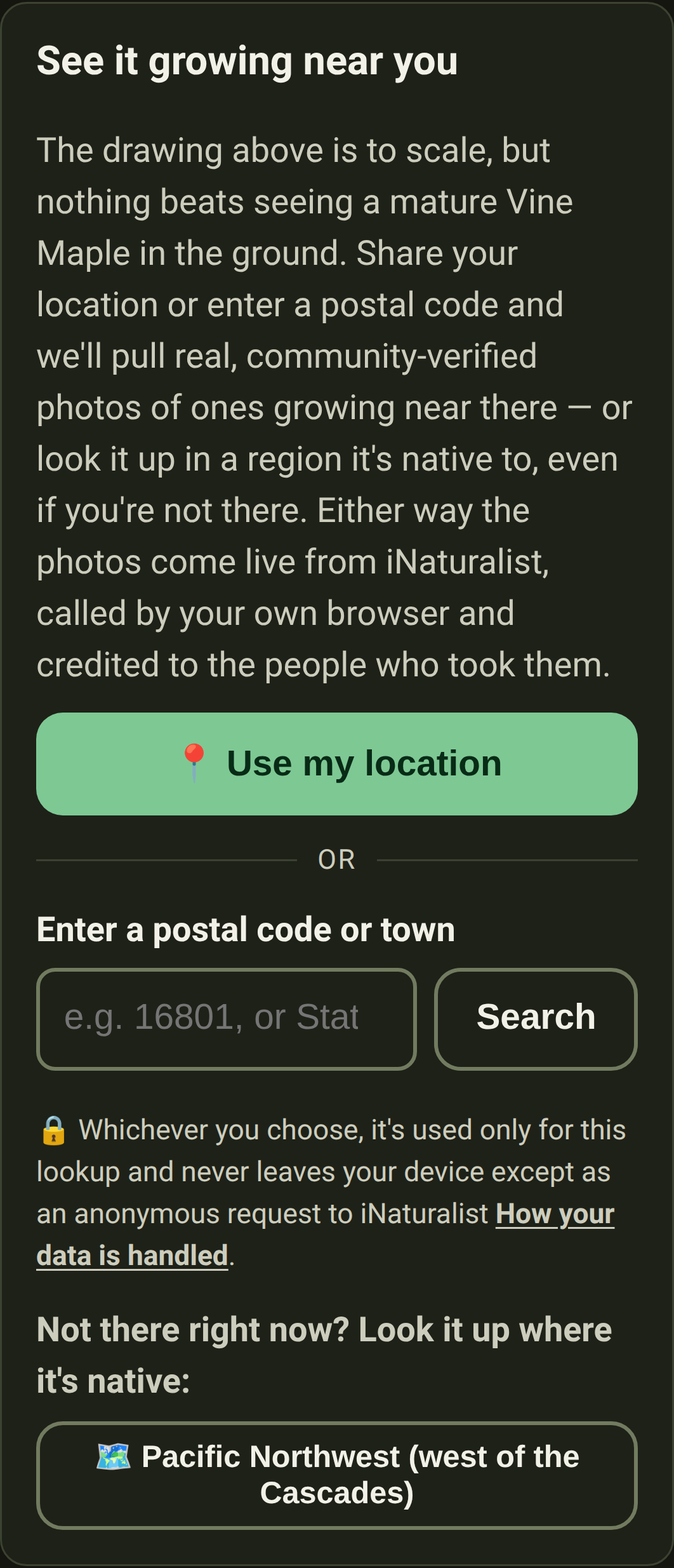
Plants & Wildlife: "See it near you" takes much less room. Your location, a ZIP code or a region where it lives now share one row, and the privacy link sits beside the intro instead of under the buttons.
Plants & Wildlife: on a laptop, plant and animal pages fill both columns instead of leaving half the screen empty. An animal's plants now flow down two columns, region after region, and a plant's growth drawing sits under its photo.
The welcome page's other way in fits on one line on a phone: "Or browse without sharing your location."
The English now spells one way, the American one: color, gray, neighbor. Words most Americans don't use went too — "fortnight" is "two weeks", a "verge" is a roadside, a ladybird is a ladybug.
Plants & Wildlife: notes no longer crown "the most valuable" or "the biggest" plant where two notes disagreed, and no longer talk about "this list" — they describe your garden, not our spreadsheet.
The welcome page says what's true, more plainly: plants didn't evolve to feed birds, but local insects evolved alongside native plants, and many can eat nothing else.
Sightings from iNaturalist now say what makes them trustworthy: at least two people agreed on what the photo shows. "Research-grade" and "verified" are gone.
Regions: on a wider screen, a region's map sits beside its name and figures instead of alone under them, and the worst invasives sit three abreast.
On a laptop, the home page puts the film beside the pitch, and Settings shows its cards two abreast. About, Privacy & safety and Where our numbers come from list their sections beside the text.
The guide and What's new use a laptop's width too: guide topics two abreast, and each release's notes beside its name and picture.
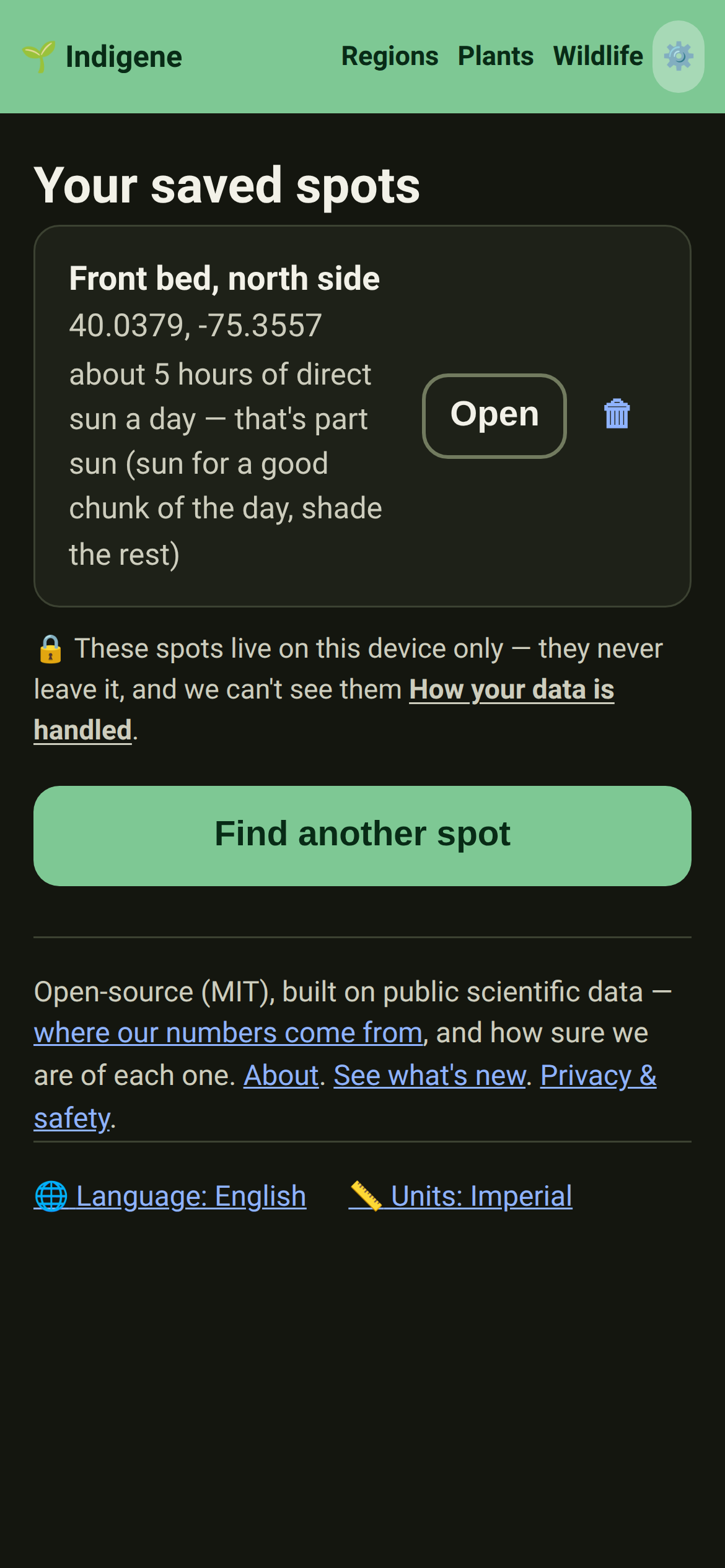
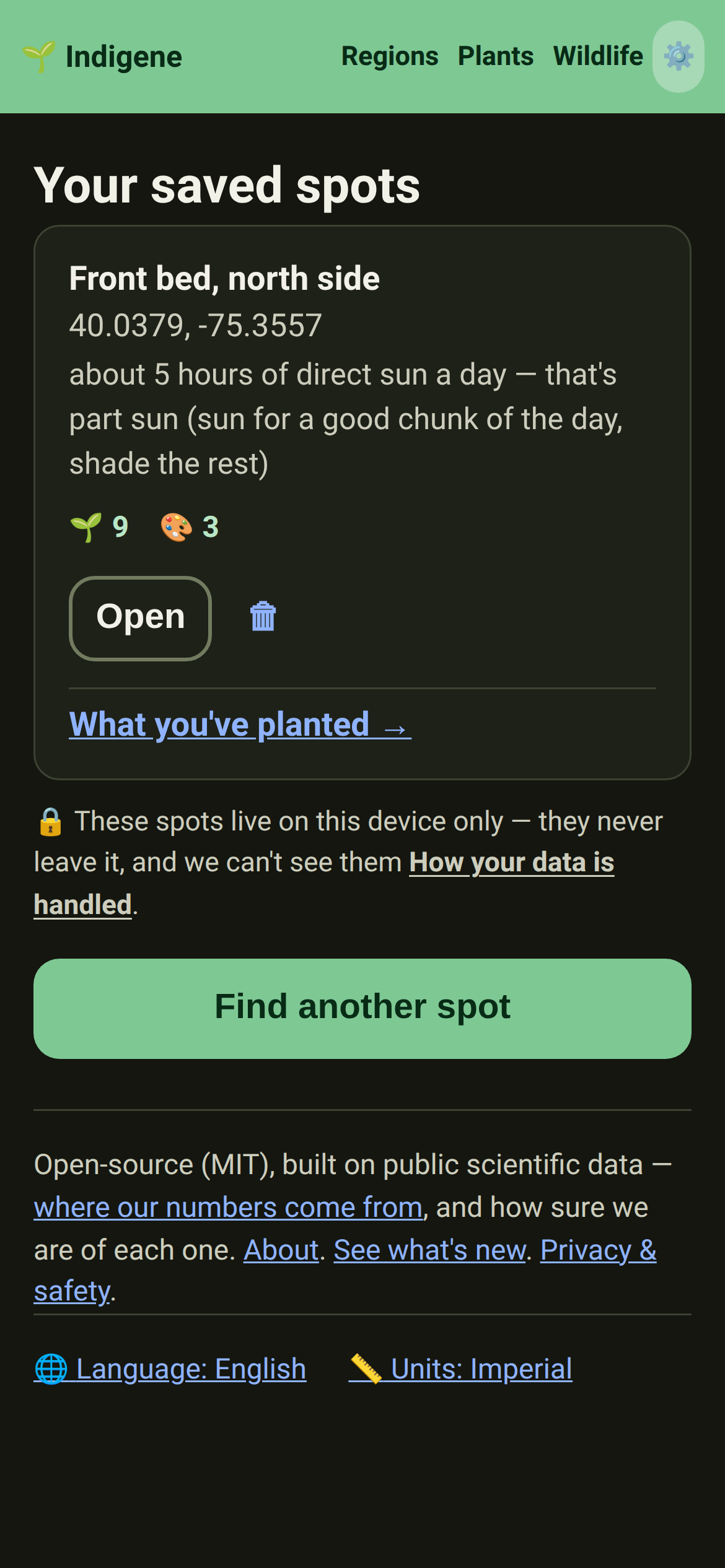
Matches: the buttons on a saved spot say what they do. "Open" is now "Plant more", and the link to what's in the ground reads "Already planted".
The "Most-wanted invasives" lists are now called "Worst invasives", because nobody wants these plants.
In French, invasive plants are now called "plantes envahissantes", the term French naturalists and the sources we cite use, instead of the anglicism "invasives".
The French text reads more like French: dozens of phrases translated too literally from English now say what a French gardener would, such as « laissez-la sur pied » instead of « laissez-la debout ».
Regions: a region page's worst invasives are one tap away, from a chip beside the plant categories at the top.
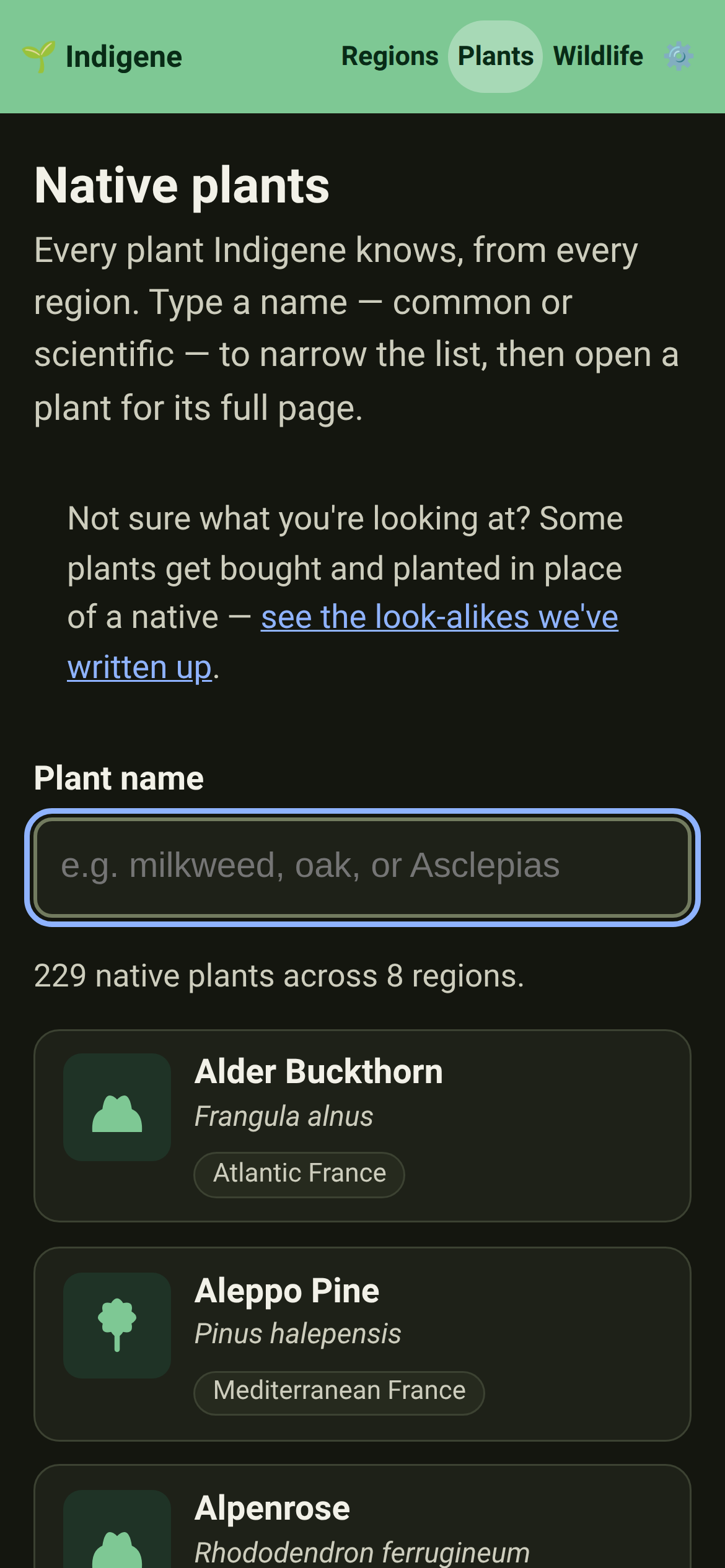
Plants: the plants index opens with five short links — look-alikes, swaps, worst invasives, crops, growing more — instead of four paragraphs, so the search is on the first screen.
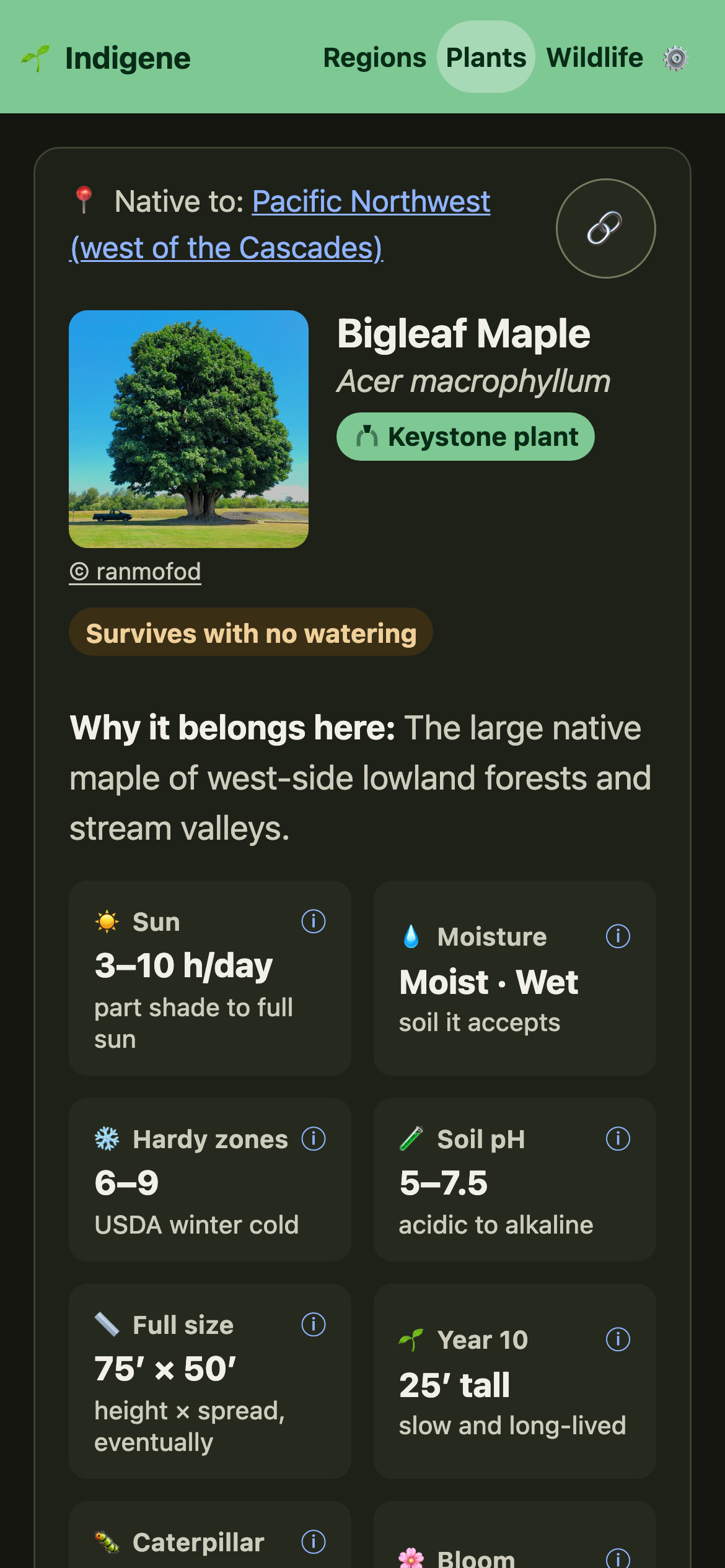
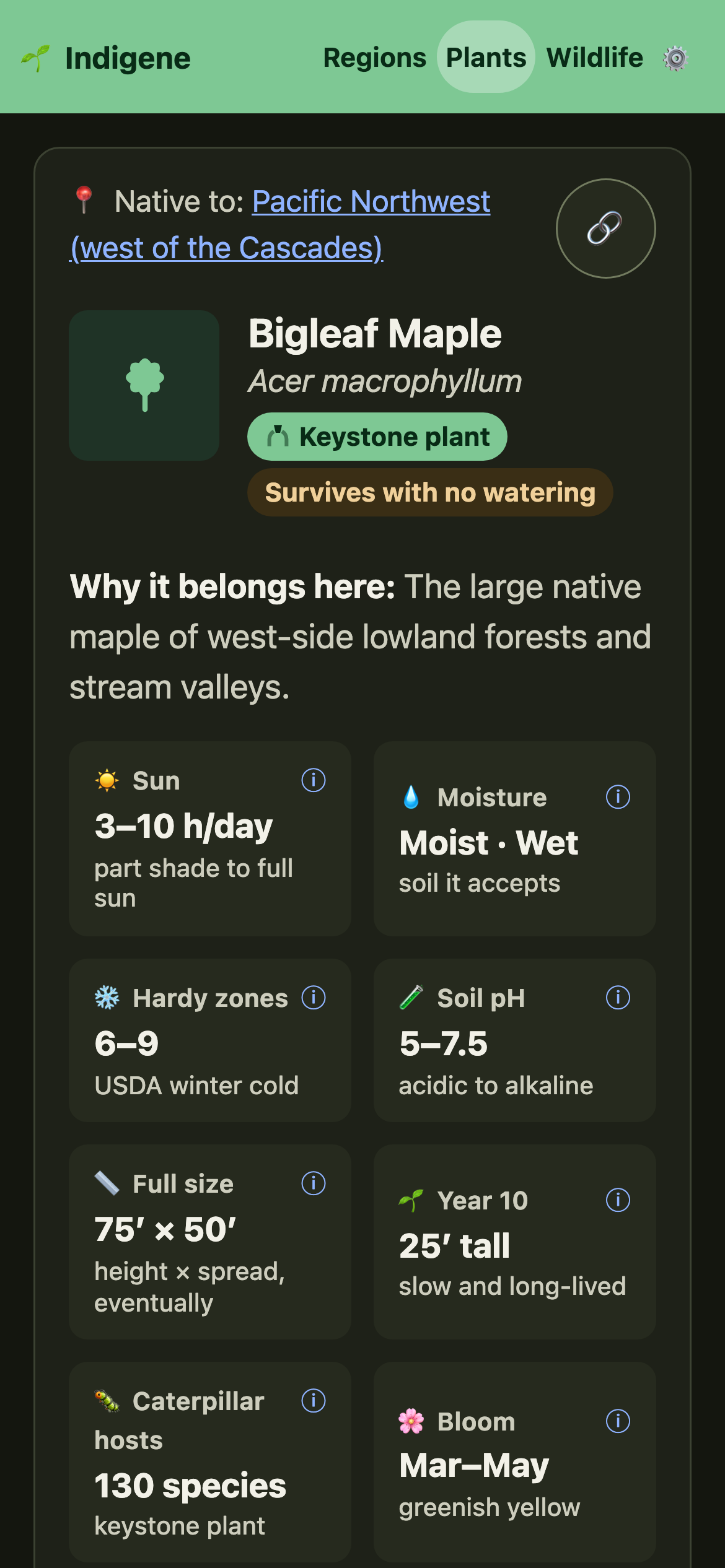
Plants: a plant's page puts its "Figures for" region switch right above the figures, the photo link beside the photo, and a title on the growth drawing. Care and wildlife writing moved into two cards: Growing needs and Ecosystem services.
Plants: figure labels are shorter in English and French ("Caterpillars", "Hardiness"), and a wrapped label no longer knocks its tile out of line. The "Year 10" tile is now "Growth": how fast it grows, then its height by year 10.
Plants & Regions: "keystone plant" is now "essential plant" on labels, tiles and region counts — a plant local wildlife leans on far more than most. Ecologists' word for it is still there, explained, where you tap for more.
Fixed
Sharing a plant shows its picture-card again, and 133 of those cards were quietly out of date — a maple that feeds two creatures said nothing about them. Every card now matches what the plant's page says.
Screen readers now say what each emoji means here instead of its official name: 🚫 in "No thorns" is "no", not "prohibited", and ↗ says the link opens another site. French readers hear it in French.
Plants & Wildlife: dozens of notes were corrected. A monarch needs a milkweed, not one particular milkweed; yerba buena means "good herb"; Europe has more than one green butterfly; a bushtit weighs about five paperclips.
Plants: wild garlic now warns that every part is toxic to dogs and cats, and that its leaves look like two poisonous plants.
Plants: the "deer tend to leave it alone" tag is off plants deer happily browse, like hemlock, Douglas-fir, wild roses and bramble.
Invasives: two plants went by names that insult people. They're now "highway ice plant" and "Asian bittersweet", and each page says why in a line. Searching "sour fig" or "Oriental bittersweet" still finds them.
Plant notes describe what an invasive does rather than where it's from: "invasive" instead of "invader", and "native here" instead of "belongs here".
About: the page said Indigene runs no analytics, but a visit counter does. It now says so, and that you can switch it off in Settings.
A few facts were wrong: chickadees need yards that are at least about 70% native plants (we had it backwards), butterflies do sip rotting fruit, and peppers come from Mexico, not the Andes.
Keyboard focus now shows on the green header, the plant search no longer reads the whole list aloud as you type, and the date boxes on a saved spot have names a screen reader can say.
The Guide and What's new links in the ⚙️ menu open the right page again from any plant or animal page, and Back now closes the photo viewer.
Plant photos show up on the full plants list again, and while scrolling they now load where you've stopped first, instead of for rows you've already passed.
Plants: on a plant native to several regions, tapping another region above its figures switches to that region's numbers again, and the page stays where you were instead of jumping to the top.
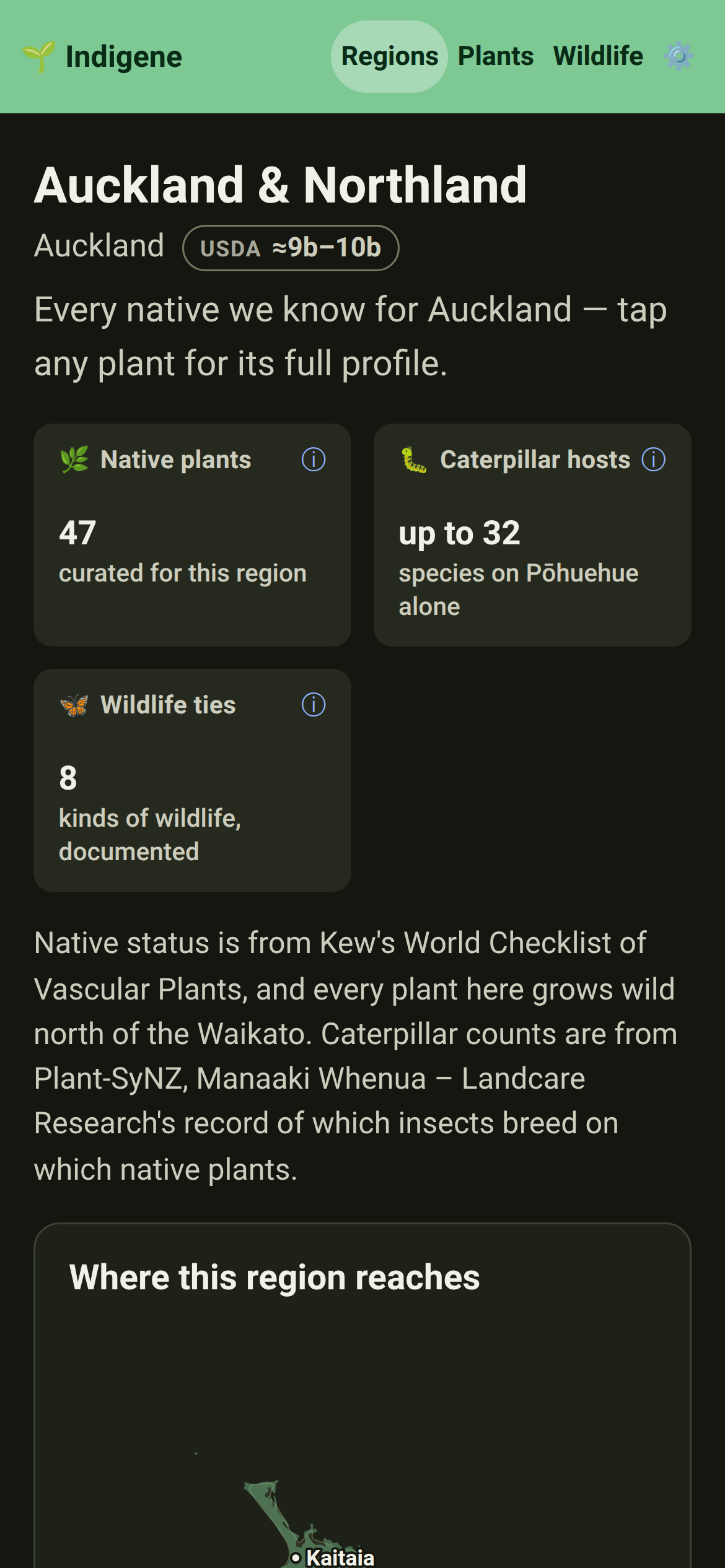
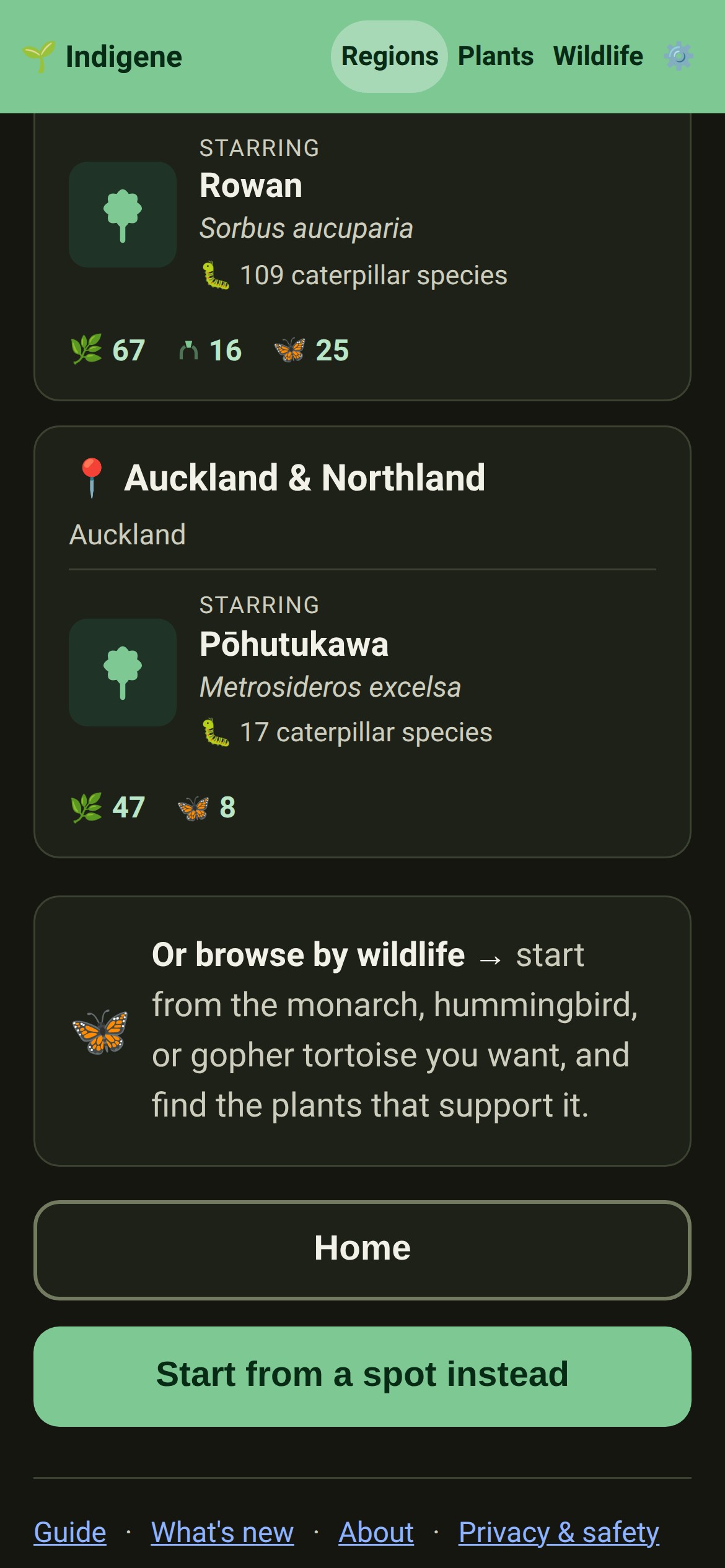
Regions: Auckland & Northland is on the map — 47 native plants from Cape Reinga to the Coromandel, from pōhutukawa to kawakawa, named the way New Zealanders say them, with real caterpillar counts. Our first region south of the equator.
Eight New Zealand animals join the wildlife pages, from tūī and kererū to the pūriri moth, each with the plants that feed it.
The Pacific Northwest now reaches into British Columbia — Vancouver, Victoria, the Fraser Valley and Vancouver Island up to Campbell River. The lowland from Tacoma north is one ecoregion, and the plants have never stopped at the border.
Planting: the yarrow you buy as seed is often the European kind, naturalized here rather than native. The plant's page now says so, and says to ask for the western one instead.
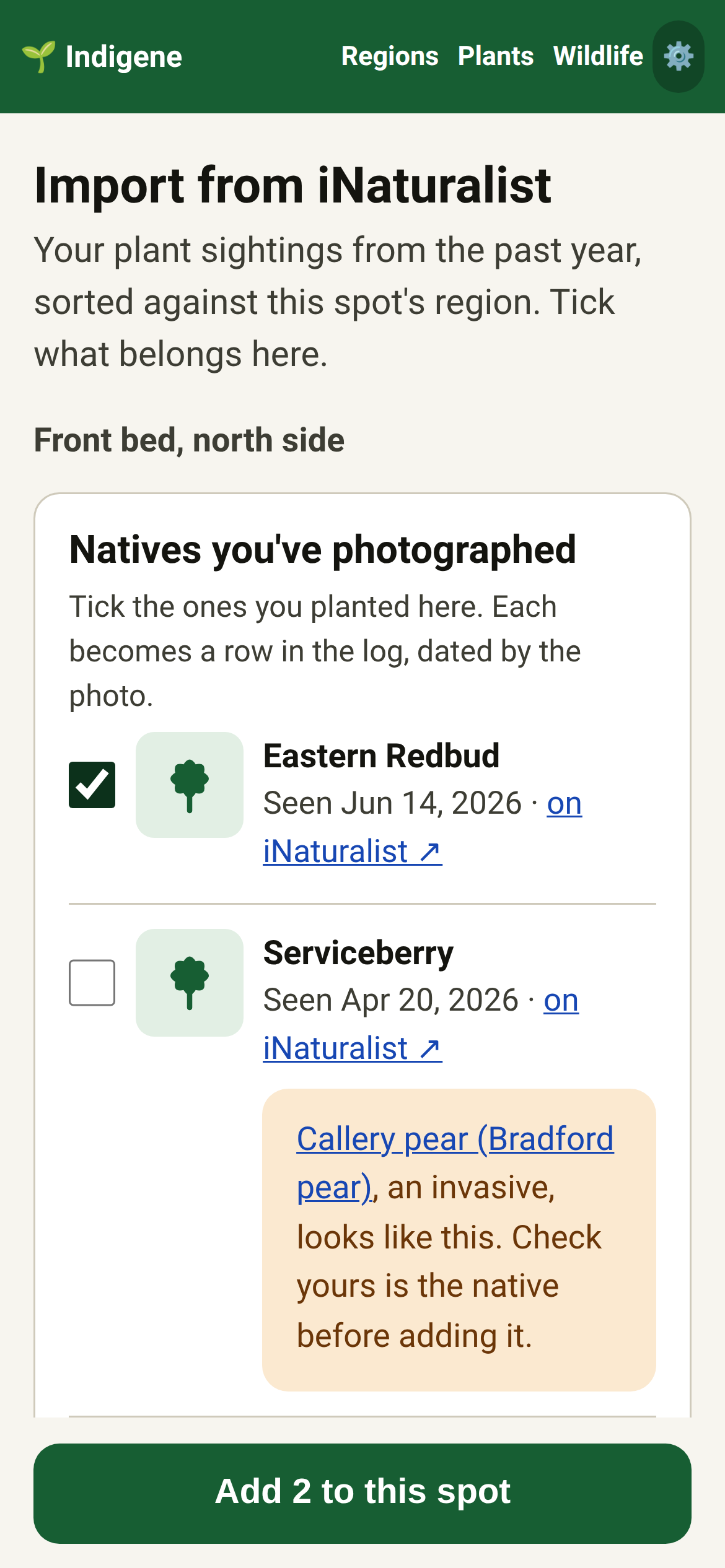
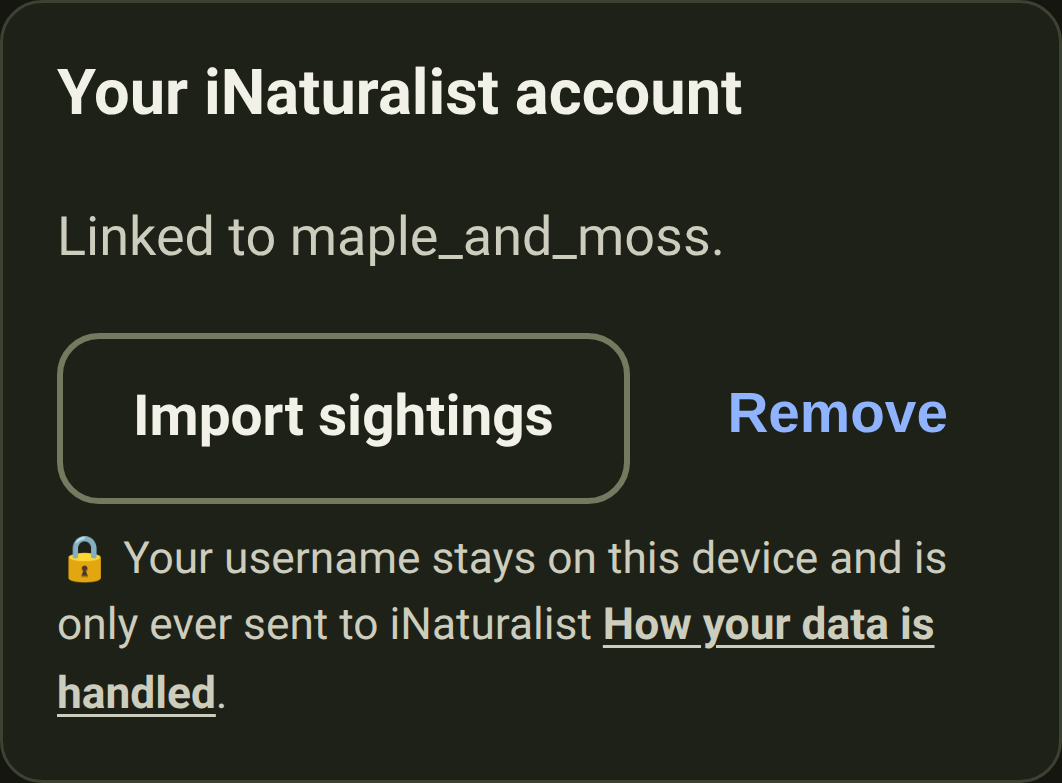
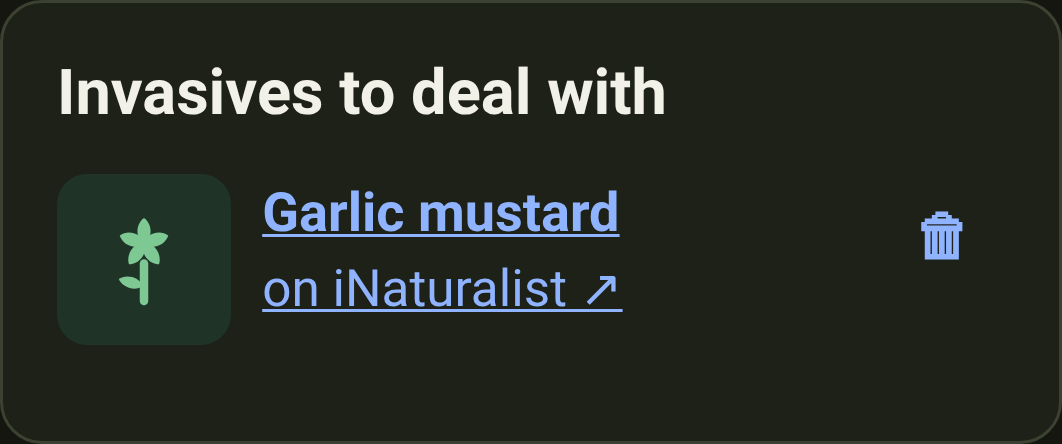
Link your iNaturalist username in Settings to bring the past year's plant sightings into a spot. Tick the natives you planted; invasives others have confirmed go on a to-deal-with list.
Privacy: your iNaturalist username stays on your device, goes only to iNaturalist, and never with a location. Remove it in Settings anytime.
Each region's five most-wanted invasives now have a page of their own, with a preview picture listing all five, so you can send a neighbour one link.
Changed
The "what to do this season" card now knows which side of the equator your garden is on, so a spot in Sydney or Cape Town sees spring now, not autumn.
The list of services on the Privacy page is now enforced, not just promised: your browser refuses any lookup to an address that isn't on it. Two missing entries join it: the services naming your region in Europe and south of the equator.
Fixed
Privacy: opening a saved spot told our visit counter which spot it was, by its private code. Now it only hears that a saved spot was opened, so visits to the same garden can't be linked.
Regions: every region page now lists its five most-wanted invasive plants, ranked by the local experts' rating, then by how often each has been seen wild. Each has its own page: three ways to recognise it, and real photos.
Each most-wanted plant's page now says how to get rid of it for good, by hand: the root piece that resprouts, the stump that suckers, and what to do with what you pulled.
Each tip on those pages now leads with a small picture — a leaf, a berry, a hand pulling, a spade digging — so you can find the one you need at a glance.
Plants & Vegetables: the plant list has a fourth card at the top, for the question that stops people between choosing a native and digging the hole — will it bring pests?
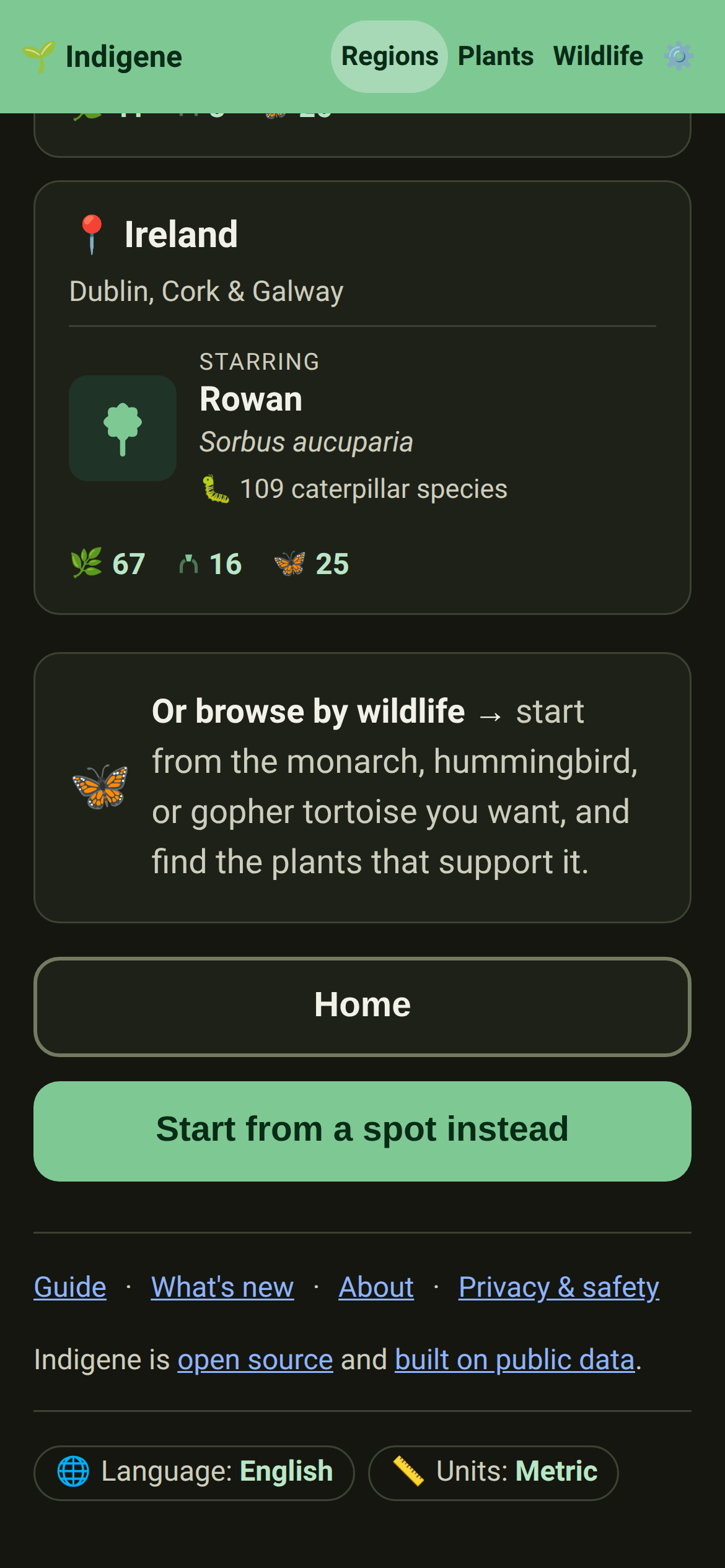
Ireland is on the map — 67 native plants for the whole island, north and south, from the oaks of Killarney to the gorse on a headland and the wild thyme in a Burren gryke.
Wildlife: the marsh fritillary, the cryptic wood white and the peacock butterfly have joined the roster. The first is Ireland's only protected insect, and it lays on one plant — devil's-bit scabious — and nothing else.
Mediterranean France has thirteen more natives, chosen for the caterpillars they feed: hawthorn, sheep's sorrel, sheep's fescue, white wormwood, scorpion broom, hazel, almond-leaved pear, heather, hairy broom, bird's-foot trefoil, the evergreen rose, the service tree and red clover.
Planting: heather flowers from July into October, the emptiest stretch of the southern year for nectar — everything else has shut down for the drought. That is why it is on the Mediterranean list.
Planting: eight more Pacific Northwest natives — Sitka spruce, shore pine, wild rhododendron, fringecup, sweet coltsfoot, western skunk cabbage, vanilla leaf and stream violet. Sweet coltsfoot flowers in February, on bare stalks, when a bumblebee queen has almost nothing else to feed on.
Fixed
Plants: on a phone, the last card you tapped at the top of the plant list stayed lit up with its link underlined, as though a mouse were resting on it. It lets go now.
Whether natives bring pests & photographs for the native swaps
September 19, 2026
Added
Will the bees and birds you invite eat your fruit and vegetables? A new page answers it with what farms measured when they planted wildflower borders. Every plant's page links to it.
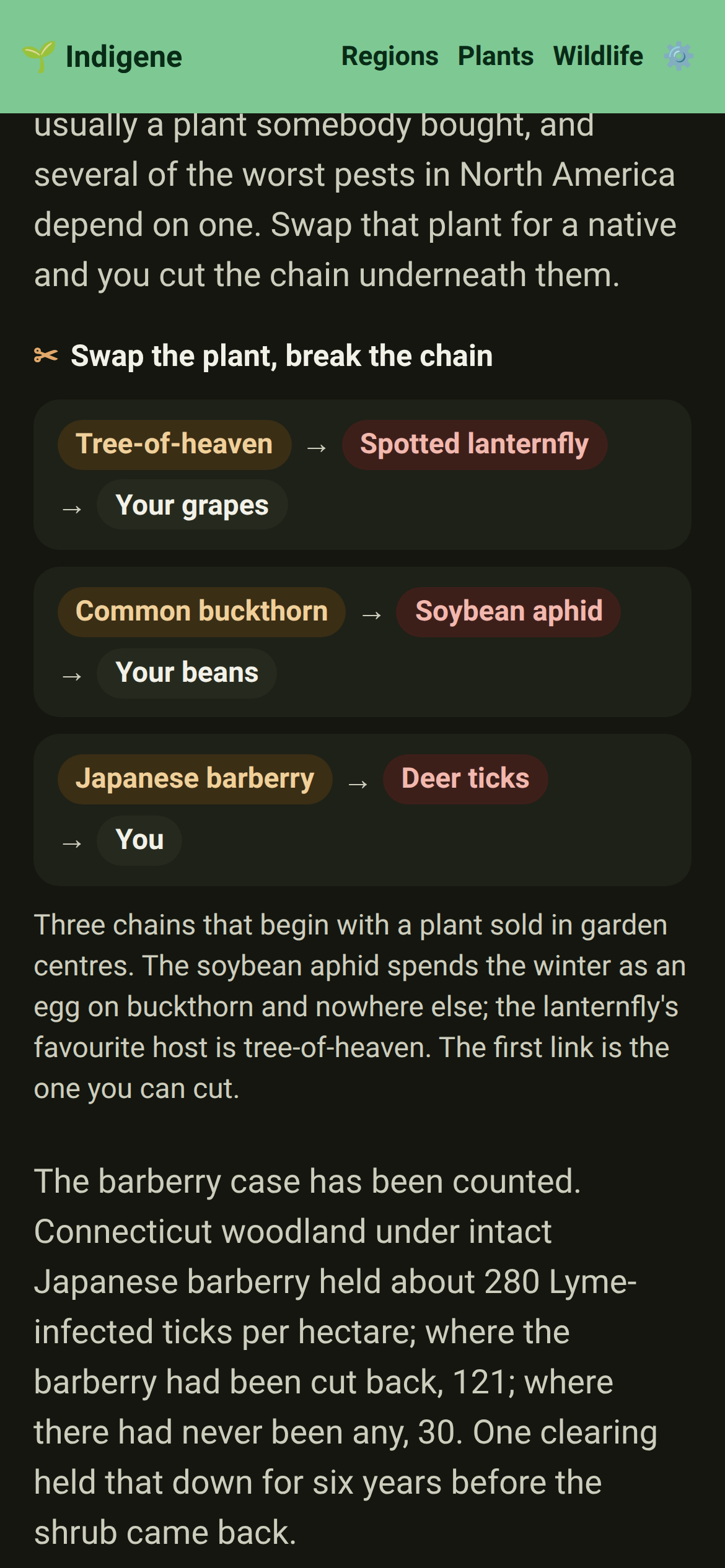
Vegetables: the same page shows how some natives take a pest away. The spotted lanternfly leans on tree-of-heaven, the soybean aphid winters on buckthorn, the ticks shelter under barberry — swap the plant, cut the chain.
Vegetables: four drawings instead of four more paragraphs — who eats what, those three pest chains, the fat in a native berry against an invasive one, and a two-column ledger of what the bird evidence does and doesn't show.
Vegetables: a section for the evidence that argues back, at full strength — where borders don't help, which natives are a bad neighbour for apples or strawberries, and the ecologists who say origin is the wrong question.
Native swaps: tap the small picture beside a suggested plant and it opens full size, with the photographer's name and licence — the same viewer the big photographs use.
Native swaps: 27 more of the garden plants we suggest a native for now have a photograph of their own, instead of a drawing of a generic shrub.
Changed
Native swaps: the plant's name in each suggestion is the link to its page now, in place of the wide button underneath it — so a page of five suggestions is a screenful shorter.
Look-alikes & Native swaps: on a laptop these pages use the width they have. The photograph sits beside the text, and each thing being compared reads across one line instead of three.
Fixed
Look-alikes & Native swaps: "Photos on iNaturalist" opens the plant's own page there, rather than a list of search results to pick from.
Native swaps: the list of swaps for one region fills a laptop screen like the full list already did, instead of squeezing into a narrow column down the middle.
Native swaps: crape myrtle now has natives beside it — serviceberry and redbud in the Mid-Atlantic, fringetree and Simpson's stopper in Florida. It's a fine tree on nobody's invasive list; about three kinds of caterpillar live on it. See the swaps
Native swaps: a bahiagrass lawn in central Florida meets sunshine mimosa — a low pink-flowered mat you mow two or three times a year instead of weekly.
Native swaps: eight more of the plants people actually buy now have natives beside them — mophead hydrangea, lilac, Japanese spirea, Indian hawthorn, lantana, Japanese andromeda, horse-chestnut and Chinese wisteria. See the swaps
Native swaps: horse-chestnut goes brown and shrivelled by high summer now, all over Europe — a leaf-mining moth spread with it. Small-leaved lime keeps its leaves, and hums with bees in July.
Native swaps: lantana really is a nectar bar, and Florida's worst-tier invasive besides. California fuchsia brings the hummingbirds without the thickets or the berries that poison livestock.
Native swaps: a mophead hydrangea's big florets are sterile — bred for size, so no nectar and no pollen. Arrowwood viburnum and Pacific ninebark carry the same white plates, every floret working.
Native swaps: nine more, taken in order of how widely they're grown — ginkgo, sweetgum, southern magnolia, strawberry tree, Mexican bush sage, Cape plumbago, bottlebrush, Japanese cheesewood and trailing lantana.
Native swaps: a ginkgo is a marvel and no caterpillar on this continent has ever met one, so a ginkgo avenue is a place birds hunt and find nothing. Red maple feeds close to three hundred kinds.
Native swaps: the Central California Coast has its first swap stories — madrone for a strawberry tree, hummingbird sage for a Mexican one, beach strawberry for trailing lantana. See the swaps
Native swaps: nine more from the top of the list — rosemary planted by the hundred on banks, Norway spruce, giant sequoia, European beech, oakleaf hydrangea, star magnolia, blue passionflower, jade plant and garden tulips. See the swaps
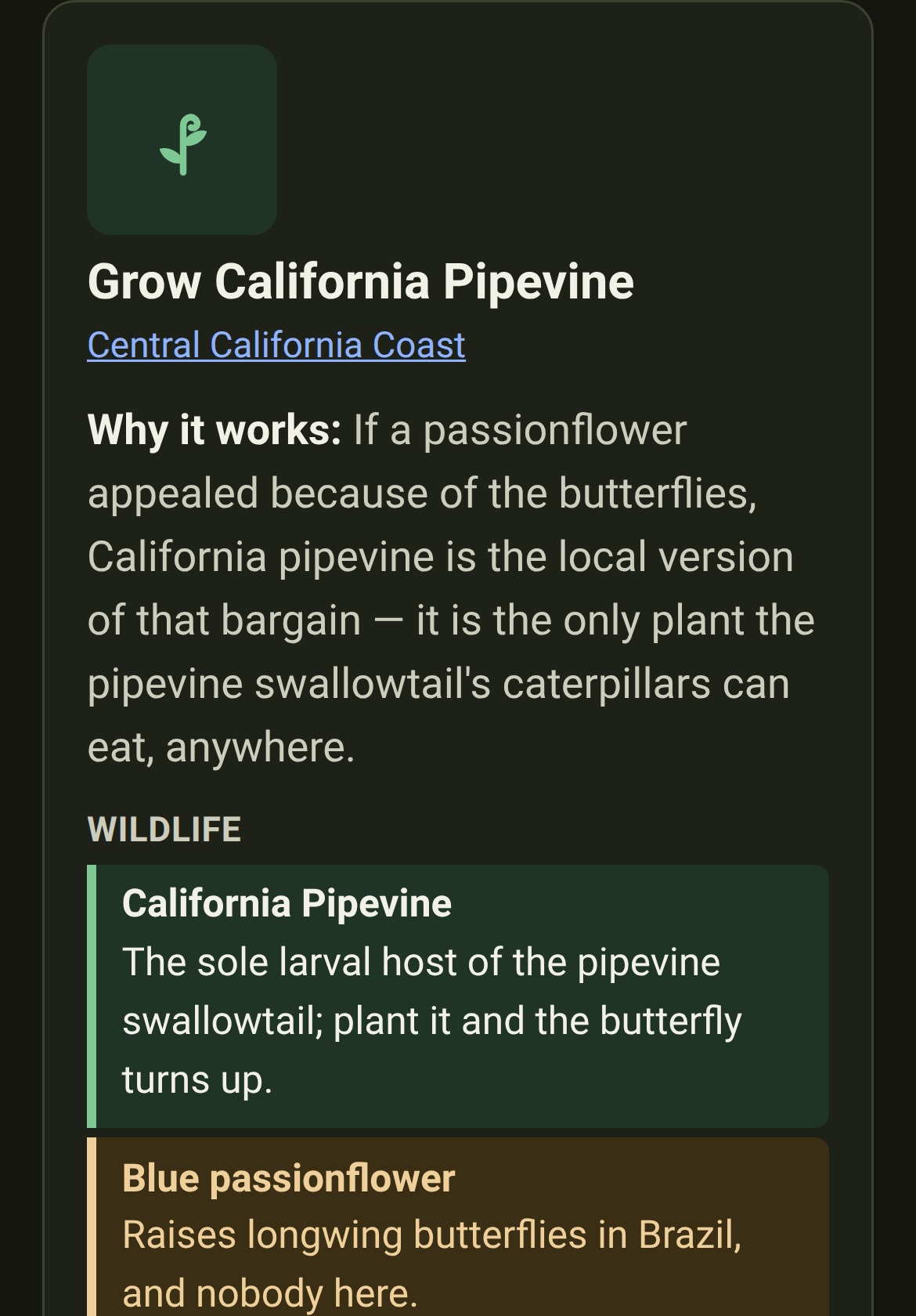
Native swaps: if a passionflower appealed because of the butterflies, California pipevine is the local version of that bargain — the only plant the pipevine swallowtail's caterpillars can eat, anywhere.
Native swaps: a bed of modern tulips is a shop window with nothing on the shelves — the nectar has been bred out of the doubles and parrots. Bluebells come back thicker every year instead of thinner.
Native swaps: keep the rosemary by the kitchen door. This is about the banks and car parks planted with it by the hundred, a hundred miles from anywhere it grew up.
Plants: five natives the lists were missing — American beech, American basswood, eastern hemlock and eastern white pine join the Mid-Atlantic, and coontie joins North & Central Florida. See the plants
Plants: American beech is now the answer to a European one, which is a better sentence than the oak we had to offer before. Same grey trunk, same copper winter leaves, and the caterpillars are here.
Plants: coontie is the only plant an Atala butterfly caterpillar can eat, and its range is creeping back north as people replant it. It belonged on the central Florida list all along.
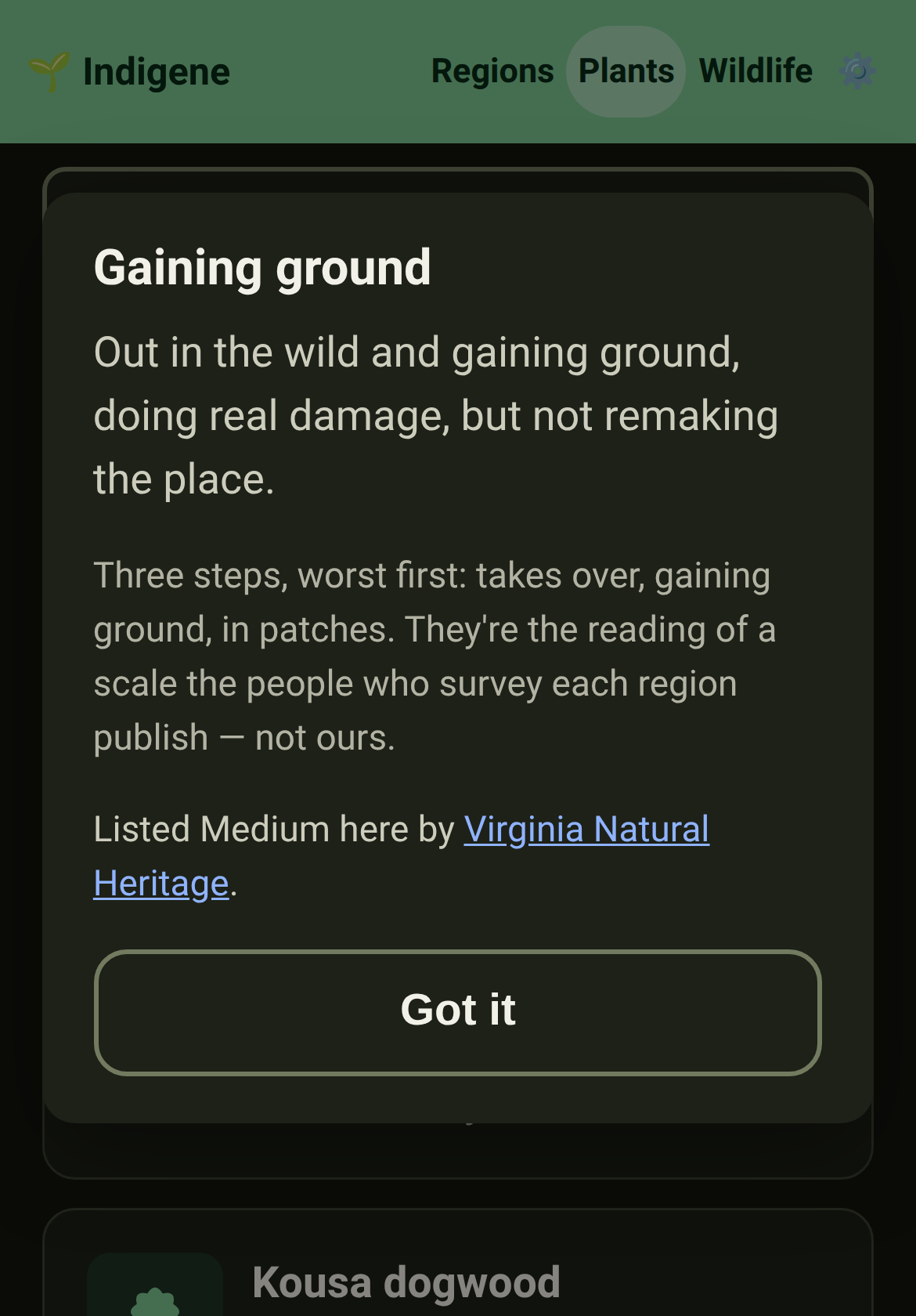
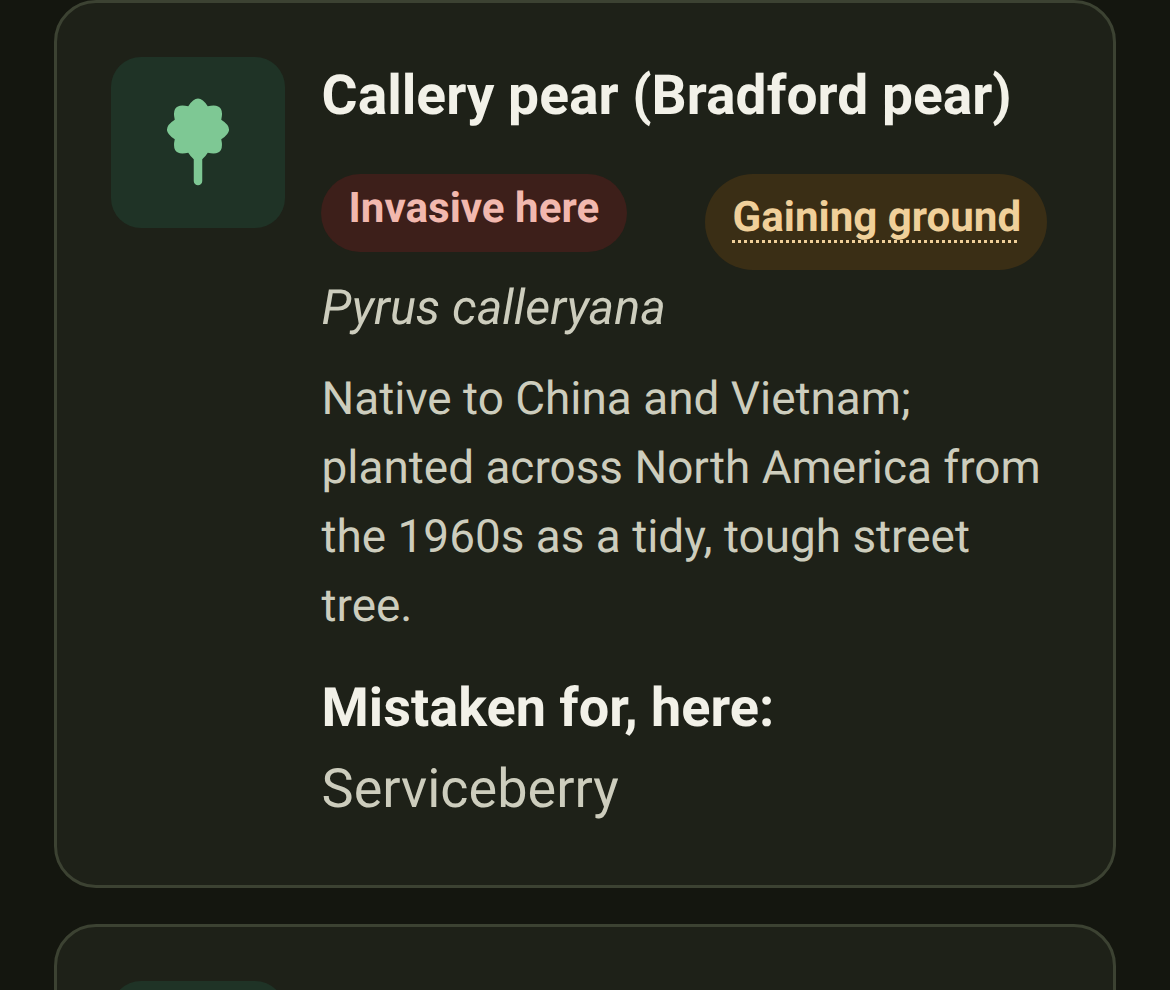
Look-alikes: an impostor now says how hard it pushes here, not just that it's invasive — takes over, gaining ground, or in patches — with the body that scored it named beside it. See the look-alikes
Look-alikes: where the law is all anyone has published, we print the law and say what it asks. Washington's Class C doesn't mean a blackberry is mild; it means it's already everywhere.
Look-alikes: tap "Gaining ground" and it tells you what it means, where it sits on the three steps, and who scored it — a tooltip only works if you have a mouse, and most of you don't.
Look-alikes: the index now spells out the whole scale, where the words come from, and what a card with no badge means — nobody has scored that ground yet, which is not the same as harmless.
Native swaps: the everyday garden staples now have native answers too. Daylilies, hostas, periwinkle, maiden grass, garden roses and yellow flag iris each meet the native that does their job — so nearly half of every plant we recommend now names what it stands in for. See them
Native swaps: a photo of each, and linked to the look-alikes. Every ornamental now opens with a real picture, and where one is also a plant people mistake for a native, the two pages link across — “tell it apart” one way, “grow a native instead” the other. See them
Native swaps: now in French for Atlantic France. Every ornamental there and the native that betters it reads in French — what each plant is, and the side-by-side on the water it saves, the disease it dodges and the wildlife it feeds. Other regions follow. See them
Southern California's list had no evergreen trees in it at all. Four are in now: Tecate cypress — the region's own, and the only food of one rare butterfly — with Torrey pine, Coulter pine and California juniper.
Wildlife: the juniper & cypress hairstreaks join the catalogue. They are the green of the foliage they sit on, and their caterpillars eat cypress and juniper and nothing else.
Regions: the three thinner French lists caught up.Mediterranean, continental and alpine France gained 44 plants — riverside willow and poplar, bramble, raspberry, winter heath, wall ferns.
Regions: every one of those 44 reads in French the day it lands — what the plant is, how to grow it, how to propagate it, and a line for each animal it feeds.
Wildlife: the orange-tip joins the catalogue. The male's bright wingtips are unmistakable; the female has none, and lays on cuckooflower in the damp corner people mow in June.
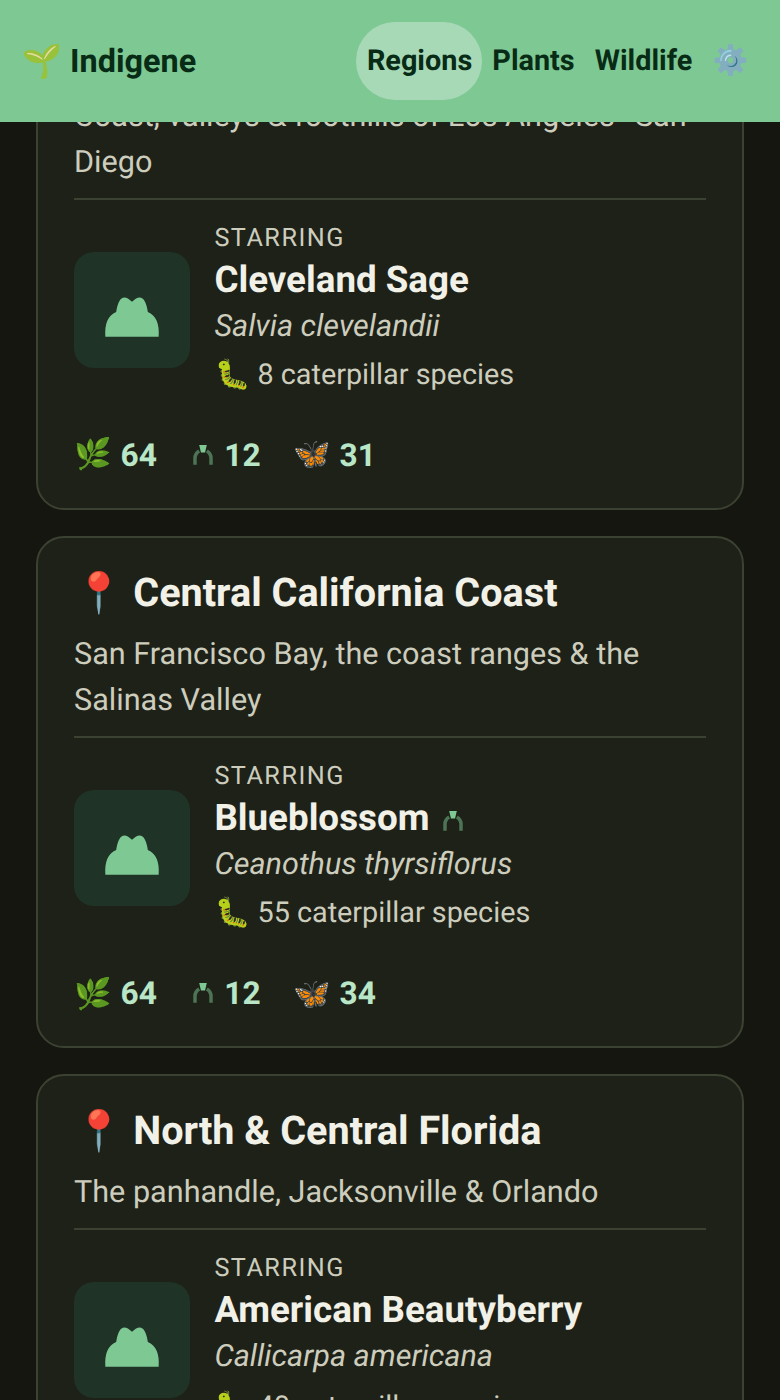
Regions: the central California coast is on the map — 64 native plants for the country from Sonoma and Marin through San Francisco Bay to Big Sur and the Salinas Valley. See the region
Regions & Wildlife: three creatures join the roster — the pipevine swallowtail, whose caterpillars eat one vine and nothing else; the lupine blues, the mission blue among them; and the chestnut-backed chickadee of the fog-belt forests.
Fixed
Wildlife: the mourning cloak is native to Europe as well, where it is called the Camberwell beauty. Its page said North America only.
Wildlife & Regions: the star that marks a plant an animal can’t live without now says the same word everywhere — “Vital.” It used to read “Essential” on the plant and “Vital” on the animal’s summary.
A tab you come back to keeps its colours. A page left open for a day could come back washed out — the green header gone grey, the buttons blank — until you reloaded it. Indigene now spots that on the way back in and paints itself again.
A guide to the whole app. A new guide walks through each part of Indigene in plain words — what it’s for, how to use it, and trusted places to learn more — and keeps itself current from these very notes. Open the guide
Conservation: a plant or animal in trouble now says so. Longleaf pine reads “Endangered (EN) worldwide”; eleven of our plants and animals carry a rank like that, and the rest are doing fine. A link explains what the ranks mean and who assesses them. What the ranks mean
Conservation: and what to do about it. The same line ends by saying to buy nursery-grown stock rather than dig a plant from the wild — and, for an animal, to plant what it needs.
Native swaps: what to grow instead. A new page sets the ornamentals people plant everywhere — and that aren’t from here — beside a native that does the same job, as tough on water and disease and better for wildlife. A Bermuda-grass lawn, meet little bluestem. See them
A share card for every animal. Post a link to a butterfly, bee or bird and the preview now shows that creature, the regions it's native to, and how many native plants feed or shelter it — not one generic picture for all of them. Browse wildlife
Animals are drawn, not borrowed. Each creature now wears a hand-drawn silhouette in Indigene's green — a butterfly with its wings up, a bee, a bird, a tortoise — across the wildlife lists and pages and on the share card, replacing the phone's flat, wings-pinned emoji.
A share card for every look-alike. Post a link to a plant often mistaken for a native and the preview now shows it in a cautioning amber, where it's really from, and how many natives it's confused with — the look-alikes page gets one too.
Every page previews as itself now. Share a link to the guide, the What's-new notes, About, Sources or Privacy — or the plants, regions and wildlife indexes — and the preview shows that page's own title and words, not one generic picture for the whole site.
A share card for every region. Share a link to a region and the preview now shows its own map — with a few cities to place you on it — beside how many native plants, keystones and animals it lists. Browse regions
A share card for every native swap. Share a link to an ornamental people plant everywhere and the preview now shows it in a cautioning amber, what it's grown for, and how many natives do the same job — the native-swaps page gets one too.
Changed
New gardens start in metric. Metres and centimetres are the default now, wherever you are; switch to imperial — or “follow my device” — any time under Units in Settings.
Clearer ways in on the plant list. The pointers under the plant search — spot a look-alike, find a native to grow instead of a common ornamental, or make more of a plant — are now tidy cards, an icon each.
The creatures your plants feed, now with faces to match
August 28, 2026
Added
Six more Northwest natives. The Pacific Northwest roster gains thimbleberry, dwarf Oregon grape, goat's beard, Pacific bleeding heart, meadow checkermallow and tufted hairgrass — filling out its moist-shade, dry-shade and wet-prairie corners. See the region
And four creatures to meet. New on the wildlife pages: the echo azure, the ghostly Clodius parnassian (its caterpillars eat only bleeding heart), the band-tailed pigeon that lives on elderberry and cascara, and the native bees that specialize on checkermallow. Meet them
Northern Michigan is on the map. Indigene now covers the tip of Michigan's Lower Peninsula around Petoskey and Little Traverse Bay — 46 native plants for its cool, lime-rich northern-hardwood and white-pine country. See the region
And the creatures those plants feed. The region and its plants now name the butterflies, moths, bees, birds and mammals they support — 23 kinds, including the endangered Karner blue, whose caterpillars eat only wild lupine. Meet them
Matches & Wildlife: The ranked list shows the plants. The plants matched to your spot — and the plants on an animal's page — now carry a photograph beside the name instead of a drawing of a generic shrub, like every other list in the app.
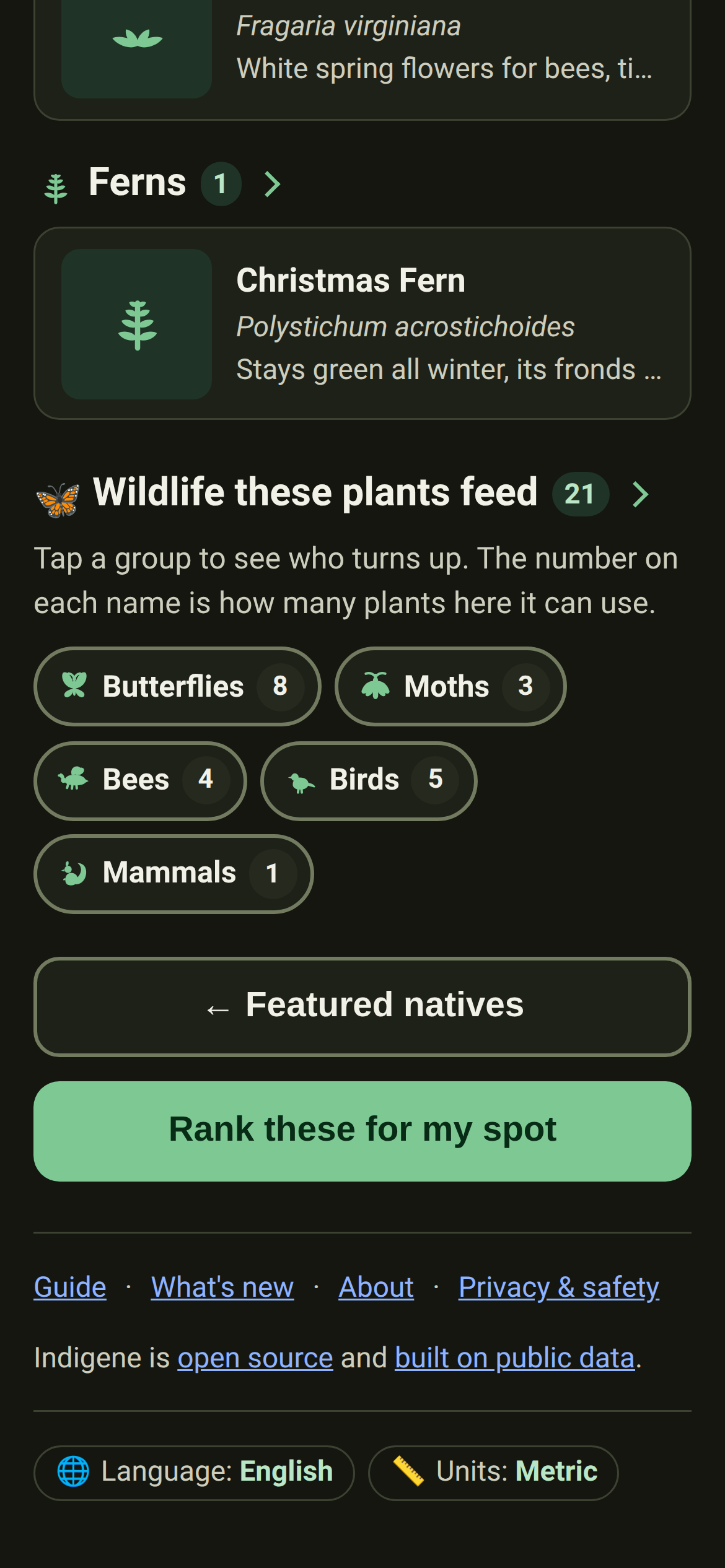
A region's page now names the wildlife too. Under the plants, every region lists the butterflies, moths, bees, birds and mammals they're documented to feed — tap a group for the names, and the number beside each one is how many plants here it can use. Regions
Matches: Your saved spots, as a file you keep. Settings can now write every spot and its planting log to one plain file, and read one back in another browser — so a phone and a laptop can hold the same garden. Take a copy.
Matches: Reading a copy never overwrites anything. Spots you already have are kept as they are, so bringing the same file in twice changes nothing — and a file we can't make sense of is turned away with a reason.
Pull down to reload, on an iPhone Home Screen app. Installed to the Home Screen, Indigene opens without Safari's reload button. Now a drag down from the top of a page brings the bee over to fetch a fresh copy.
A Reload button as well, in the menu. A drag isn't for every pair of hands, so the gear menu grows a Reload row wherever the pull-down lives.
Plants: A plant's page now tells you how common it is around your garden, without being asked. If you've given the app a spot, "See it growing near you" opens with how often people have recorded that plant nearby — and says which spot it counted.
Plants: A region gets an answer too. Picked your region from a list instead of sharing a spot? The page now says how often the plant is recorded across that whole region, from dated figures that travel with the app.
A little map on every saved spot.Your spots and your last one in Settings now show the streets around the pin, so you can tell the alley bed from the front bed without reading two rows of digits.
Matches: Spots say where they are in words. "near Radnor, Pennsylvania", and each number now says which it is — "Latitude 40.0379° N" rather than a bare pair with a minus sign in front. The town is remembered when you find the spot.
Matches: Saving a spot offers its town as the name. The box that asks what to call it starts with "Radnor, Pennsylvania" instead of a pair of coordinates — something to accept or edit, not something to replace.
A saved spot now says what it can feed. Its page lists every butterfly, bee, bird and animal the plants you've logged there are documented to support — with a star on any that has no other plant to turn to. Your spots.
Matches: Two new figures at a glance. A spot's tiles gain the number of creatures its plants can feed, and each row in your saved list carries it too — so a garden's reach shows without opening it.
A picture for nearly every plant and animal. The 109 plants and 70 animals nobody had chosen a photo for now show the one iNaturalist's own species page opens with, credited to the photographer. Wildlife is a page of real butterflies instead of identical emoji.
The plants in your log, with their pictures. A saved spot's "What you've planted" list now shows each plant beside its name, so a log read standing in the garden matches its rows to what's actually growing there. Your spots
The impostor and the real thing, side by side. Every look-alike now has a photograph, shown next to the native it gets mistaken for — two pictures in one row, above the words that tell them apart. Tap either to swap between them full size. Look-alikes
Look-alikes: And a picture on every card in that list. The look-alikes index used to be names and paragraphs; now each one leads with the plant, for the reader standing under a street tree trying to work out which it is.
Changed
Where our numbers come from now says why we believe them. The page adds the four questions a source has to answer before we use it, and is plain that a person, not a database, writes every line. Where our numbers come from
*A look-alike is only invasive somewhere.* The list called plants invasive or not-from-here before you'd picked a region — and a few of them are natives of ours. Each now names the regions where it's a problem, on the list and on its own page. Look-alikes
The strip above the page matches the header. Added to a phone's Home Screen, Indigene showed a slightly different green up at the top — and in dark mode a dark one under a pale header. Now it wears the header's own colour.
Matches: A spot's fact boxes lead with the number. Plants, Species, Nurtured, Sustained — one word each, and the figure set large enough to read at arm's length.
Matches: All the little fact boxes are one size now. A label long enough to run onto two lines used to make its box taller than the one beside it and knock the numbers out of line. On spots, plants and regions alike, they line up.
Matches: A planted row says its size in five words. "6.6 ft × 4.6 ft if thriving" in place of the sentence that used to wrap onto a second line, so a plant in your log is one line to read.
Plants: A linked photo says "Sighting". It used to show the observation's number, which told you nothing — now a row with a sighting looks different from one without, and the button below offers to add another.
An animal's plants are counted where the list starts. "Plants for it — 18" used to be a tile a screen above them. The count is now the list's own heading, with each region's under it. Wildlife
Wildlife: Shorter cards in that list. Each carried a sentence about the tie, so five plants filled two screens. A card now gives the name, what the plant offers, and the source across its full width; the sentence is a tap away, on the chip.
A way to search a long list. An animal with more than a screenful of plants gets the same type-to-narrow box the region lists have — try it on the sunflower-family specialist bees.
The tallies show up where they tell you something. "Raises young on: 1" over a list of two plants was counting to two for you. Those boxes now wait for the long lists, like the monarch's.
Matches: And they're the boxes a saved spot has. Host, Shelter, Vital — one word over a big number, matching your spots. Each word is the one the plants below wear, so you can see which five of eleven the box means.
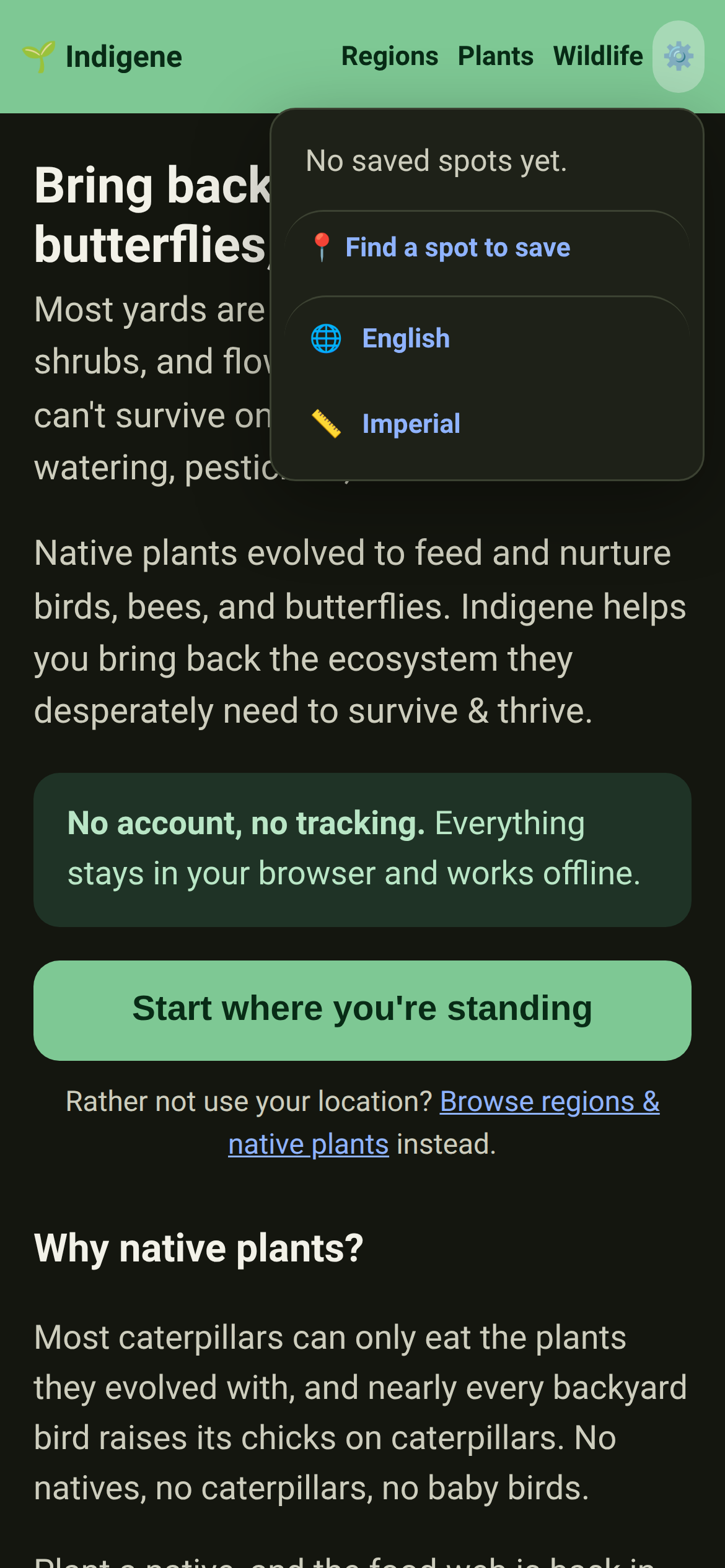
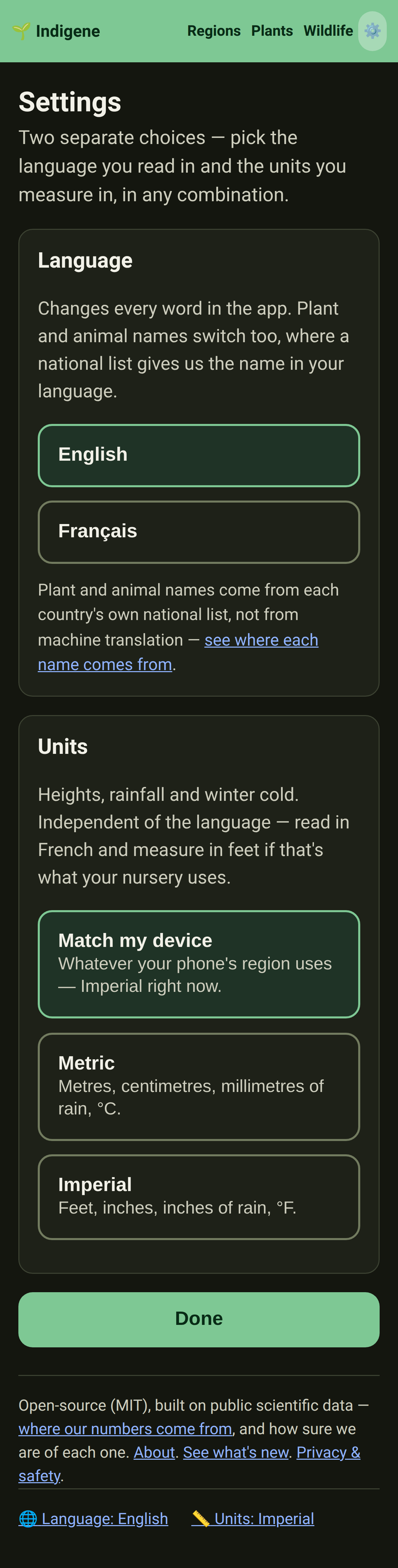
The gear menu offers Settings, not two settings. Language and Units each had a row of their own; one Settings row now opens the page that holds them, and everything else you can change. Settings
Your language and units read as settings, not links. At the foot of every page they're quiet pills with the value picked out, instead of two underlined blue phrases that looked like somewhere else to go.
Plants: The sightings lookup opens in one line. "See it near you", and a plant's "See it growing near you", took three lines to say what they now say in one: community-verified iNaturalist photos, near a place you pick.
Wildlife: The other places to look are one row you can swipe. A monarch is found in four regions, and each was a full-width button down the card. They're chips on a single line now, and each still runs the lookup there.
"It's yours" now includes taking it with you.Privacy and About both say so, and Privacy links straight to the button that does it.
Plants: The count no longer comes with a gallery attached. It used to take the same tap, and the same big download, as the photographs. Now the number arrives on its own, and the photos still wait until you ask for them.
The app downloads about a third less to get started. It used to carry the plant lists for all nine regions before showing you anything. Now it fetches the one region you're gardening in, and keeps it for offline.
Fixed
The app picks up a new release without a fight now. Installed to an iPhone Home Screen, Indigene could keep showing an old version through every reload, because it reloaded from its own cache. A reload now always checks the web first. What's new
Matches: Nearly enough sun is no longer a complaint. A plant wanting an hour more sun than your spot gets was told off for it, quoting two numbers that rounded to the same one. It now says it may just not grow as well.
A row with no photograph looked like a broken one. Some entries in the wildlife list — "Mason & mining bees" — are a group rather than one species, so there's nothing to photograph them as. Their names now line up with everyone else's. Wildlife
Look-alikes: A look-alike's write-up ran to the edges of its card. The description and its sources sat flush against the border while everything above them was indented. They line up now.
Matches: Your last spot said where it was to the nearest hundred kilometres. Settings rounded the coordinates to whole degrees, so a garden outside Philadelphia read "40, -75". It now keeps the four decimals the saved list already showed.
Plants: "No close-ups yet" was squeezed into a thin column. On a plant nobody has photographed for us, that line sat in one narrow photo slot, a word or two per line. It now runs the full width of the card, and says it in fewer words.
Matches: Fact boxes stopped cutting their labels short on a big screen. On a laptop a spot's boxes were narrower than the same ones on a phone, so "NURTURED" came out "NURTUR…". Every box now sizes itself to the space it's actually in.
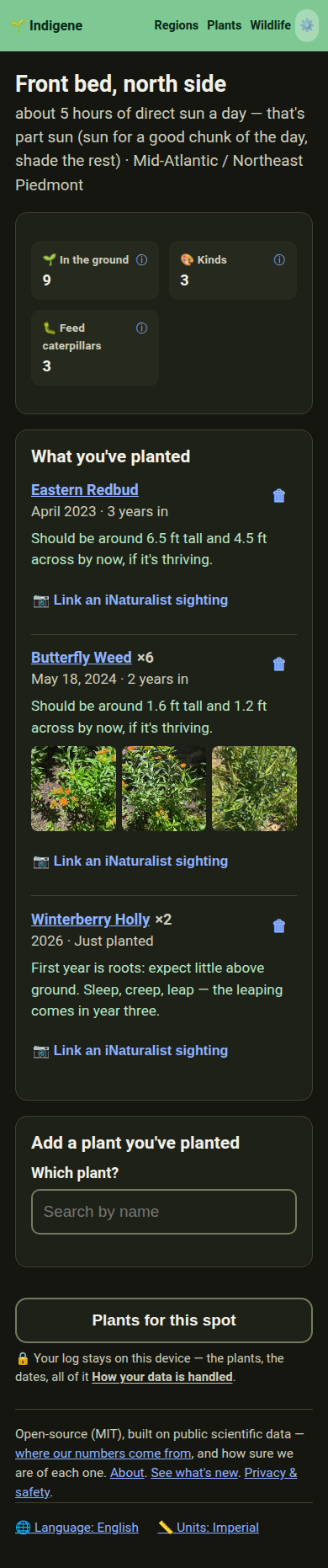
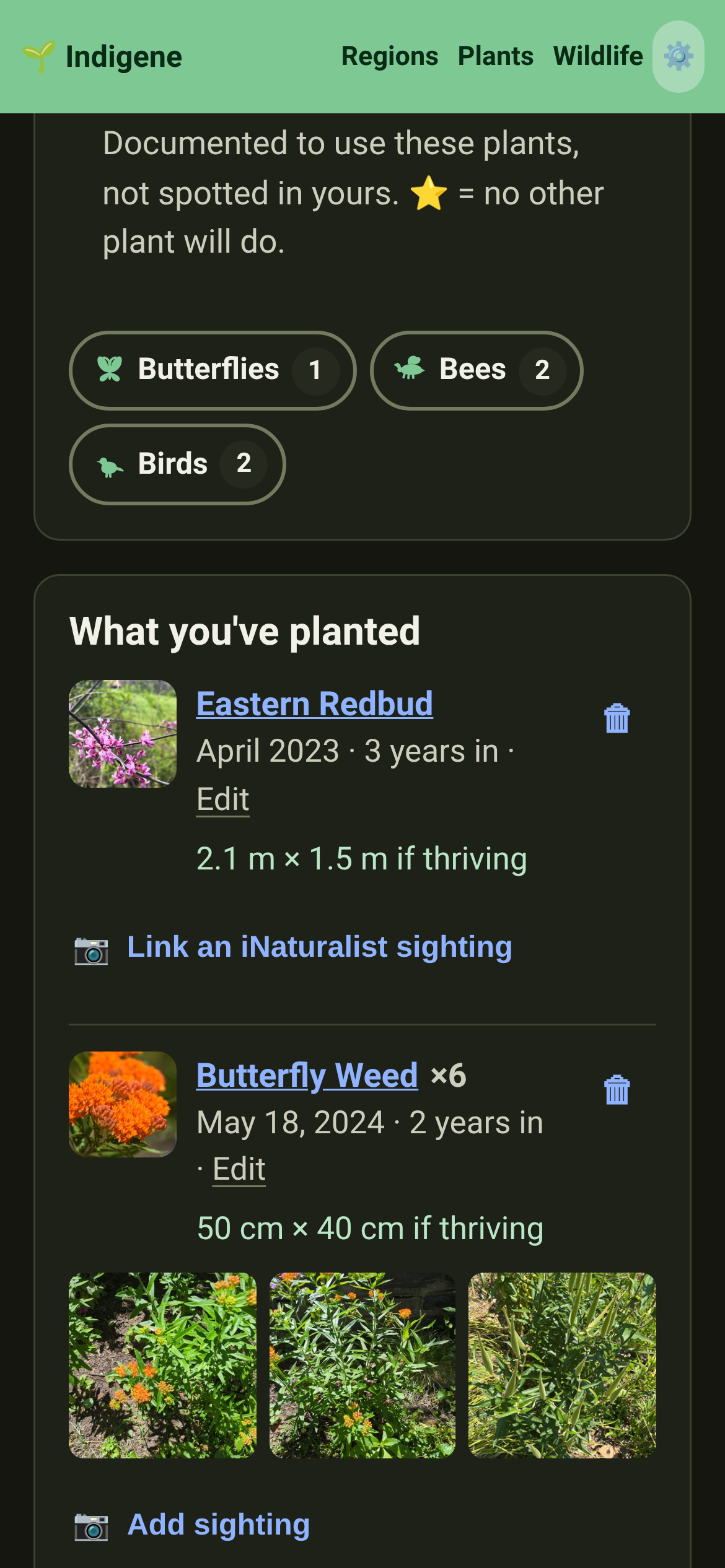
A planting log for every saved spot. Write down what you've put in the ground, and the app keeps the tally: plants, kinds, and how many of them raise caterpillars. Open it from your saved spots.
Matches: Dates can be as vague as you are. Say the day, the month, or just the year — whatever you actually remember. The log then tells you how long a plant has been in and roughly how big it should be by now, from that plant's own measured growth.
Matches: Photos, without handing us your photos. Paste a sighting you posted on iNaturalist — its link, or the UUID the site copies for you — and every photo on it appears beside that plant. One you obscured there stays obscured; only your device knows the corner of the garden.
Plants: "Seldom recorded around here." On a plant's page, under the nearby photos, how often people have recorded it within 31 miles compared with every other plant — so you can put back the ones your area is short of.
Changed
Matches: Your saved spots list what's in them. Each spot now shows its tally and a way through to its planting log.
Four of the new creatures now open with a sentence instead of a fragment or a paragraph. Lorquin's admiral led a card with 42 words; the spicebush swallowtail led with five. Same stories, said properly, in French too. Browse by wildlife.
Fixed
Sources: Twenty plants were citing a command you can't run. Their sources note said a plant was "surfaced by npm run candidates" — one of our tools, meaningless to a reader. It names the evidence now: "Occurrence records in this region's box: 6,819 (GBIF)."
A hundred and thirty-six more animals named on the plants you can grow. Nine regions searched against an open database of published plant-and-animal records. Pairings went from 415 to 551; plants naming nothing at all fell from 78 to 19. Browse them at Wildlife.
Every new pairing names the study that found it — a Swiss food web, a European pollinator network, the Natural History Museum's world list of what caterpillars eat. The sources page says so too.
Wildlife: Nine new creatures. The red admiral, silver-spotted skipper, spicebush swallowtail, Lorquin's admiral, anise swallowtail, eastern carpenter bee, bushtit, lesser goldfinch, and the brown-headed nuthatch — which uses a flake of bark as a tool to pry up more bark.
Regions: Thirteen more Pacific Northwest natives, including the shrub the list most needed. Redstem ceanothus feeds more caterpillars than almost anything else out there and had been missing entirely. With it: red huckleberry, cascara, western trillium, fireweed, licorice fern and eight more. Seventy-one plants now.
Regions: Something is in flower in October now. The region had exactly one plant open that month. Puget Sound gumweed flowers from July until the rain returns, so the last bees of the year have somewhere to go.
Look-alikes: Cow parsnip has a dangerous twin, and the app now says which is which. Giant hogweed is twice the height and its sap can blind. Both burn skin in sunlight, so the look-alike page gives you the tells from a safe distance.
Changed
What's new says the same things in half the words. Every entry on What's new has been cut back to what actually changed — the longest ran to 273 words, which is an essay, not a release note. The plant and region pages still hold the detail.
The Before and After pictures open in the page now. Tapping one used to send you off to a bare image file on another site, with the back button for a way home. They open in the same viewer the app uses for photographs.
And you can move between them. The ‹ › buttons, the ← → keys and a swipe all page through a release's pictures. Escape, ✕, the backdrop or a swipe down puts them away.
The wildlife list is a list again.Browse by wildlife printed each creature's whole description, so a screenful of cards was a wall of text. A card now opens with a sentence or two; the animal's own page still has the rest.
Wildlife: Every animal reads shorter, in French too. All 73 descriptions were rewritten to say the same thing and stop — the longest ran to 101 words — and the French was rewritten to match, so neither edition is the long one.
An animal's page counts its plants in tiles.The monarch shows how many of our natives feed it, how many raise its young, and how many it has no substitute for — the same tiles a plant's page has. Tap one for what it means.
An animal's page no longer calls it "a native animal". Every animal in Wildlife is native, and the page names the regions right beside it. What's left is the part that isn't repeated: where it's native in the wild, and who says so.
Plants: "See it near you" is half as tall on a computer. Asking where to look and offering to look somewhere else were stacked down the page; they now sit side by side. On a phone, nothing moves.
Wildlife: The honesty note at the foot of the wildlife pages is a footnote now — two sentences in small type with the sources link on the end, instead of a paragraph in the middle of the page. What it dropped moved into the 📍 pills.
Regions: Region names are shorter, with the qualifier on the line below. "Florida (south & the Keys)" is now South Florida; "Pacific Northwest (west of the Cascades)" is Pacific Northwest. The brackets had been pushing a name onto three lines on a phone.
Regions: On a laptop the region map is a sensible size now. It used to stretch the whole width of the page, which pushed the plant list off the bottom of the screen. On a phone, nothing changes.
Regions: The list of ecoregion names under each map is gone. It read like a geology exam — "Ridge and Valley, Western Allegheny Plateau" — and the link underneath already says whose map the lines come from.
Regions: Each region map is one shape now, and its coastline is smoother. The lines dividing it into a dozen pieces answered no question anyone asks, and the jagged edges were an artefact of keeping the file small.
Fixed
Four notes meant for the people building Indigene had been appearing on What's new. They're written for developers and are supposed to stay out of the page — a stray pair of asterisks was enough to let them through.
Southern California is covered — 60 natives for the coast and the foothills. Coast live oak, the sages, toyon, manzanita, matilija poppy, and the wildlife each one feeds. The care notes are written for a dry summer: which plants must never be watered in July. See the list.
Three plants a nursery might sell you by mistake in southern California. Tropical milkweed beside the native narrowleaf one, pampas grass beside deergrass, firethorn beside toyon — each with the tells you can check standing in front of the plant. See them.
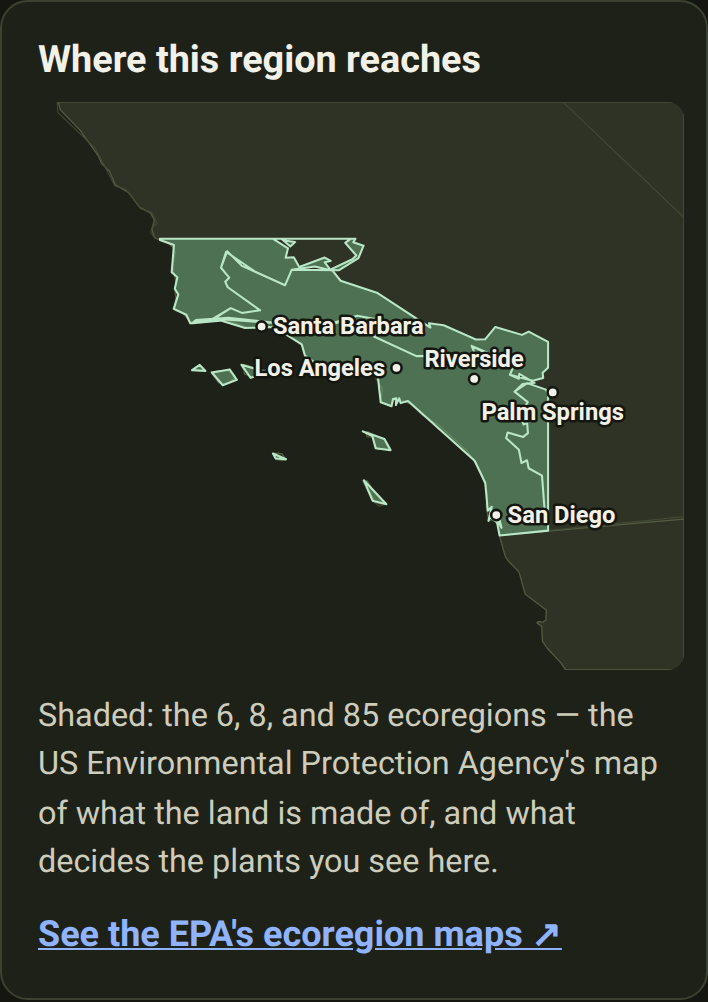
Every region page now has a map of the region.The Pacific Northwest, for one, now shows how far it reaches: the area shaded, the state lines around it, and a caption naming the landmarks at its edges. The maps work offline.
The Mid-Atlantic now follows real ecoregion edges, not a rectangle drawn on a map — see the shape on its page. A few places just outside it, like the Adirondacks and north-western Ohio, are now told we have no list yet, rather than handed the wrong one.
Privacy: We now count how many times each page is opened. One outside service is told that a page was opened, and which one. No cookie, nothing kept to recognise you, never your location or a spot you've saved, and search words are stripped off first.
Every way to grow more, and when in the year to do it. Each of the fifteen techniques now has a page of its own, with the season to do it in. Ways to grow more lays them all against the four seasons.
Planting: Every technique page says how long you'll be waiting, and how it usually goes wrong. Three to six weeks for a soft green cutting; eighteen months for a seed with double dormancy. Each names the one slip that wastes the attempt.
Planting: The windows are seasons and signs, never dates. February in the Florida Keys is April in Pennsylvania. So: take the cutting if a bent shoot tip snaps cleanly, collect fern spores when the frond backs turn brown, sow fresh seed the week it ripens.
A reading list for anyone who wants more than one page.Ways to grow more now names the eight free resources every propagation note is written from, with a line on what each is good for.
Sharing one of these pages shows a picture of the year. Post a link to taking hardwood cuttings and the preview arrives with winter lit, before anyone has tapped anything.
Every plant now has a photo page of its own. The whole plant from a few steps back, then leaves, flowers and fruit up close, each chosen by a person and labelled. Look for 📷 More photos under the plant's name — alder buckthorn's, for instance.
Animals can have real photographs too. The butterflies, bees, birds and mammals in Wildlife were drawn as an emoji, which tells you it's a butterfly and nothing about which one. They now use real, credited photographs.
The French edition is finished. Choosing French used to translate the buttons and then hand you English paragraphs. Every one of them is now in French: all 229 plants, the 65 animals and the 27 look-alikes.
Regions: Plants that grow in two regions now say the right thing in each. Hornbeam is a garden hedge in the west of France and a great forest tree in the east. The French follows that split, as the English always did.
You can send someone straight to one part of a plant's page. Every heading now carries a small #: tap it and the link to that section is copied. Follow one and the card lights up green for a moment.
Fixed
Wildlife: Three groups of animals had French names that never appeared. "Osmies et andrènes", "Abeilles spécialistes des astéracées" and "Colibri d'Anna et colibri roux" were written down, but filed in a way that showed a French reader the scientific name instead.
Changed
"Ways to grow more" uses the whole screen on a computer.The page was a narrow strip of cards with empty space either side; the techniques now lay out three across, and it is half as tall. On a phone, nothing changes.
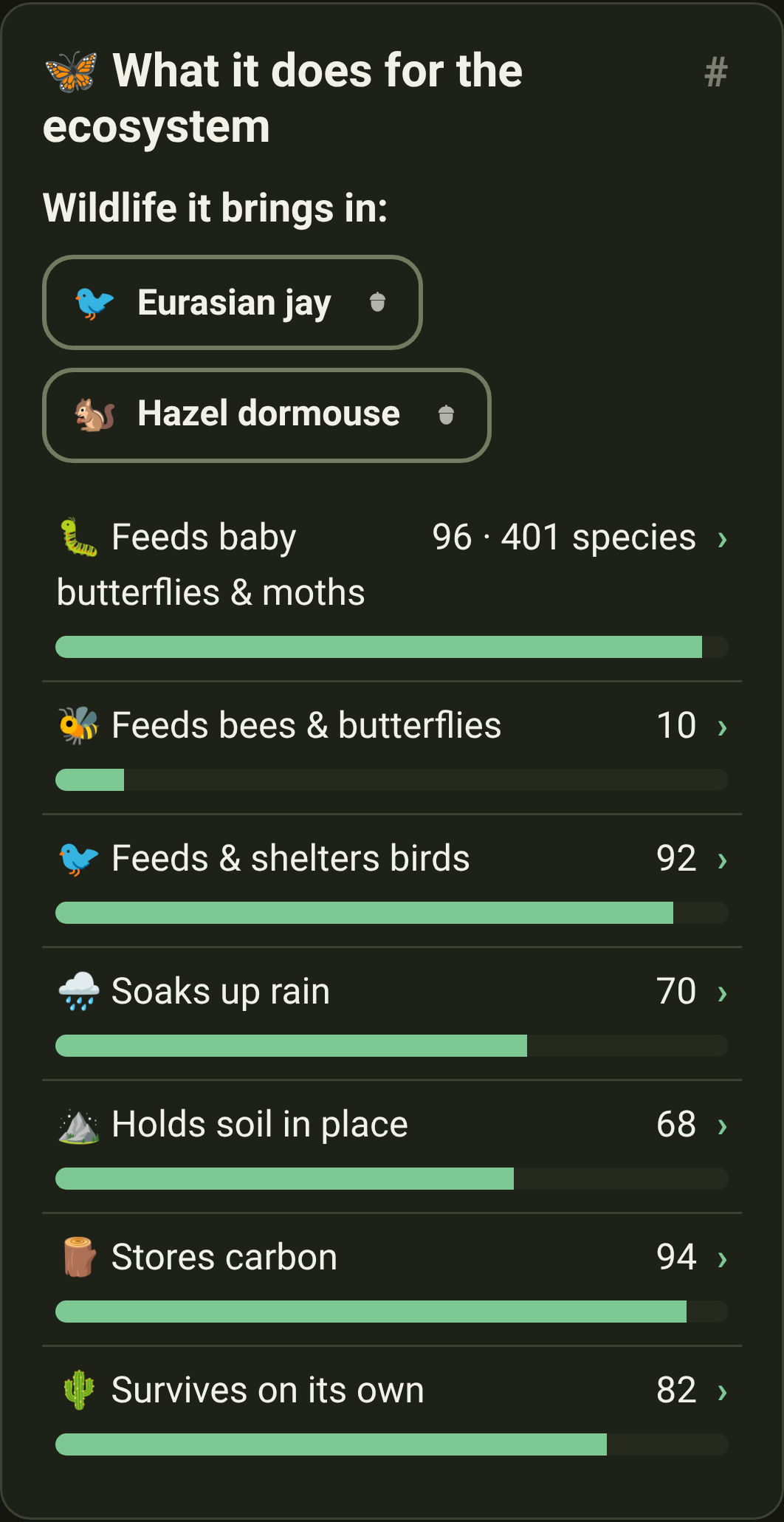
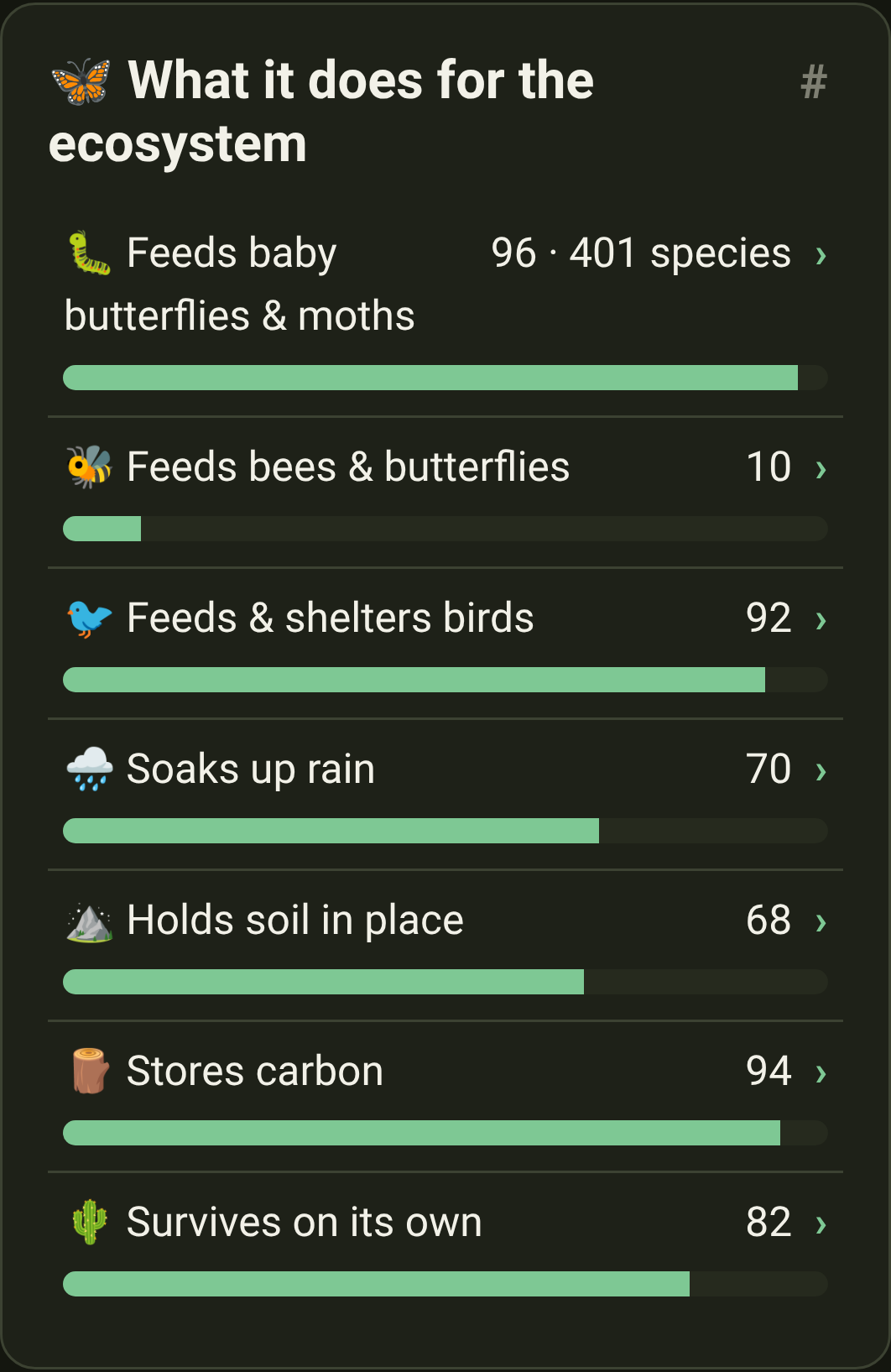
Plants: "What it does for the ecosystem" is a third shorter. The seven things a plant does now sit as a list you can read in one look, with each explanation appearing when you ask for it — hover on a computer, tap on a phone.
You can now see what a plant looks like without opening it. The photographs from the plant pages now appear on the lists too: every native Indigene knows, and every region's roster. Where nobody has chosen a photograph yet, the drawing stays.
Changed
Pictures arrive gently instead of appearing in pieces. Every photograph is now fetched quietly and shown only once it is whole, fading in over whatever was there. Nothing on the page shifts when one lands.
Photographs are asked for at the size they're actually shown. A picture drawn the size of a stamp used to be downloaded at the size of a postcard. A plant page now costs about a third of what it did.
A long list only loads the pictures you can see. Scrolling the plants page no longer sets 190 photographs downloading at once. On a slow connection, or with data saving on, the lists keep their drawings and fetch nothing.
Regions: A lot more to plant in the Pacific Northwest. The list grew from 44 plants to 58, and deliberately not with more trees: sedges and a rush for wet ground, two more ferns, stonecrop and buckwheat for a dry sunny edge, trailing blackberry, Indian plum.
Regions: Early blue violet, and why it matters. Also new to the Northwest, and the only thing a fritillary caterpillar will eat — but it hatches in late summer and doesn't feed until April, so the patch has to still be there next spring.
Regions: Atlantic France doubled, from 23 plants to 46. Heather, broom, bramble, bird's-foot trefoil, red clover, hop, aspen, bilberry, wych elm, wild pear, beech and more. Several flower in August, September and October — which is when the old list ran out of flowers.
The app now says who eats what, all over Europe. Atlantic France named an animal for five of its plants; it now names them for 43 of 46. Look at alder buckthorn: a brimstone caterpillar can eat it and nothing else.
And in the Northwest too. Douglas-fir, western hemlock and western redcedar now name the crossbills and siskins that live off their cones. Twenty-two new animals joined the wildlife pages in all.
Plants: Real photographs on plant pages. Where we've found a good, freely-licensed picture, a plant's profile opens with a photograph of the species instead of the drawing — 188 plants so far, each credited to the naturalist who took it.
Swipe through the photos. When a photo of something someone spotted near you opens large, you can slide it aside with your thumb to see the next one, instead of aiming for the small ‹ › buttons at the edges.
Swipe down to put a photo away. Drag the big photo downwards and the viewer falls with your thumb — let go and it's closed, change your mind and it springs back. Handy when the ✕ is in the far corner and your thumb is not.
A plant's page tells you when you've already got somewhere to put it. If you've saved a spot, a plant now says whether it would suit that ground, by name, under Want to plant it? Tap the spot to see what else thrives there.
A green dot when something's new, and nothing when it isn't. A small mark sits beside What's new — in the ⚙️ menu and at the foot of every page — until you've looked. What's new then marks the releases you haven't read.
Someone arriving for the first time gets no dot at all. "New since your last visit" means nothing to a person who has never visited. They start level with today, and get a dot the next time something lands.
Privacy: What that costs you, in full: a version number and two dates. No account, no count of how often you come, no record of what you looked at. It stays in your browser, and Settings shows you both values with a button that throws them away.
Changed
The ⚙️ menu opens with what's new, and saved spots are one row away. The menu used to hold the list of your spots, which meant opening it showed "Loading…" first. It's now a single row through to the Saved page, there the moment you press the gear.
Matches: Indigene remembers the spot you were last standing in. Come back tomorrow and it opens where you left off, with the sun and soil answers you gave for it. Move somewhere new and it asks again — those answers belong to that patch of ground.
Matches: A starting region, if you'd rather skip the map for good. If you already know your area, choose it once under Starting region in Settings and every visit begins there.
Privacy: Settings now lists everything this device remembers about you, in plain words, each with a button that throws it away: your last spot, your starting region, and the goal your plant lists are ranked by. All of it stays in your browser.
Matches: The goal you last chose sticks, and now says so. Ask for a list that favours birds and it stays that way next visit. That was always true, but nothing told you, so the order looked like Indigene's own opinion. Settings names it, with one button back.
Plants: A real photograph where a plant's page had a drawing. The picture beside a plant's name used to be chosen by its type — the same shrub shape for every shrub. It can now be a photo of that species, with the photographer named below.
Every plant now has its own picture on a shared link. Send someone white oak and the preview is a card made for that plant: its name, its shape, and four numbers — caterpillars fed, creatures that depend on it, months in flower, how tall it grows.
Changed
Every screen that reuses an answer you already gave says so, in one line — a sentence and a link to where it's kept, rather than small print between you and the question.
Indigene's French is now, plainly, the French of France. A bleuet is a blueberry in Montréal and a cornflower in France, and we had been taking names from both countries' lists at once. Where the names come from says which French it means.
Several dozen North American plants keep their French name, with an honest label on it. Those names came from the Canadian list. Nearly all are what a French gardener would say anyway, so they stay while each is traced back to a French list.
Fixed
The link you copy is now the link that shows the plant. The address bar used to show a # version, and everything after a # never reaches the website — so a link copied from there arrived as a plain "Indigene" card with no picture. Not any more.
A few saved links no longer land on "we couldn't find that page." Opening Language or Units from a bookmark showed the not-found page instead of the setting.
Nothing can quietly ship a plant whose link doesn't work. A new plant used to be able to look perfect in the app while its shared address led nowhere — only whoever received the link found out. A check now refuses any change with a page missing.
Sources: The quarterly check that keeps those names honest had stopped checking. France's national list had been answering nothing at all, and the check read that silence as "no French name exists". A list that answers nothing now fails loudly instead of passing.
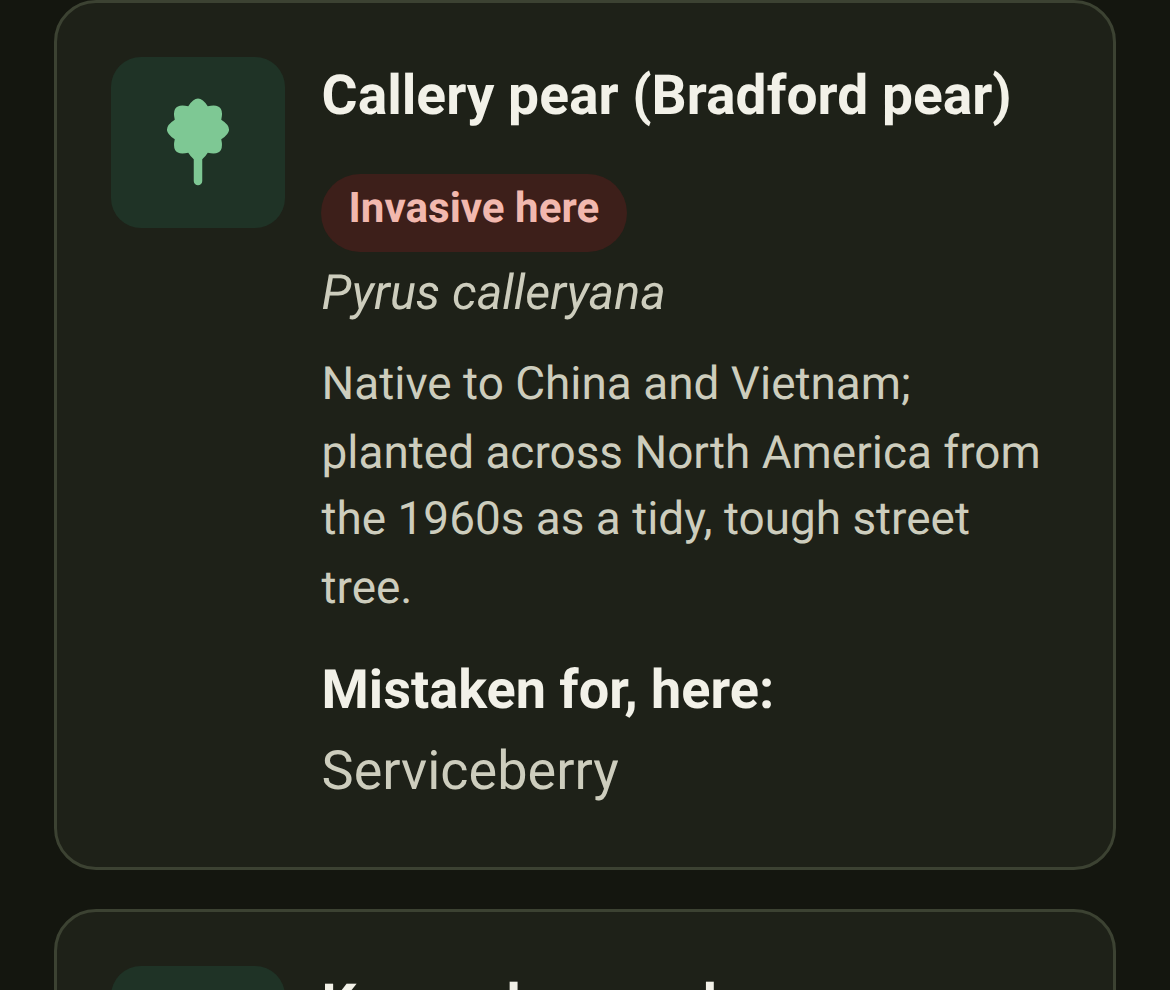
A new section of the app for the plants that get mistaken for natives.Look-alikes puts each impostor beside the native it's sold as, with the differences you can check standing in front of them: a smell, a thorn, a hollow twig. Start with the Callery pear.
Look-alikes: Every plant page says what it gets confused with, in one line. Under "Why it belongs here" you'll find Don't confuse it with and the names, each linking to the full comparison.
Look-alikes: The label says which kind of impostor it is. Some spread into wild places and cost us something; some are ordinary garden plants from elsewhere that do no harm. So each is marked Invasive here, Not from here or Native here too — for the region you're looking at.
Regions: Reading about a plant that grows in more than one region? You can switch. Those plants now have a row of buttons under their name — Figures for: Mid-Atlantic · North & Central Florida — so you can see how the same plant behaves somewhere else.
Changed
The little plant drawings are clearer. The green shapes that stand in for a photograph were a mismatched bunch — some solid blobs, some faint outlines, all sizes. They're one family now, each drawn to say what it is at a glance. See them on any region's page.
A plant's page fits a computer screen now.A plant on a laptop used to be a narrow strip down the middle, five screens tall. Its sections now run in two columns, so it's half as tall and "check your spot" comes early. A phone is unchanged.
An animal's page got the same treatment. On an animal, the plants that keep it going are laid out several across instead of one long stack. It's about a third shorter on a laptop.
Matches: The "ZIP or town" box is the size of a ZIP or a town again. It used to stretch to fill the line, which on a wide screen meant a box half a window wide waiting for five characters. Unchanged on a phone.
Regions: *The Figures for buttons line up with the rest of the page.* On a plant that grows in more than one region, the row of region buttons under the name was sitting a little further left than everything around it.
Plants: Where to look a plant up has moved to the very bottom of its page. The list of botanical databases is where you go once this page has run out of answers, so it now comes after Want to plant it? Check your spot rather than before it.
Fixed
Regions: A plant that grows in two regions was telling some readers the wrong thing. Butterfly weed survives to zone 3 in the Mid-Atlantic but only zone 8 in Florida — and the page showed whichever region came first in our list. It now shows yours. Seventeen plants affected.
The preview now describes the page you actually sent. Every Indigene link used to show the same card. Share butterfly weed and the card now says what it does for monarchs; share the monarch and you get that page's own words. 261 pages in all.
Plants: Found photos are a gallery now. They used to arrive as a stack of boxes, three-quarters of it small grey type. Every photo the lookup found now sits in one grid of thumbnails; tap any of them and the big view carries the credit, licence and date.
Fewer words, fewer boxes, above those photos. The paragraph explaining the lookup is one line. My location and the postal-code box share a row instead of taking three. The promise about your location is now a link: how your location is used.
Photos you've already seen don't download again. Once a plant's sightings have loaded, the pictures are kept on your device, so coming back is instant and works with no signal. Indigene keeps the most recent few hundred and lets the oldest go.
Opening one photo gets the rest ready. The moment you tap a picture, Indigene quietly fetches the full-size version of the others in that set. Swiping on to the next one is then immediate — you're walking a gallery, not loading a page each time.
Fixed
Plants: A plant's own address used to answer "page not found". Not to you — the app opened fine — but to the machines that build the preview boxes in Messages, Slack and WhatsApp. Every page Indigene invites you to share now answers as a real page.
Plants: "See it growing near you" was coming up empty for common plants. We had been asking iNaturalist for the hundred most recent photos of every native in your region, then hunting for yours among them. Indigene now asks about the one plant you're looking at.
When iNaturalist is simply busy, Indigene says so. Every hitch used to read "we couldn't reach iNaturalist", which sounds broken. Being asked to slow down for a minute now says that instead, so you know to try again.
Plants: The little captions on the photo thumbnails are gone. They tried to fit "under 1 km away · seen June 2023" into a 90-pixel square, and on a phone, which has no hover, you could never see them at all. Tap a photo for all of it.
Matches: Indigene asks what you want the spot to do, before it shows you plants. A new Goals step sits between the soil question and your list: feed the most wildlife, butterflies & moths, birds, stop erosion, soak up rain, easiest to grow. The order is now something you chose.
Matches: You can see what a slider does while you move it. Open Fine-tune each one and each slider says its setting in words — "counts a lot", "ignore it" — while a panel that follows you down the page names the three plants leading right now.
Matches: Indigene says out loud when it has recalculated — even when nothing moved. Change a goal and a line reports what happened: "Recomputed — Black Cherry now leads", or plainly "the order didn't change". Silence used to leave you guessing which it was.
Matches: Tap any plant in your list to open its full page — and get back where you left it. Every card is now a door to that plant's own page, and "← Back to your plant list" returns you to the plant you tapped, not the top.
A bee has moved into the logo. Point at the Indigene name and a bee crosses it looking for pollen, finds only leaves, and trudges home — just as the seedling opens into a flower behind its back. It is there to be enjoyed and nothing else.
Changed
Matches: The cards in your plant list are much shorter. Each carries what you need to decide whether to open it: the name, whether it suits your spot, how big it gets, and the two things your goals weighted most. A card used to run two screens tall.
Matches: The plant list is a list again, not a control panel. The ⚖️ sliders panel has moved to the Goals step; in its place a line says what the list was ranked for, with a Change button. Filters stay — they narrow the list rather than reorder it.
Regions: A heading that leads somewhere now looks like it. The headings that group a region's plants each end in a small green arrow, with the count beside them as a quiet round badge instead of "(14)". The plain underline used to run under the picture and the bracket.
The plants list has a simpler address and a proper wide layout. It now lives at indigene.app/plants, a search is shareable as ?q=oak, and on a laptop the cards spread into three columns instead of one phone-width ribbon.
The little mark in your tab is a seedling now. Two pointed leaves rising from a bent stem, where it used to be two ovals on a bar — which, shrunk to tab size, read as a diagram of something rather than a plant.
Indigene speaks French. Every word of the app is now available in French as well as English. It picks your language from your phone the first time, and you can change it whenever you like from Réglages / Settings.
You choose your own units, whatever language you read in. Metres and °C, or feet and °F — the choice is separate from the language, so a French speaker gardening in Ohio can read in French and measure in feet. See Settings.
Plants and animals are called by their French names.Quercus robur is "Chêne pédonculé", because that is the name in France's own national list. Where nobody has given a plant a French name we show the scientific one rather than inventing one.
Send someone a link that opens in French. Put ?lang=fr on the end of any Indigene address and it opens in French for whoever you sent it to. It will never overrule them, though: a language they chose themselves stands.
The size drawing, the plant cards and the "no taller than…" filters all read in your units: "24 m × 21 m" or "80 ft × 70 ft", with the ruler marked in whole metres or whole feet — never the awkward converted numbers.
Search engines are now told that Indigene exists in both languages, so a French-speaking searcher can be offered the French page.
An About page, linked from the bottom of every page. It says why Indigene exists — most gardens are green and nearly lifeless — and the five things it refuses to do, including never using a word it hasn't explained.
Browse by wildlife now has a "Filter by name…" box, the same one the plant lists have. Type "swallow" and the page keeps only the swallowtails.
Each group of creatures also has its own page now — just the butterflies, just the moths, the bees, birds or mammals. A row of buttons hops between them.
Pick a region on the wildlife page and see only the creatures that live there. Choose the Pacific Northwest and the list narrows to the 15 creatures its natives support. Every combination has its own address, like the butterflies of the French Alps.
Matches: Your plant list for a spot has the same "Filter by name…" box. Type "oak", "milkweed", "fern", and the part you typed is underlined in green on each match. It searches the whole ranked list, not just the cards on screen.
Changed
The menu at the top of every page now says what each page holds. "Explore" is now Regions and "Search" is now Plants. In French the three read Régions, Plantes and Faune.
The bookmark button is now a ⚙️ menu, holding your language and units as well as your saved spots. The setting that puts the app in your language used to be at the bottom of a page you might not be able to read.
Language and units are two separate lines, in the menu and in the footer. A globe 🌐 for the language, a ruler 📏 for the units. Written together as "English · Imperial" they looked like one setting, and they have never been one.
The home page no longer stops to ask about language and units halfway down. That belonged in the menu and the footer, not in the middle of the page you came to read.
Plants: Sharing a plant is a small link button at the top of its page, beside the regions it's native to, instead of a full-width button at the bottom. It's in reach the moment you recognise a plant, and it no longer spends a whole row of a phone screen.
Wildlife: Every creature now says where it lives, instead of wearing a "native" badge. Every animal on these pages is native, so the tag told you nothing. A creature found in more than one region now shows a pin and a number — 📍 3 for the monarch.
When you filter a region's plant list — say you type "oak" on Florida — the part you typed is now underlined in green, exactly as it already was on the plants page.
Matches: Your plants come sooner on the page. The explanation of how the ranking works used to sit open above the list, so every visit began with five lines about method. It now waits inside What matters most?, where you'd go to change it anyway.
Matches: The buttons on your plant list moved below the plants. "Back" and "Save this spot" used to sit above the list, so the first thing on the page that finally shows your plants was a way to leave it.
The French plant descriptions for Atlantic France — Paris, Nantes and Bordeaux — are written in French. Other regions are still in English while we work through them, and any page showing English says so plainly.
Fixed
Reading in French, being answered in English. The sentences Indigene writes for you personally — "Sun is a good match", "Winters here are too cold for it" — were still coming out in English. They now follow your language, and your units. Try white oak.
"Fleurit de avril" — the flowering line said de avril, de août, which is not how anyone writes French. It now reads Fleurit d'avril à mai, with the months spelled out in full.
The little line under each nearby sighting — how far away and how long ago — was English-only, and always in kilometres. It now follows both your settings: "à ~3 km · vue en juin 2023", or miles. So do the descriptions read out by screen readers.
A page full of English no longer keeps quiet about it. Every page that still has English on it now carries a banner in yellow-and-black hazard stripes: "Traduction en cours". You see it before you meet the English, not after you've wondered about it.
Indigene has a proper little sprout icon in your browser tab now, instead of the blank page symbol every site gets when it hasn't been given one.
Posting an Indigene link somewhere — a message, a group chat, a social post — now shows a proper preview card with the name, a line about the app, and the sprout, rather than a bare address. For now every link shows the same card.
Changed
Indigene has its own address now: indigene.app. Older links to olivierlacan.github.io/indigene still work — they forward to the new one — and everything you saved stays where it is on your device.
The region cards on Meet the natives no longer carry a "USDA 6b–7a" badge. On a page whose only job is "pick where you live", it answered a question nobody had asked yet. It's still on every region's own page.
Mistyping an Indigene address used to quietly drop you on the front page, as though that's where you'd meant to go. There's now a real "We couldn't find that page" page that says what happened and offers three ways back in.
The app's icon had square corners with a faint ghost of a curve near them — a rounding that was drawn but never cut out. The corners are round now, in the tab and on your home screen.
Fixed
The first pages published at indigene.app arrived as a bare list of blue links, with no colours or layout: the page was asking for its styles at the old address, one folder deeper. It looks and works the way it always has again.
Sharing a plant's own web address, like indigene.app/plants/quercus-alba, works again on the new domain. Those addresses are handed back to the app on arrival, and the hand-off still assumed the old site.
All of France is covered now, not just the rainy west. Three more lists, each a genuinely different set of plants: the Mediterranean south, the continental east and the Alps. The Pyrenees are deliberately left out — we'd rather say "not yet" than guess.
A lot more to plant in the Pacific Northwest.The west-of-the-Cascades list grows from 24 plants to 44 — red alder, vine maple, western hemlock, salmonberry, evergreen huckleberry — and, for the first time here, a milkweed, the only thing a monarch caterpillar can eat.
Twenty new creatures on the wildlife pages, most of them European, so browsing by animal works for France too. Look up the large blue, whose caterpillar gets carried into an ants' nest and spends ten months eating the ants' own young.
Every release now has a page of its own.What's new is one long list, so "look at what just shipped" was impossible to share. Tap a release's title and it opens on its own, at an address that stays put.
Indigene now reaches its first place outside the United States: the mild, rainy Atlantic west of France. Stand there and you'll get native French plants — oak and hawthorn, blackthorn and hazel, bluebells and foxgloves — ranked for your spot. (The app itself still speaks English.)
Regions: The app now understands Europe's natural regions, not only North America's. Online, it checks the official European map of biogeographical regions to tell whether a French spot is in the Atlantic zone this first list is for, and says so plainly when it isn't.
Matches: Elevation and slope now work anywhere in the world, not just the US: outside the United States the app reads the land's height from a global source, so the new French spots get the same "how high, how steep" reading.
A page that shows our working.Where our numbers come from says where every figure comes from, and marks each as counted, calculated or estimated. It names the numbers most likely to be wrong, starting with our 0–100 scores. We'd rather be corrected than believed.
Changed
Explore now leads with places, not paragraphs. It used to open with five plant descriptions, ahead of the one thing you actually have to choose: where you are. Each card is now a region, with one native starring on the front of it.
"Or browse by wildlife" has moved below the list of regions. It's a good way in, but it was being offered before anyone had a chance to look behind the first door.
Explore, the wildlife list and each region's plant list now use a big screen properly. On a laptop they were a phone-shaped ribbon down the middle; the cards now spread into columns. Sentences keep their comfortable reading width — it's the cards that wanted the room.
Plants: The USDA hardiness zone is its own little badge now, instead of trailing in brackets after the place: "Pennsylvania" with a small USDA 6b–7a tag beside it. Hover or tap-and-hold it and it explains what the zone means.
The little counts on each card sit at the bottom now, always in the same place. They used to follow the text, so they landed at a different height on every card. They're shorter too — an icon and a number, which stops them wrapping on a phone.
Wildlife: The French caterpillar counts are now counted, not estimated. An open dataset of 5,152 European butterflies and moths replaced our honest guesses. Blackthorn feeds 318 kinds of caterpillar, not the 100 we'd estimated; holly feeds 7, not 12. Some French lists are now in a fairer order.
"Where our numbers come from" is easier to read.The page was one long list ending in capsules — COUNTED, WORKED OUT, OUR ESTIMATE. The numbers are now grouped under Counted, Calculated and Estimated, firmest first, with a sentence saying what each means.
Fixed
The menu at the top of the app no longer spills onto a second line. On many phones the row of links had grown just wide enough to drop below the Indigene name, making the green bar taller than it needed to be.
Tapping "Explore" or "Wildlife" at the top of the screen now always takes you to the top of that page. The page could end up nudged down by the height of the green bar, and tapping the section you were already in did nothing at all.
See the wildlife near you. Every creature in the wildlife browser now has a "See it near you" section: share your location or type a ZIP code, and Indigene pulls real, credited photos of that animal spotted near there, live from iNaturalist.
Matches: Don't want to share your exact location? Type a ZIP code instead. "See it near you" and "See it growing near you" now offer sharing your location and typing a ZIP code as two equal choices. It works the same on a desktop with no GPS.
A Privacy & safety page, in plain words for everyone — including kids and the grown-ups looking out for them. No account, no tracking, no ads; your saved spots stay on your device; and it names every public science service your browser talks to.
Every region's page now opens with the same number tiles a plant's page has: how many natives are on the list, how many caterpillars its best plant feeds, how much wildlife we can name, how many keystone plants. Tap a tile for what it means.
Regions: A filter box on region pages: start typing a name — common or scientific — and the plant list narrows as you type, no more hunting through 40 rows or bouncing out to the search page.
Regions: The category buttons on region pages (Trees, Shrubs, Ferns…) now each carry their little plant silhouette, matching the drawings on the plant rows below.
Changed
Plants: One tap now takes you through every sighting's photos, not just one person's. The viewer used to stop at the edge of the sighting you tapped. The arrows now carry on into the next, telling you where you are: "9 / 11 · sighting 3 of 4".
Plants: Bigger, tidier photo thumbnails. A sighting's little squares now sit three to a row and fill the card, instead of leaving a lonely fourth picture on a second row. Where there are more than fit, the last wears a "+2" badge.
Opening a sighting photo is smoother now. The viewer used to open small, jump taller, then draw the photo in stuttery strips. It now opens at full size, shows a spinner while the photo travels, and fades it in gently.
Regions: Region pages now lead with just the region's name — "Mid-Atlantic / Northeast Piedmont" instead of "Every native we know for Mid-Atlantic / Northeast Piedmont" — and say the rest in one short line underneath.
The showcase cards on Meet the natives are more compact: the keystone mark now sits beside the plant's name as a small arch, and "Full profile →" tucks in at the end of the description instead of taking a line of its own.
Regions: The fine print about what "native" means on a region's page is shorter and plainer: native here means native to this region specifically — outside it, treat the picks as untested.
Matches: The Where are you standing? step now shows one way of setting your spot at a time. Using your device's location leads, and a small link swaps in the town search or the region list. Less to scroll past, and Next is always close by.
Matches: Picking your region by hand is now two taps: choose a region and the list folds down to just your choice (a "Show all regions" link brings the rest back), then press Next when you're sure — instead of being whisked to the next step the moment you tap.
A public What's new page: every release of Indigene described in plain words, newest first. Nothing to install, no account — it's just a web page you can share.
A "See what's new" link in the app's footer, so the notes are one tap away.
Each release on the What's new page can now show a small picture of what changed, taken when the change was made. Tap it to see the full-size screenshot; Before and After links sit underneath when both exist.
Changed
The footer — the fine print about open source and data sources, plus the "See what's new" link — now appears at the bottom of every page, not just the home screen.
Plants: The little person standing beside each plant in the growth chart now looks like a person — head, shoulders, arms and legs — instead of a featureless post, at every size from towering oak to knee-high wildflower.
Plants: The growth chart's labels are a touch bigger and drawn in the page's strongest text color, so the feet markings and year captions are easy to read in both light and dark mode — even in bright sun.
When you search for a plant, each result now underlines the part of its name that matches what you typed. And when a plant matched through a less common name — "Maypop" for Purple Passionflower — the result says so.
The What's new page now uses the changelog's own headings — Added, Changed, Fixed — instead of renaming them.
Release notes now link to the things they describe — like the wildlife browser — so you can go straight from reading about a feature to trying it.
Fixed
The home page could come up completely blank — most often in Safari, and especially with an older Indigene tab open in another window. The app was waiting forever for its on-device storage to answer. It now draws the page right away.
The page now appears instantly on every load — the brief pause some browsers still showed is gone, because nothing waits on on-device storage before drawing anymore.
Matches: The Saved menu no longer sticks on "Loading…" when on-device storage won't answer (Safari sometimes leaves it hanging). After a couple of seconds it says it couldn't open your saved spots, suggests closing other Indigene tabs, and offers a Try again button.
Plants: "See it growing near you" could get stuck at "Asking iNaturalist…" for the same reason — the app checks its on-device photo cache before asking, and that check could hang forever. It now gives the cache a couple of seconds, then asks iNaturalist directly.
Plants: The bottom row of the growth chart's labels — like "(5′6″)" under the little person — was getting cut off by the caption below. The chart now leaves proper room for both label rows.
Plants: The growth chart could be drawn with the wrong colors — pale, hard-to-read labels on a light page — if your device switched between light and dark looks after the page loaded. The chart now redraws itself when that happens, and also when the screen size changes.
The app's top menu now wraps onto a second line when it truly runs out of room — like with very large text settings — instead of quietly spilling off the edge of the screen, where the Saved button could end up out of reach.
Regions: A Browse page of its own: the regions we cover and "start from a plant" now live one tap from the home page — for anyone who'd rather look around without sharing their location.
Changed
Plants: Almost nothing hides behind a tap anymore. A plant's ecosystem, propagation and reference sections, the 60-second soil check and each result's score breakdown are simply visible on the page. Only the two big panels on results still fold away.
The home page gets to the point: the pitch, why native plants matter (in plain view, no tap needed), the Start button, and a quiet link to browsing.
Words got shorter and warmer across the home page, including the promise that matters most: "No account, no tracking. Everything stays in your browser and works offline."
Fixed
Buttons on phones now keep their labels on one line — like "See it growing near me" and "Check my location" — so they never break in half or shift while you're reaching for them.
Plants: Real photos of recommended plants growing near you, taken by people in your area and shared on iNaturalist. Open a plant's page and tap "See it growing near you" — nothing loads until you ask.
Matches: Not standing there right now? Tap "Look it up where it's native" and pick a region instead: you'll see photos of the plant from anywhere it naturally grows, no location sharing needed.
Plants: Photos open in a full-screen viewer inside the app, so you can look closely and then get right back to where you were.
Changed
Plants: Nearby photo results only show plants that are truly native around that spot, so a garden escapee never sneaks into your recommendations.
Plants: Every photo credits the person who took it and links back to their original sighting, and only photos their takers chose to share openly are shown.
Plants: A built-in plant name book (a registry): every plant Indigene knows has exactly one entry tying together its scientific name, its common names, and its identity in the world's big plant databases.
A search page: type any name — common or scientific — and Indigene finds the plant, or says honestly when a name could mean more than one plant.
Plants: Plant pages now show references: links to the very same plant at USDA, GBIF, and other authorities, so you can double-check anything we say.
Plants: iNaturalist links now land directly on that exact species' page.
Browse by wildlife: start from a butterfly, moth, bee, bird, or mammal and see which native plants support it — because "which plants bring monarchs?" is often the real question.
Wildlife: Every plant–animal tie says how the plant helps (caterpillar food, nectar, berries, seeds, or shelter) and how much the animal depends on it — from "this is its only host plant" to "one of many it can use".
Wildlife: Every wildlife relationship names its source, with links straight to the species record where the source has one.
Wildlife: Plant pages show the wildlife each plant brings in, with links both ways.
Changed
Matches: You can now cap results by mature height and spread — handy for planting under a window or a power line.
The header now fits every phone: "Saved" moved into a compact menu, and the app's name is never cut off.
Wildlife: Relationship tags are one short word each; tap one to read the full meaning.
Fixed
Wildlife: Wildlife pages got the same comfortable margins as the rest of the app.
The home page now leads with why native plants matter — what's at stake for birds, butterflies, and clean water — before it explains what the app does, and shows how to ask for your area if it isn't covered yet.
Every color in the app, in light mode and dark mode, now meets the strictest readability standard there is (WCAG AAA contrast) — so text stays clear in bright sunlight, and for readers whose eyes need more contrast.
Planting: Every plant now has "how to make more of it": plain-words tips for growing new plants from seed, cuttings, or division — free plants for you, your neighbors, and the birds.
Changed
Every expandable section in the app now looks and works the same way — once you've opened one, you know how to open them all.
Matches: Section titles are shorter and clearer, and the first step is now simply called "Spot".
Plants: You can share a link that opens a specific section of a plant's page, like its propagation tips.
Matches: Type your town or ZIP code instead of sharing your location — or just pick your region from a list. Nobody is ever asked for coordinates.
Matches: If Indigene doesn't have a plant list for a spot yet, it says so the moment you pick it — and shows you what it does cover, plus where to request your area.
Changed
Matches: Place lookups now come from OpenStreetMap, and the app always shows town names, never raw numbers.
Garden jargon never stands alone: terms like "zone 8b" always come with a plain-words translation and a link to learn more.
Fixed
Matches: The place-search button now sits right beside the search box, at a matching size.
Matches: The map no longer promises that fine-tuning the pin sharpens the sun estimate (it doesn't).
Plants: Explore pages: browse every plant Indigene knows without sharing your location — and every plant, region, and category has its own address you can share with anyone.
Regions: Full plant lists for each region at shareable addresses, with a switcher to hop between regions.
Plants: A stat grid on every plant, like a trading card. Tap any stat to read what it means in plain words.
Matches: The location map now draws real streets from OpenStreetMap (with a simple grid when you're offline).
Short explanations appear right where a new idea first shows up, so you learn as you go — and growth expectations now come from the data, not guesses.
Changed
Getting around got easier: section navigation, a way back home from every page, and region links right on the home page.
The re-sort panel can be closed, the growth chart is right-sized, keystone species wear a little arch icon, and species counts show their sources.
Matches: The GPS map starts one zoom level farther out, so the neighborhood you see is one you recognize.
Regions: Three new regional plant lists: the Pacific Northwest west of the Cascades, north & central Florida, and south Florida & the Keys — and the app picks the right list from where you're standing.
Regions: Regions now follow real ecological boundaries (EPA ecoregions), not straight lines on a map — so a spot just east of the Cascade crest no longer gets the west-side list, and Florida splits where the subtropics truly begin. The confirm screen names the actual ecoregion you're standing in.
Sources: Every plant's naming and classification is backed by named, linkable taxonomy sources.
Indigene went live on the public web — free to visit in any browser, nothing to install (though you can add it to your home screen).
Matches: The first version of Indigene. Stand somewhere, share your location, and get native plants that will truly thrive right there — ranked by what they do for birds, butterflies, bees, soil, and water.
Matches: Sun, measured honestly: answer one simple question about your spot's sun, or point your camera at the sky and let the app measure sun-hours itself. The simple question always works; the camera is optional.
Matches: The ground gets checked, not assumed: the app says "the soil map says clay — here's a 60-second hand test to see if that's true where you're standing."
Plants: Every plant shows how big it will really get in 1, 3, 5, and 10 years, drawn to scale beside a person — no surprises a decade later.
Matches: The ranking is transparent and yours to adjust, with filters for deer resistance, thorns, pet safety, and plants that survive with zero watering.
Matches: Saved spots stay on your phone. The whole app works offline, installs to your home screen, and never asks for an account.
Regions: A starting list of 40 Mid-Atlantic / Northeast Piedmont natives with real size-over-time and ecosystem numbers.