Version 0.28
Grow this instead
August 30, 2026

Added
- A guide to the whole app. A new guide walks through each part of Indigene in plain words — what it’s for, how to use it, and trusted places to learn more — and keeps itself current from these very notes. Open the guide
- Conservation: a plant or animal in trouble now says so. Longleaf pine reads “Endangered (EN) worldwide”; eleven of our plants and animals carry a rank like that, and the rest are doing fine. A link explains what the ranks mean and who assesses them. What the ranks mean
- Conservation: and what to do about it. The same line ends by saying to buy nursery-grown stock rather than dig a plant from the wild — and, for an animal, to plant what it needs.
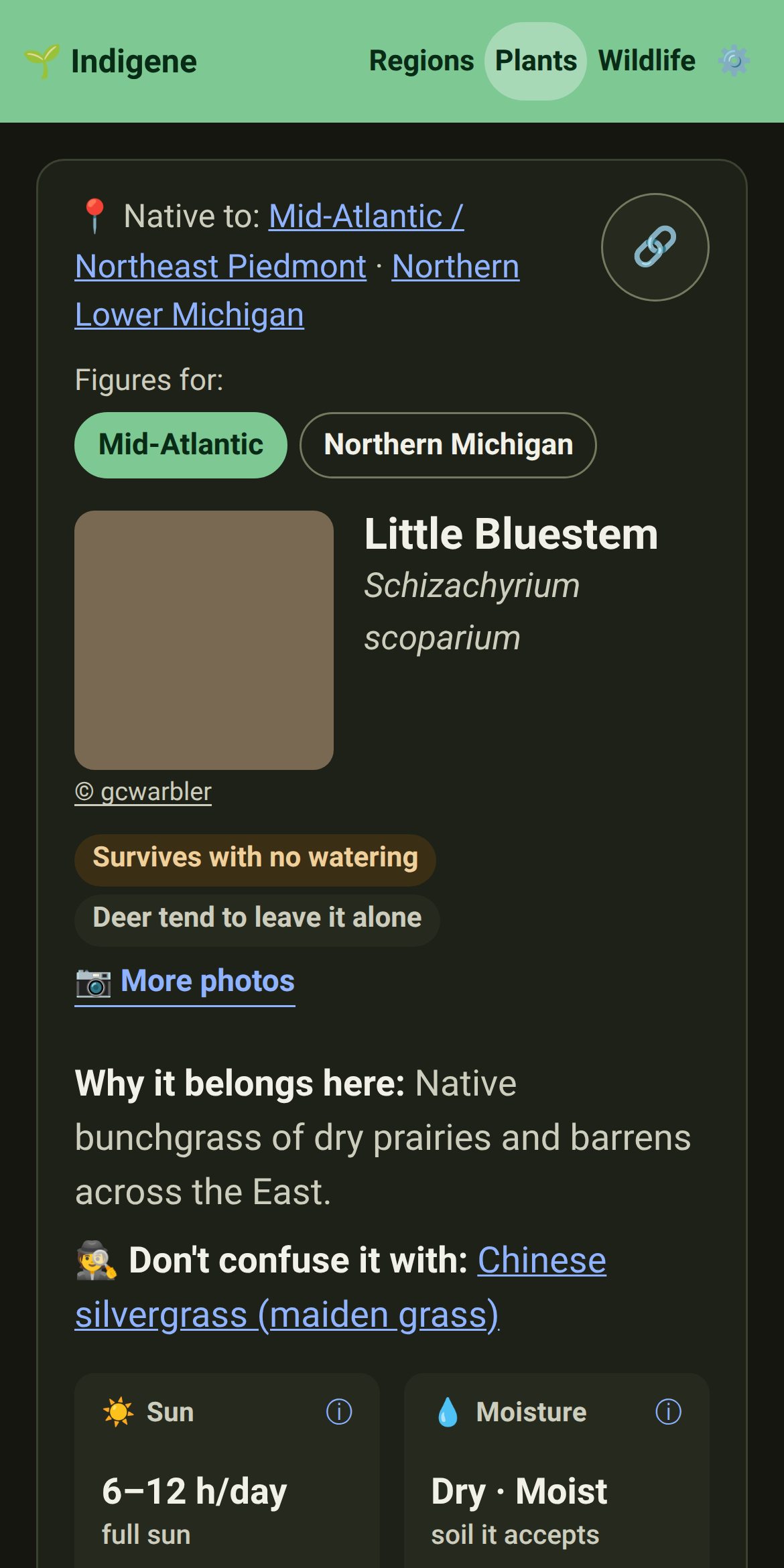
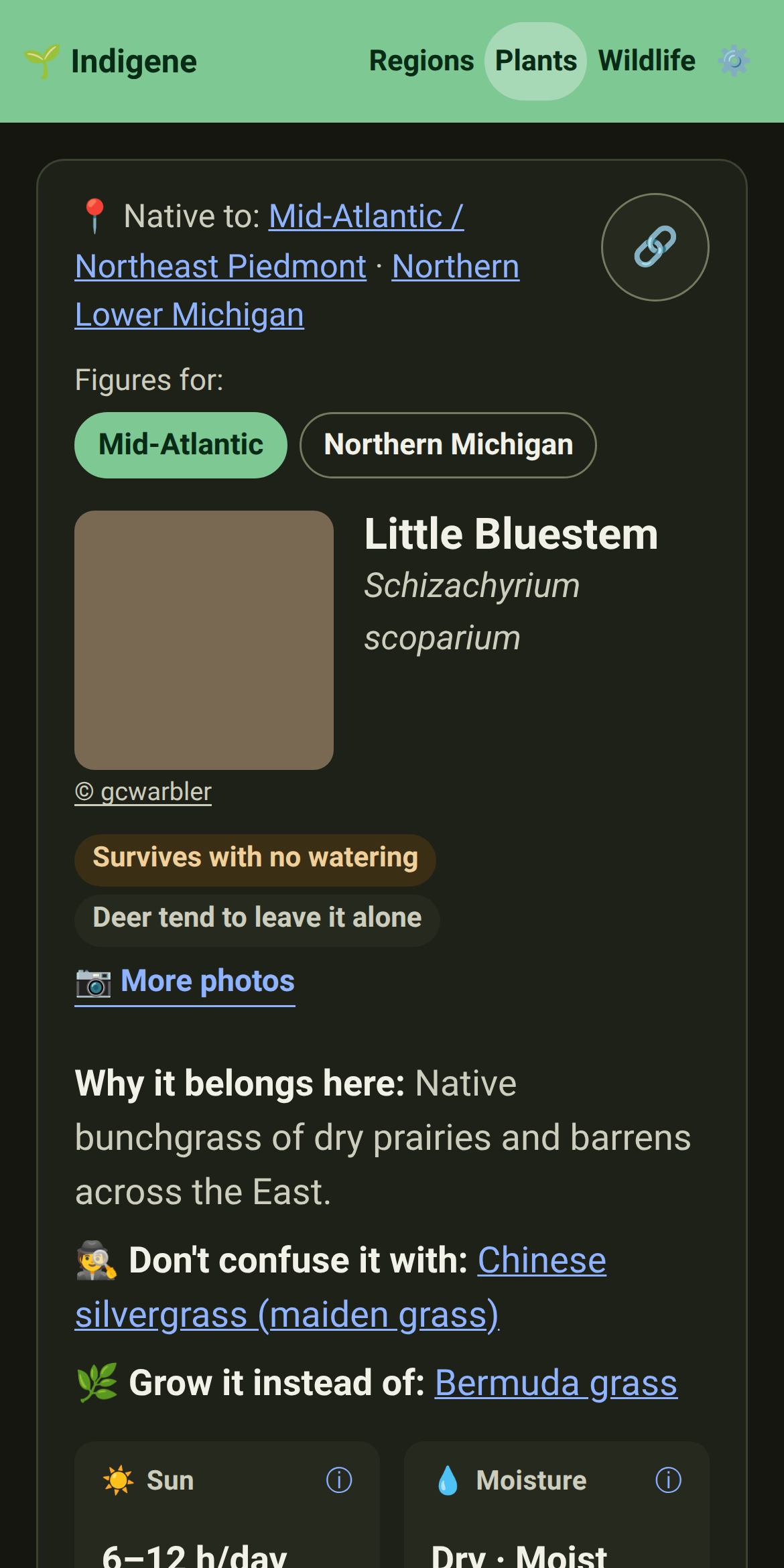
- Native swaps: what to grow instead. A new page sets the ornamentals people plant everywhere — and that aren’t from here — beside a native that does the same job, as tough on water and disease and better for wildlife. A Bermuda-grass lawn, meet little bluestem. See them
- A share card for every animal. Post a link to a butterfly, bee or bird and the preview now shows that creature, the regions it's native to, and how many native plants feed or shelter it — not one generic picture for all of them. Browse wildlife
- Animals are drawn, not borrowed. Each creature now wears a hand-drawn silhouette in Indigene's green — a butterfly with its wings up, a bee, a bird, a tortoise — across the wildlife lists and pages and on the share card, replacing the phone's flat, wings-pinned emoji.
- A share card for every look-alike. Post a link to a plant often mistaken for a native and the preview now shows it in a cautioning amber, where it's really from, and how many natives it's confused with — the look-alikes page gets one too.
- Every page previews as itself now. Share a link to the guide, the What's-new notes, About, Sources or Privacy — or the plants, regions and wildlife indexes — and the preview shows that page's own title and words, not one generic picture for the whole site.
- A share card for every region. Share a link to a region and the preview now shows its own map — with a few cities to place you on it — beside how many native plants, keystones and animals it lists. Browse regions
- A share card for every native swap. Share a link to an ornamental people plant everywhere and the preview now shows it in a cautioning amber, what it's grown for, and how many natives do the same job — the native-swaps page gets one too.
Changed
- New gardens start in metric. Metres and centimetres are the default now, wherever you are; switch to imperial — or “follow my device” — any time under Units in Settings.
- Clearer ways in on the plant list. The pointers under the plant search — spot a look-alike, find a native to grow instead of a common ornamental, or make more of a plant — are now tidy cards, an icon each.