Version 0.20
What's new, and where it would go
August 1, 2026
Added
- A plant's page tells you when you've already got somewhere to put it. If you've saved a spot, a plant now says whether it would suit that ground, by name, under Want to plant it? Tap the spot to see what else thrives there.
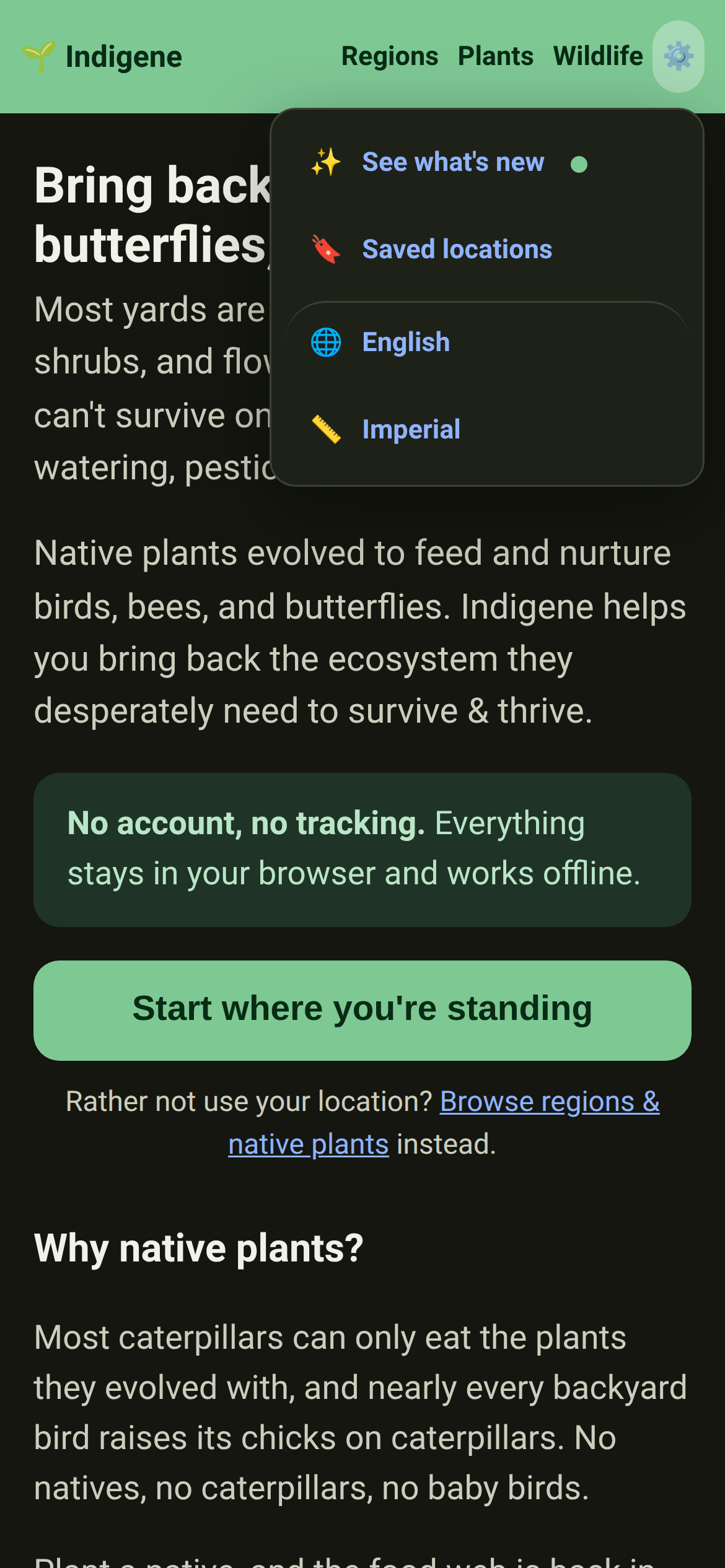
- A green dot when something's new, and nothing when it isn't. A small mark sits beside What's new — in the ⚙️ menu and at the foot of every page — until you've looked. What's new then marks the releases you haven't read.
- Someone arriving for the first time gets no dot at all. "New since your last visit" means nothing to a person who has never visited. They start level with today, and get a dot the next time something lands.
- What that costs you, in full: a version number and two dates. No account, no count of how often you come, no record of what you looked at. It stays in your browser, and Settings shows you both values with a button that throws them away.
Changed
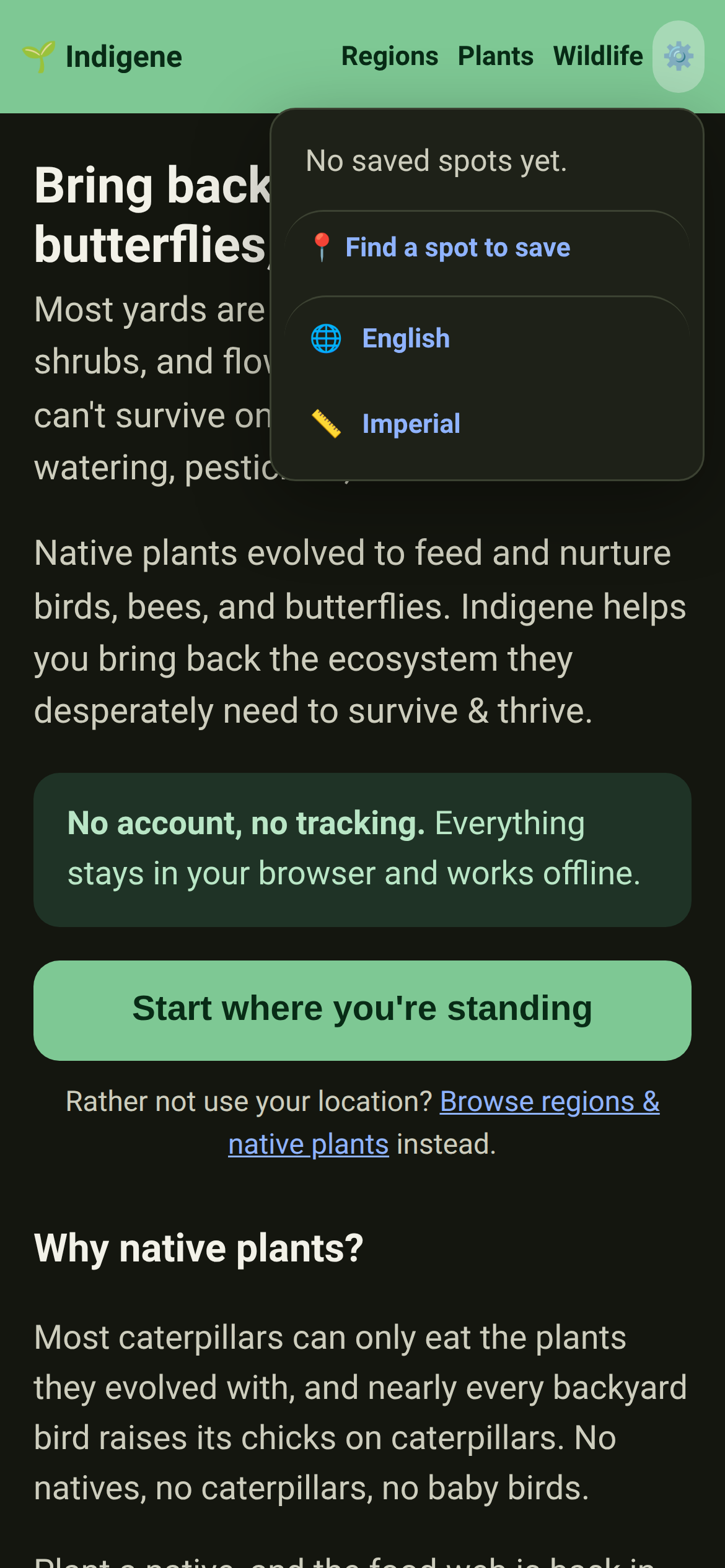
- The ⚙️ menu opens with what's new, and saved spots are one row away. The menu used to hold the list of your spots, which meant opening it showed "Loading…" first. It's now a single row through to the Saved page, there the moment you press the gear.