Version 0.17
Real pages, and photos that stay
July 31, 2026
Added
- The preview now describes the page you actually sent. Every Indigene link used to show the same card. Share butterfly weed and the card now says what it does for monarchs; share the monarch and you get that page's own words. 261 pages in all.
- Found photos are a gallery now. They used to arrive as a stack of boxes, three-quarters of it small grey type. Every photo the lookup found now sits in one grid of thumbnails; tap any of them and the big view carries the credit, licence and date.
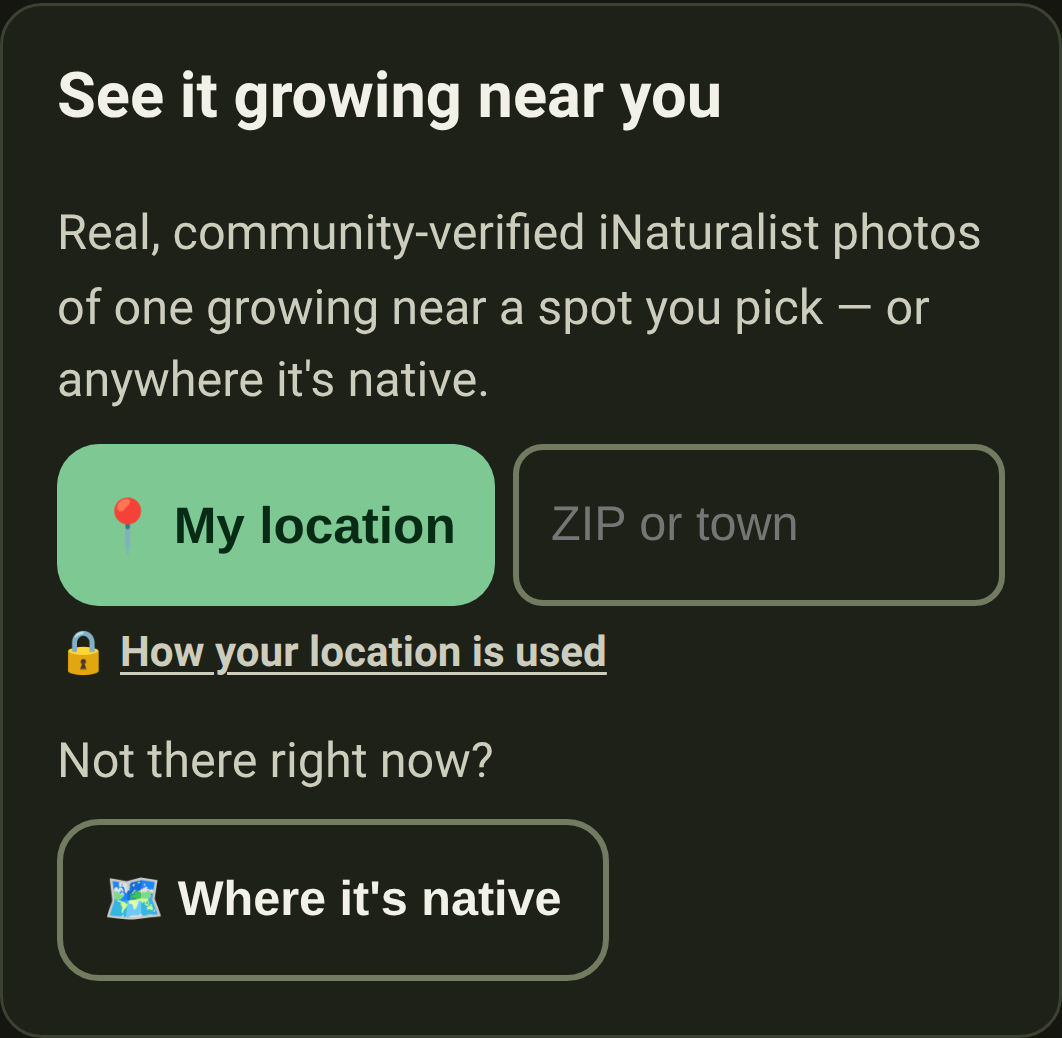
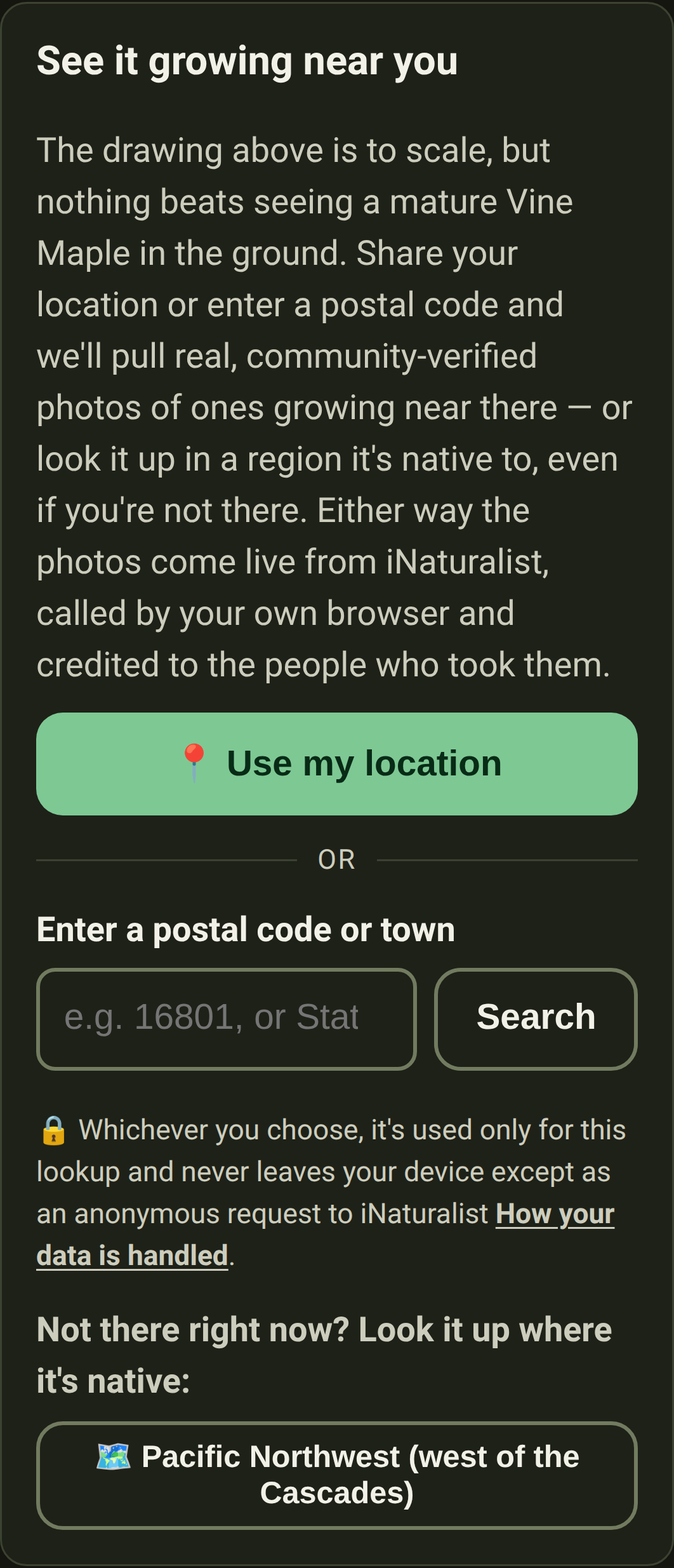
- Fewer words, fewer boxes, above those photos. The paragraph explaining the lookup is one line. My location and the postal-code box share a row instead of taking three. The promise about your location is now a link: how your location is used.
- Photos you've already seen don't download again. Once a plant's sightings have loaded, the pictures are kept on your device, so coming back is instant and works with no signal. Indigene keeps the most recent few hundred and lets the oldest go.
- Opening one photo gets the rest ready. The moment you tap a picture, Indigene quietly fetches the full-size version of the others in that set. Swiping on to the next one is then immediate — you're walking a gallery, not loading a page each time.
Fixed
- A plant's own address used to answer "page not found". Not to you — the app opened fine — but to the machines that build the preview boxes in Messages, Slack and WhatsApp. Every page Indigene invites you to share now answers as a real page.
- "See it growing near you" was coming up empty for common plants. We had been asking iNaturalist for the hundred most recent photos of every native in your region, then hunting for yours among them. Indigene now asks about the one plant you're looking at.
- When iNaturalist is simply busy, Indigene says so. Every hitch used to read "we couldn't reach iNaturalist", which sounds broken. Being asked to slow down for a minute now says that instead, so you know to try again.
- The little captions on the photo thumbnails are gone. They tried to fit "under 1 km away · seen June 2023" into a 90-pixel square, and on a phone, which has no hover, you could never see them at all. Tap a photo for all of it.